KI-Bewerbungsfoto — vorher & nachher
Echte Bearbeitungen. Lade dein eigenes Foto hoch und probier es aus.
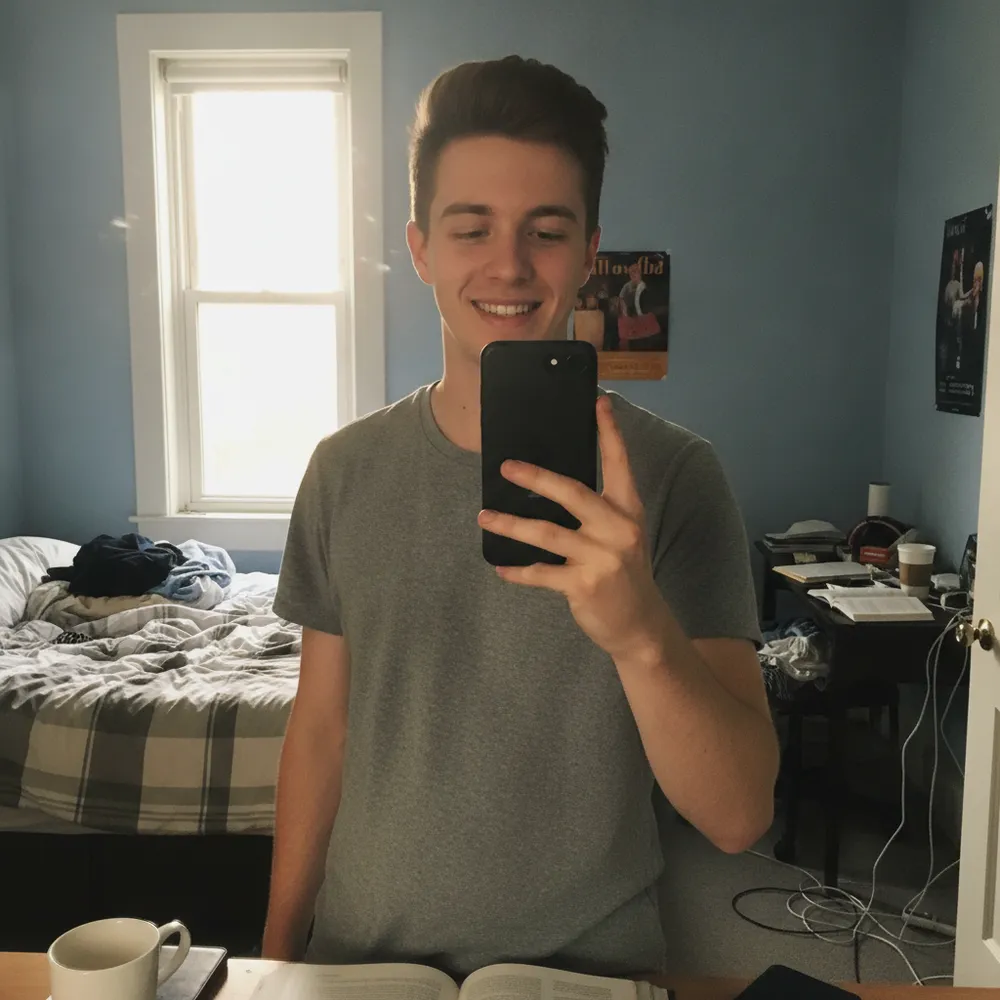

“Selfie → LinkedIn headshot”
Turn a casual selfie into a clean, LinkedIn-ready headshot — professional attire and backdrop, your real face.
Echte Bearbeitungen. Lade dein eigenes Foto hoch und probier es aus.
Zieh das Foto rein, das du bearbeiten willst — Fix Your Pic arbeitet mit deinem echten Bild, nicht mit einem generierten.
Schreib, was du willst, z. B. „Make this a professional LinkedIn headshot“. Ganz normale Sprache, keine Werkzeuge zu lernen.
Deine Bearbeitung ist in Sekunden fertig — lade sie kostenlos herunter, ohne Konto. Pro entfernt das Wasserzeichen und liefert die volle Auflösung.