Start · Verkaufsfoto

Clean up photos of things you're selling

Remove the clutter, fix the light, keep the item honest — listing photos buyers actually stop on.

Gratis-Vorschau
Ohne Anmeldung testen
Nur dein Foto — Bild zu Bild
+ Foto hinzufügen
Standard
Gratis-Bearbeitungen verfügbar, solange die Tageskapazität reicht.

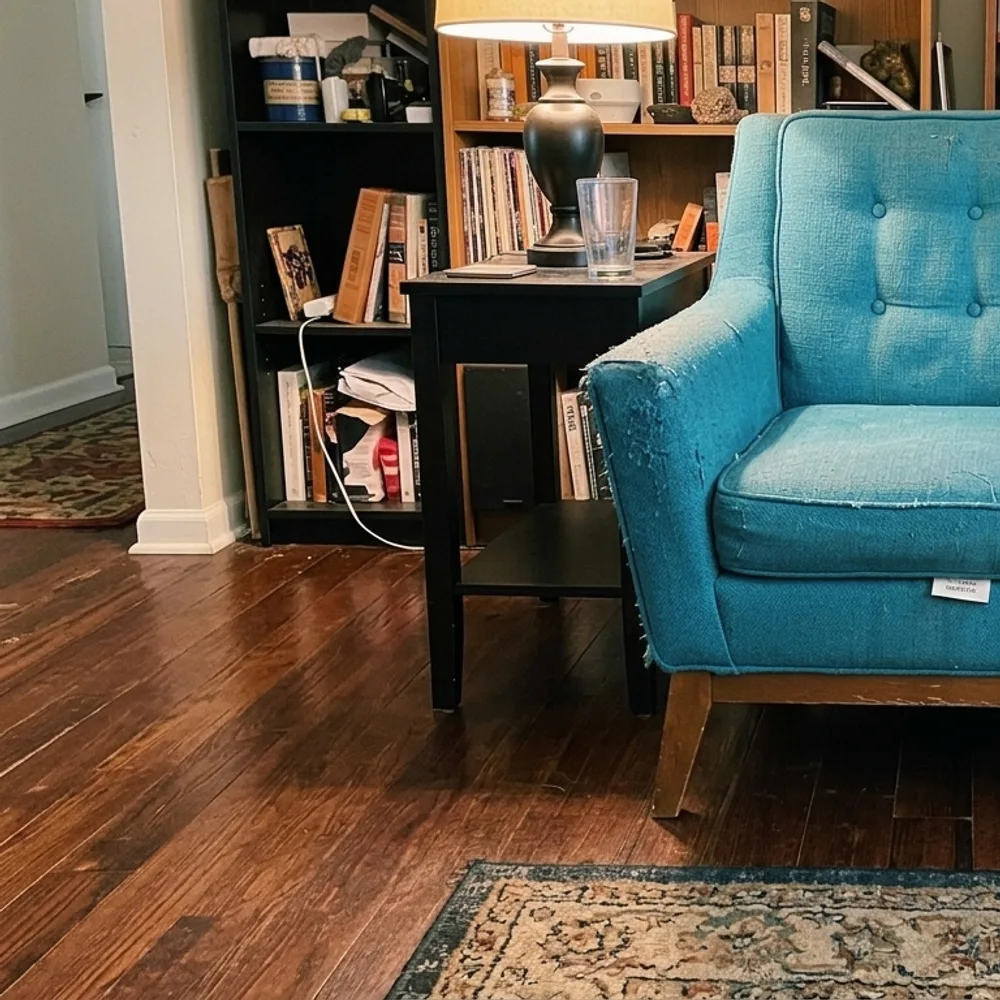
Verkaufsfoto — vorher & nachher

Echte Bearbeitungen. Lade dein eigenes Foto hoch und probier es aus.
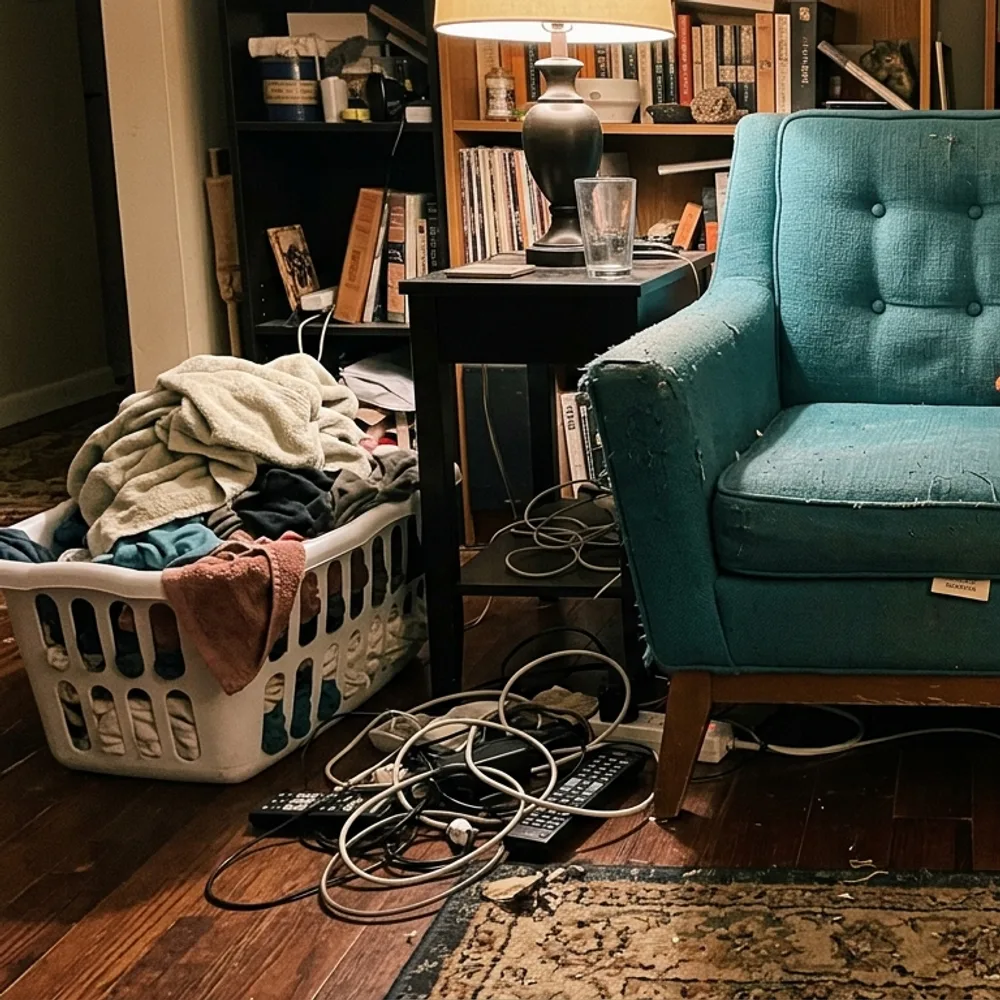
Verkaufsfoto before
Verkaufsfoto after
“Clear the room around the armchair”

So geht clean up a listing photo in 3 Schritten

1

Foto hochladen

Zieh das Foto rein, das du bearbeiten willst — Fix Your Pic arbeitet mit deinem echten Bild, nicht mit einem generierten.

2

Bearbeitung beschreiben

Schreib, was du willst, z. B. „Remove the clutter around the chair and brighten the photo“. Ganz normale Sprache, keine Werkzeuge zu lernen.

3

Ergebnis erhalten

Deine Bearbeitung ist in Sekunden fertig — lade sie kostenlos herunter, ohne Konto. Pro entfernt das Wasserzeichen und liefert die volle Auflösung.

Verkaufsfoto — FAQ

Can it hide scratches or damage?+
It won't — and you shouldn't. Buyers see the real item eventually; misrepresenting condition leads to returns and disputes. It cleans up the presentation (light, background, clutter), not the item's condition.
Which platforms is this for?+
Any listing photo — eBay, Facebook Marketplace, Vinted, Depop, Craigslist, Leboncoin. Clean, bright, uncluttered photos sell faster everywhere.
Is it free?+
Yes — upload and edit free, no sign-up. HD downloads without the watermark are a one-time $0.99 per photo.

Mehr Wege, dein Foto zu bearbeiten