Start · Expand / Uncrop

Expand or uncrop a photo

Add more scene around your photo — uncrop a tight shot or extend it to fit any frame, filled in naturally.

Gratis-Vorschau
Ohne Anmeldung testen
Nur dein Foto — Bild zu Bild
+ Foto hinzufügen
Standard
Gratis-Bearbeitungen verfügbar, solange die Tageskapazität reicht.

Expand / Uncrop — vorher & nachher

Echte Bearbeitungen. Lade dein eigenes Foto hoch und probier es aus.

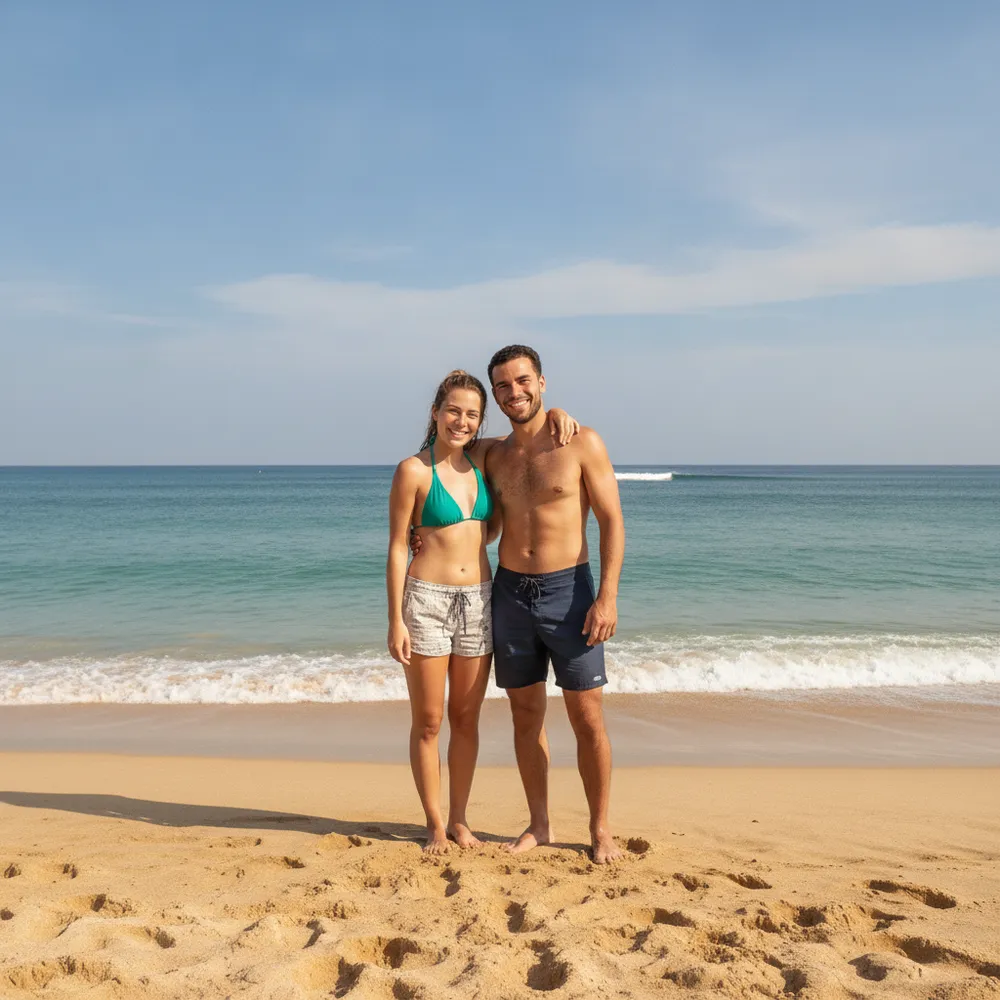
Expand / Uncrop before
Expand / Uncrop after
“Uncrop to show the whole scene”

So geht expand / uncrop in 3 Schritten

1

Foto hochladen

Zieh das Foto rein, das du bearbeiten willst — Fix Your Pic arbeitet mit deinem echten Bild, nicht mit einem generierten.

2

Bearbeitung beschreiben

Schreib, was du willst, z. B. „Extend the photo wider and fill in the background“. Ganz normale Sprache, keine Werkzeuge zu lernen.

3

Ergebnis erhalten

Sieh in Sekunden eine Gratis-Vorschau mit Wasserzeichen. Melde dich für volle Auflösung an oder werde Pro für HD.

Expand / Uncrop — FAQ

What does uncrop / expand do?+
It generates new background around your photo so you can widen it, fit a new aspect ratio, or recover a too-tight crop.
Does the added area look natural?+
Yes — it continues the existing scene's content, lighting and perspective so the extension blends in.
Can I change the aspect ratio?+
Yes — ask for wider, taller or a specific shape and it fills the new space.

Mehr Wege, dein Foto zu bearbeiten