Início · Expand / Uncrop

Expand or uncrop a photo

Add more scene around your photo — uncrop a tight shot or extend it to fit any frame, filled in naturally.

Prévia grátis
Teste sem cadastro
Só a sua foto — imagem para imagem
+ Adicionar foto
Padrão
Edições grátis disponíveis enquanto durar a capacidade diária.

Expand / Uncrop — antes e depois

Edições reais. Envie a sua para testar.

Expand / Uncrop before
Expand / Uncrop after
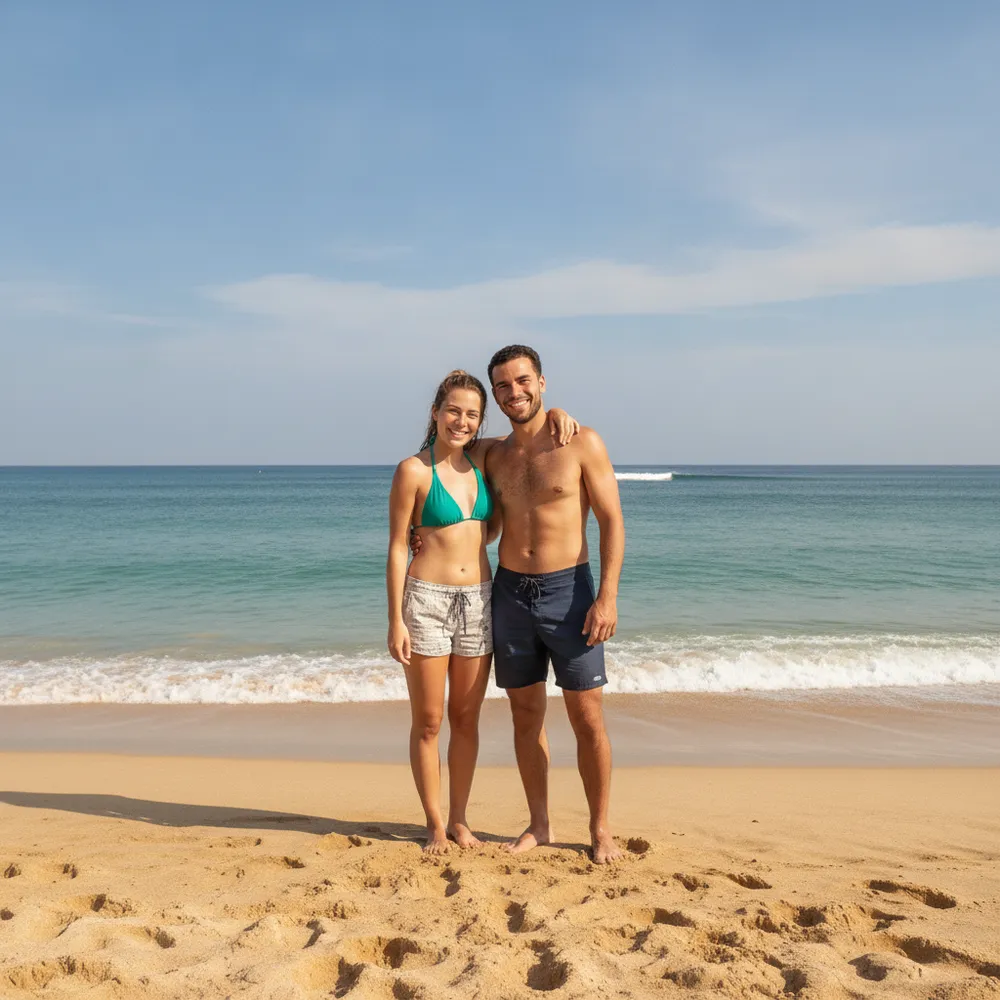
“Uncrop to show the whole scene”

Como expand / uncrop em 3 passos

1

Envie sua foto

Solte a foto que você quer editar — o Fix Your Pic trabalha na sua imagem real, não numa gerada.

2

Descreva a edição

Digite o que você quer, ex.: “Extend the photo wider and fill in the background”. Linguagem simples, sem ferramentas para aprender.

3

Receba o resultado

Veja uma prévia grátis com marca d'água em segundos. Entre para baixar em resolução completa, ou vire Pro para HD.

Expand / Uncrop — Perguntas frequentes

What does uncrop / expand do?+
It generates new background around your photo so you can widen it, fit a new aspect ratio, or recover a too-tight crop.
Does the added area look natural?+
Yes — it continues the existing scene's content, lighting and perspective so the extension blends in.
Can I change the aspect ratio?+
Yes — ask for wider, taller or a specific shape and it fills the new space.

Mais jeitos de editar sua foto