الرئيسية · Expand / Uncrop

Expand or uncrop a photo

Add more scene around your photo — uncrop a tight shot or extend it to fit any frame, filled in naturally.

معاينة مجانية
جرّب بدون تسجيل
صورتك فقط — من صورة إلى صورة
+ أضف صورة
قياسي
التعديلات المجانية متاحة ما دامت السعة اليومية متوفرة.

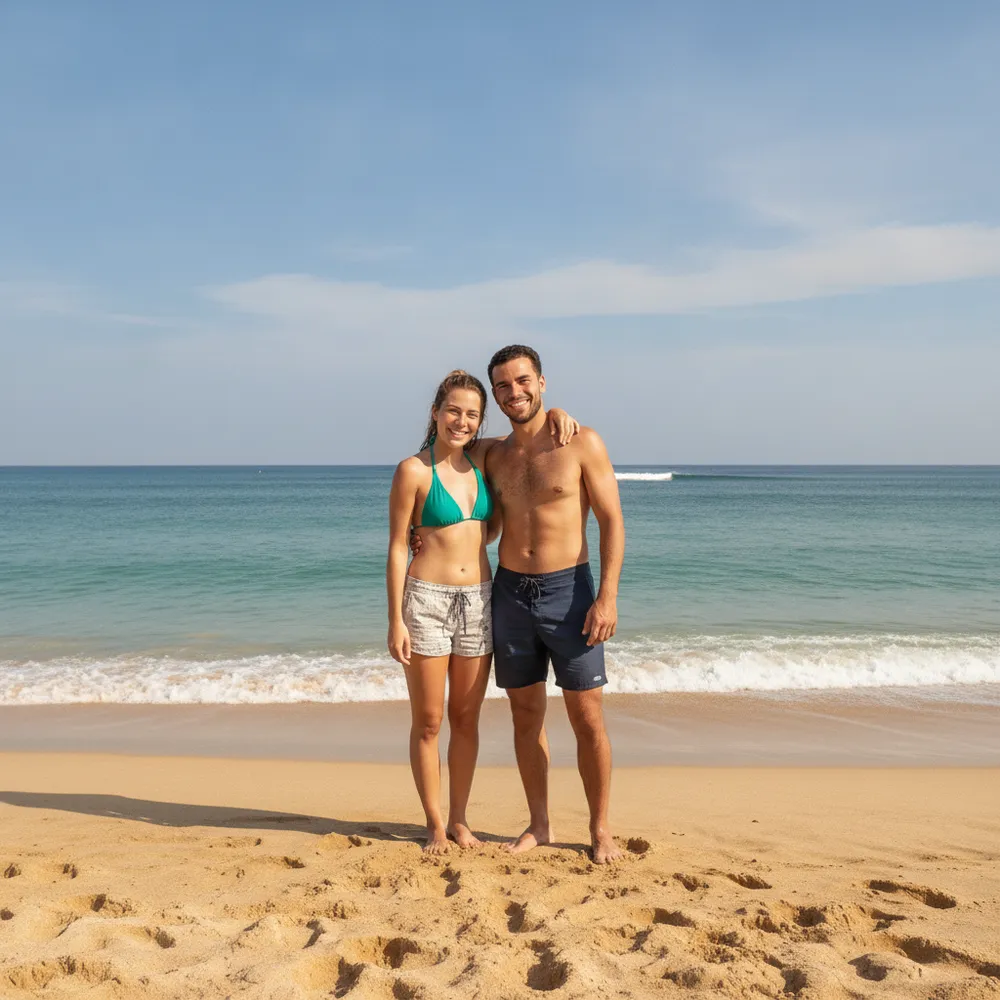
Expand / Uncrop — قبل وبعد

تعديلات حقيقية. ارفع صورتك لتجربتها.
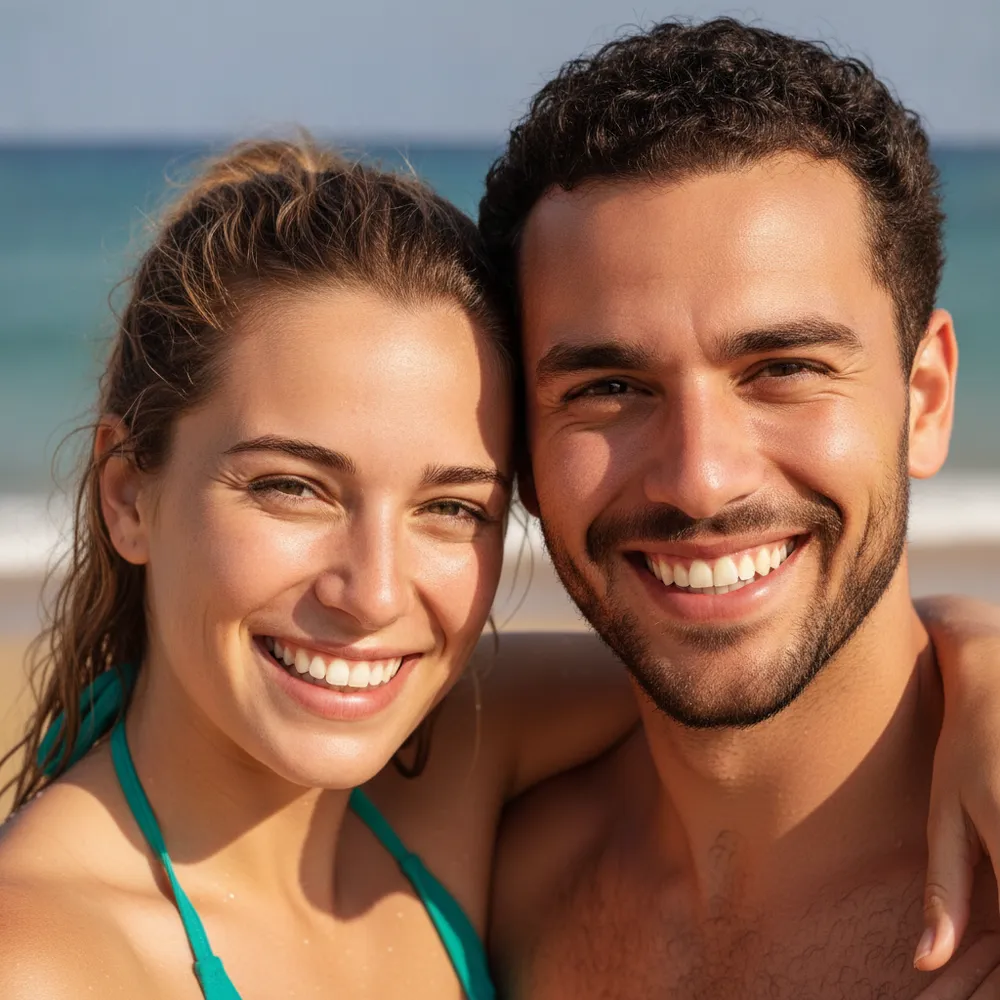
Expand / Uncrop before
Expand / Uncrop after
“Uncrop to show the whole scene”

كيف تنجز expand / uncrop في 3 خطوات

1

ارفع صورتك

أسقط الصورة التي تريد تعديلها — يعمل Fix Your Pic على صورتك الحقيقية، لا على صورة مولّدة.

2

صِف التعديل

اكتب ما تريد، مثل «Extend the photo wider and fill in the background». بلغة عادية، دون أدوات تتعلمها.

3

استلم نتيجتك

شاهد معاينة مجانية بعلامة مائية خلال ثوانٍ. سجّل الدخول لتحميل الدقة الكاملة، أو اشترك في Pro للحصول على HD.

Expand / Uncrop — أسئلة شائعة

What does uncrop / expand do?+
It generates new background around your photo so you can widen it, fit a new aspect ratio, or recover a too-tight crop.
Does the added area look natural?+
Yes — it continues the existing scene's content, lighting and perspective so the extension blends in.
Can I change the aspect ratio?+
Yes — ask for wider, taller or a specific shape and it fills the new space.

طرق أخرى لتعديل صورتك