Início · Blur Background

Blur the background of a photo

Add soft, DSLR-style bokeh behind your subject — that portrait-mode look on any camera's photo.

Prévia grátis
Teste sem cadastro
Só a sua foto — imagem para imagem
+ Adicionar foto
Padrão
Edições grátis disponíveis enquanto durar a capacidade diária.

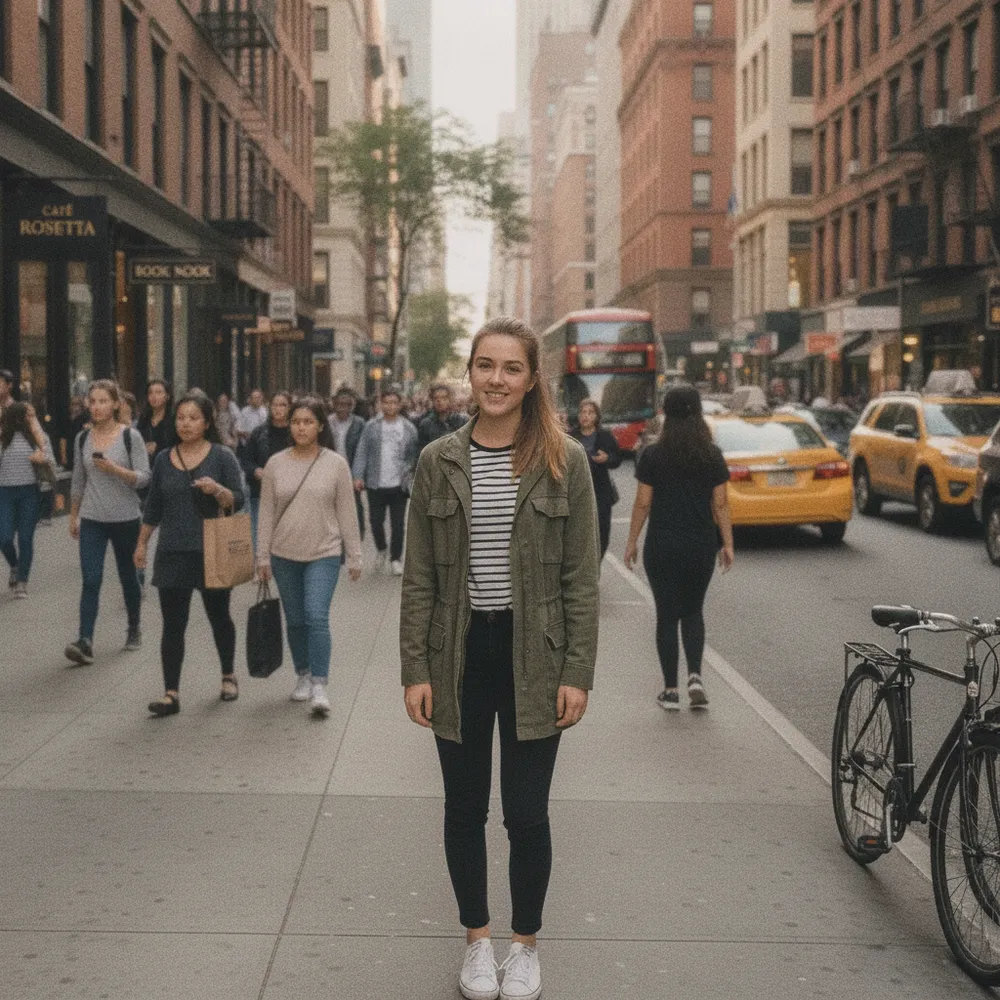
Blur Background — antes e depois

Edições reais. Envie a sua para testar.
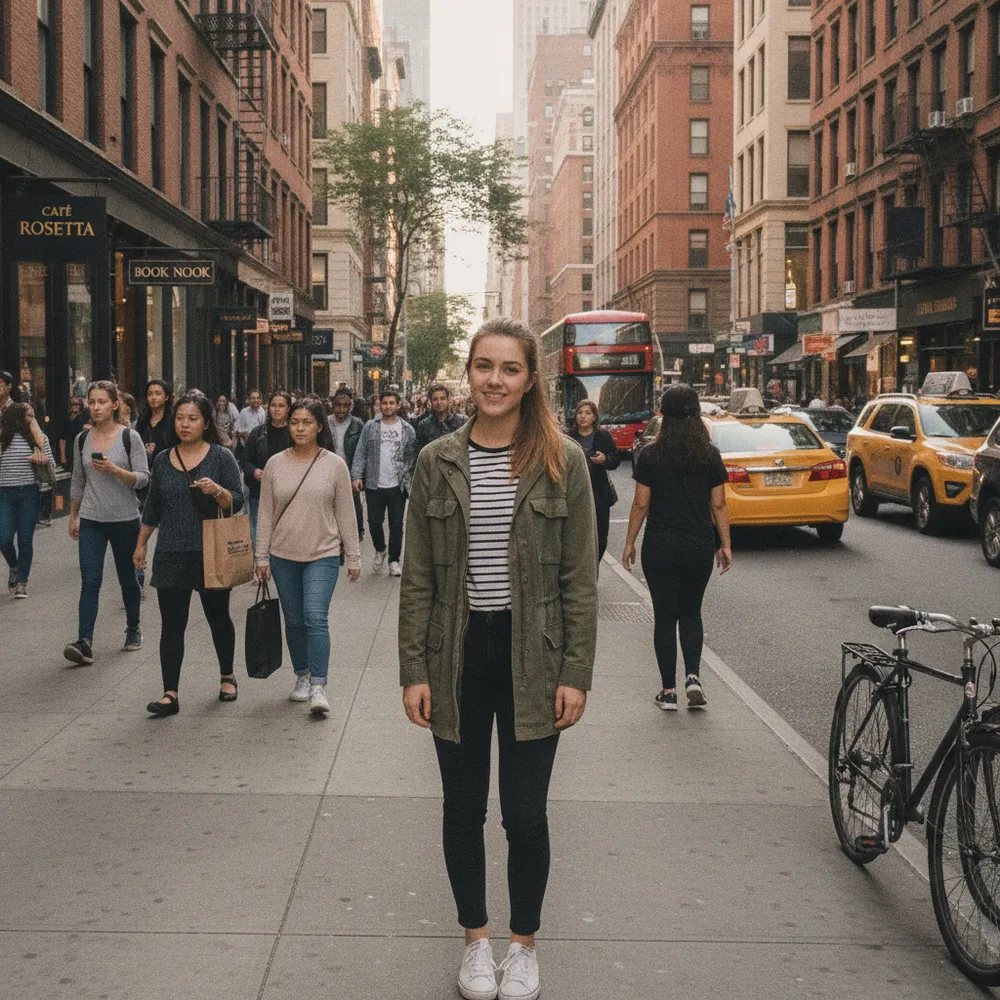
Blur Background before
Blur Background after
“Add portrait-mode blur”

Como blur background em 3 passos

1

Envie sua foto

Solte a foto que você quer editar — o Fix Your Pic trabalha na sua imagem real, não numa gerada.

2

Descreva a edição

Digite o que você quer, ex.: “Blur the background like portrait mode”. Linguagem simples, sem ferramentas para aprender.

3

Receba o resultado

Veja uma prévia grátis com marca d'água em segundos. Entre para baixar em resolução completa, ou vire Pro para HD.

Blur Background — Perguntas frequentes

Does my subject stay sharp?+
Yes — only the background is blurred; the main subject stays in focus.
Is the blur realistic?+
It mimics a wide-aperture lens with natural, gradual bokeh rather than a flat, uniform blur.
Can I change the background instead?+
Yes — use Change Background to replace it, or Remove Background for a clean cut-out.

Mais jeitos de editar sua foto