الرئيسية · Retouch / Skin

Retouch a portrait — clear skin, natural look

Clear acne, blemishes and spots and even out skin — refined but still natural, never plastic.

معاينة مجانية
جرّب بدون تسجيل
صورتك فقط — من صورة إلى صورة
+ أضف صورة
قياسي
التعديلات المجانية متاحة ما دامت السعة اليومية متوفرة.

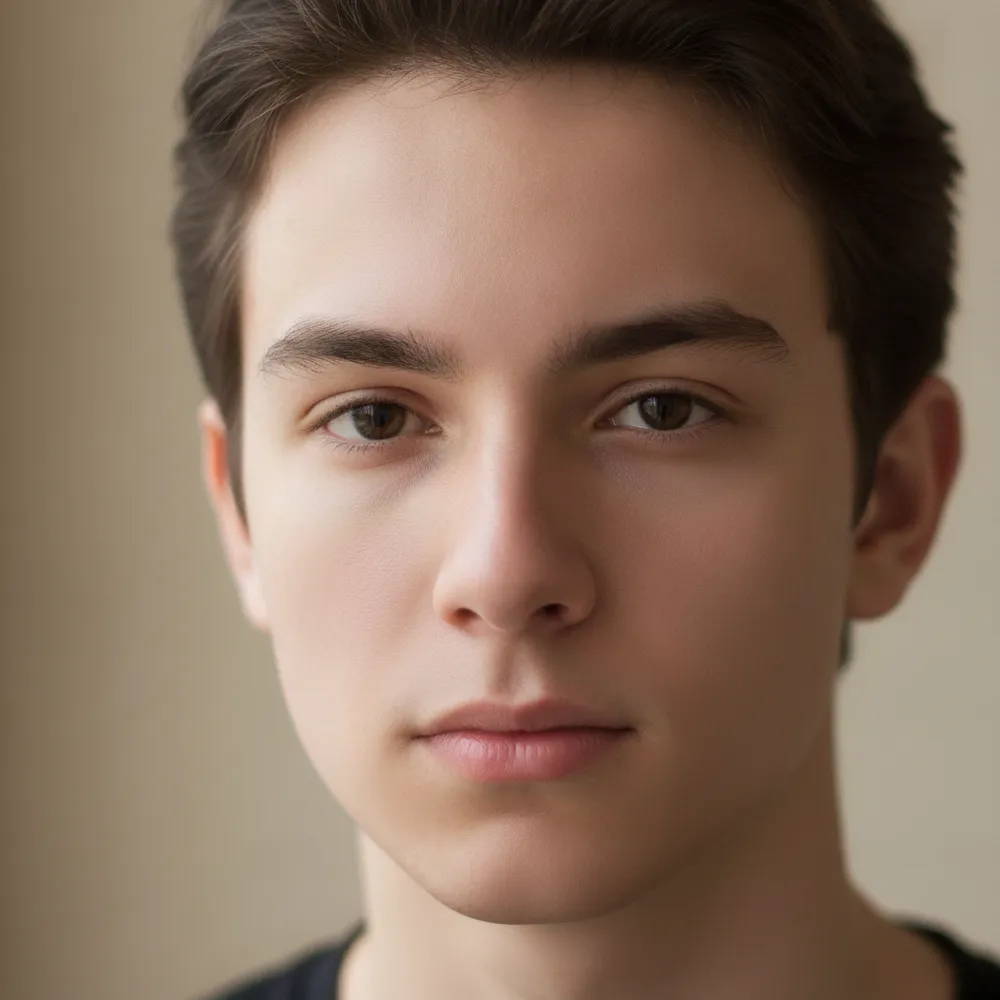
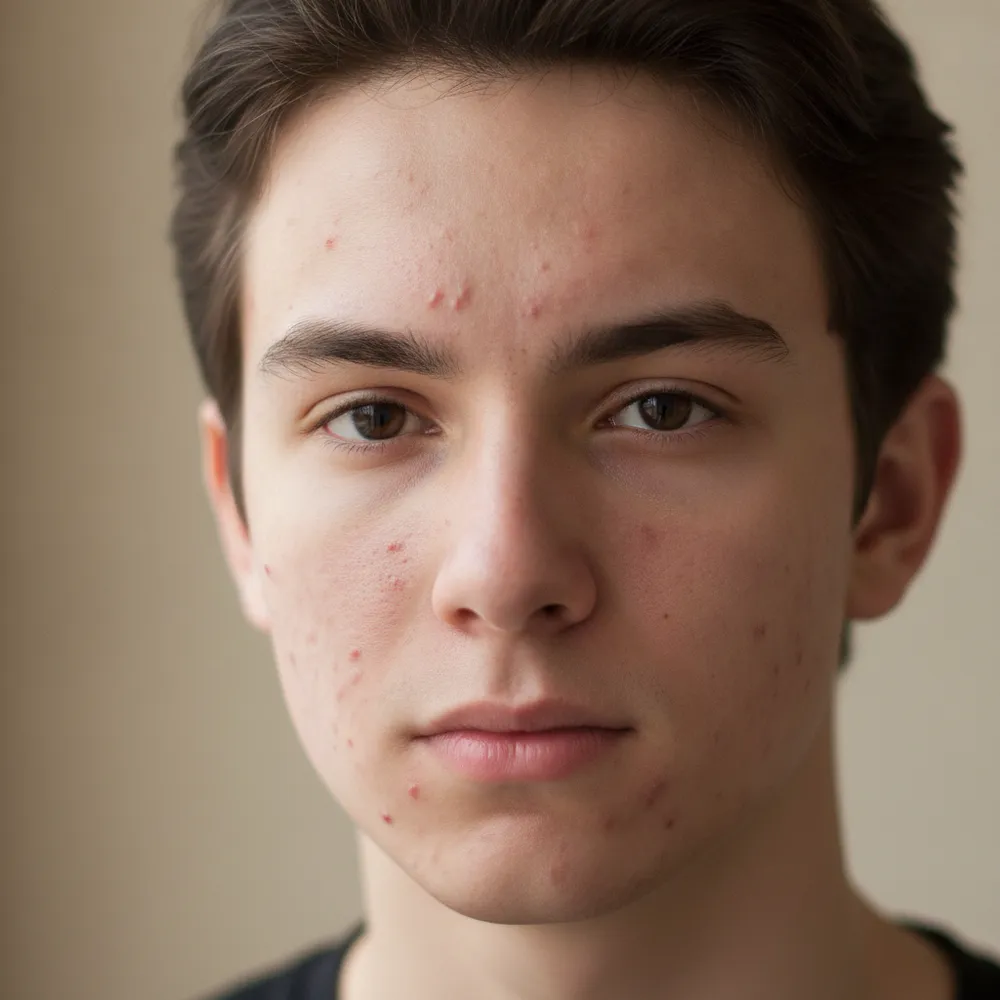
Retouch / Skin — قبل وبعد

تعديلات حقيقية. ارفع صورتك لتجربتها.
Retouch / Skin before
Retouch / Skin after
“Clear acne, keep it natural”

كيف تنجز retouch / skin في 3 خطوات

1

ارفع صورتك

أسقط الصورة التي تريد تعديلها — يعمل Fix Your Pic على صورتك الحقيقية، لا على صورة مولّدة.

2

صِف التعديل

اكتب ما تريد، مثل «Clear up my skin but keep it natural». بلغة عادية، دون أدوات تتعلمها.

3

استلم نتيجتك

شاهد معاينة مجانية بعلامة مائية خلال ثوانٍ. سجّل الدخول لتحميل الدقة الكاملة، أو اشترك في Pro للحصول على HD.

Retouch / Skin — أسئلة شائعة

Does it look fake?+
No — it keeps real skin texture and features, just clearing blemishes and evening tone for a natural finish.
Can it remove under-eye bags?+
Yes — describe it, like “reduce under-eye shadows,” and it softens them naturally.
Will it change my face shape?+
It only retouches skin by default. It won't reshape your face unless you ask.

طرق أخرى لتعديل صورتك