Inicio · Unblur & Enhance

Unblur and enhance a blurry photo

Sharpen a blurry or low-quality shot — recover detail in faces and text so it's clear enough to print or post.

Vista previa gratis
Pruébalo sin registro
Solo tu foto — imagen a imagen
+ Añadir foto
Estándar
Ediciones gratis disponibles mientras quede capacidad diaria.

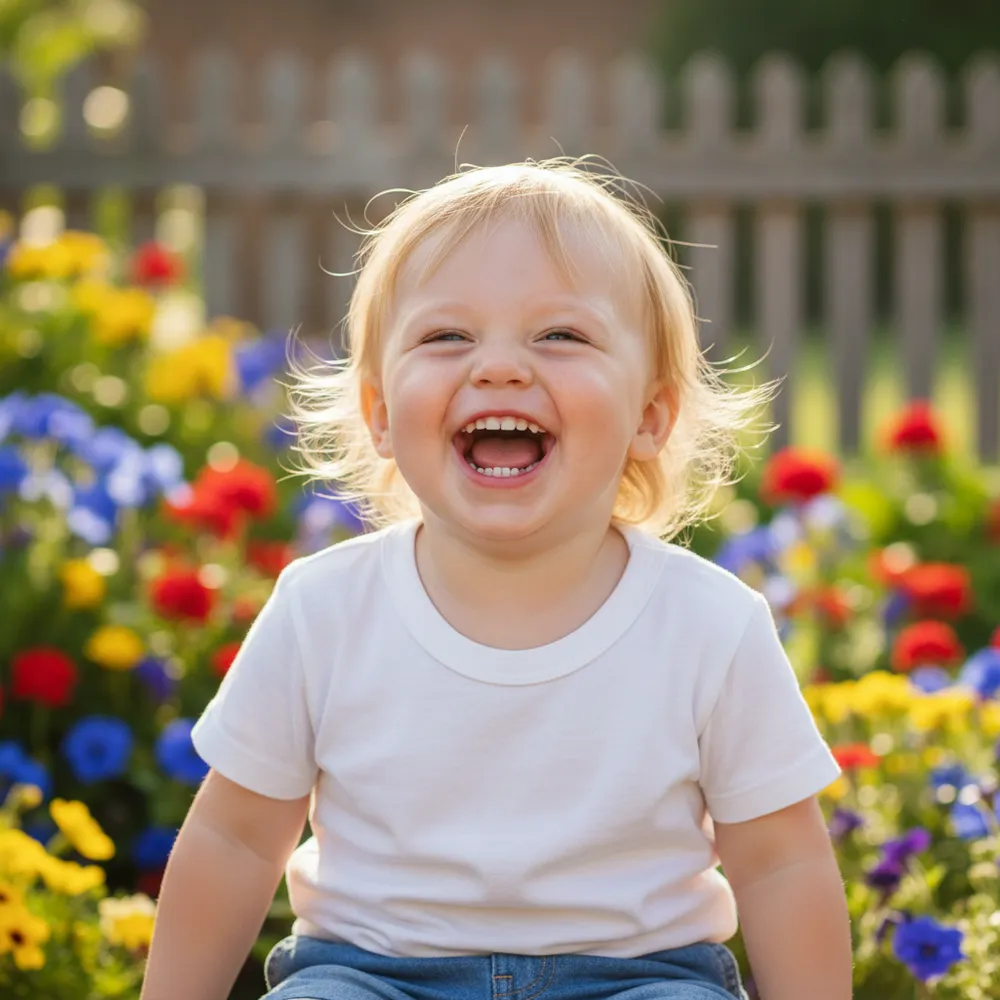
Unblur & Enhance — antes y después

Ediciones reales. Sube la tuya para probarlo.
Unblur & Enhance before
Unblur & Enhance after
“Make this blurry pic sharp”

Cómo unblur & enhance en 3 pasos

1

Sube tu foto

Arrastra la foto que quieres editar — Fix Your Pic trabaja sobre tu imagen real, no sobre una generada.

2

Describe la edición

Escribe lo que quieres, p. ej. “Make this blurry photo sharp and clear”. En lenguaje normal, sin herramientas que aprender.

3

Recibe tu resultado

Ve una vista previa gratis con marca de agua en segundos. Inicia sesión para descargar a resolución completa, o hazte Pro para HD.

Unblur & Enhance — Preguntas frecuentes

Can it fix a blurry face?+
Yes — it recovers facial detail and sharpens soft focus while keeping the person looking like themselves.
Does it improve resolution?+
It enhances clarity and detail so small or soft images look sharper and more print-ready.
What if the photo is also dark?+
Ask it to brighten and reduce noise in the same edit — “make it sharper and brighter.”

Más formas de editar tu foto