Home · Unblur & Enhance

Unblur and enhance a blurry photo

Sharpen a blurry or low-quality shot — recover detail in faces and text so it's clear enough to print or post.

Free preview
No login to try
Your photo only — image-to-image
+ Add photo
Standard
Free generations available while daily capacity lasts.

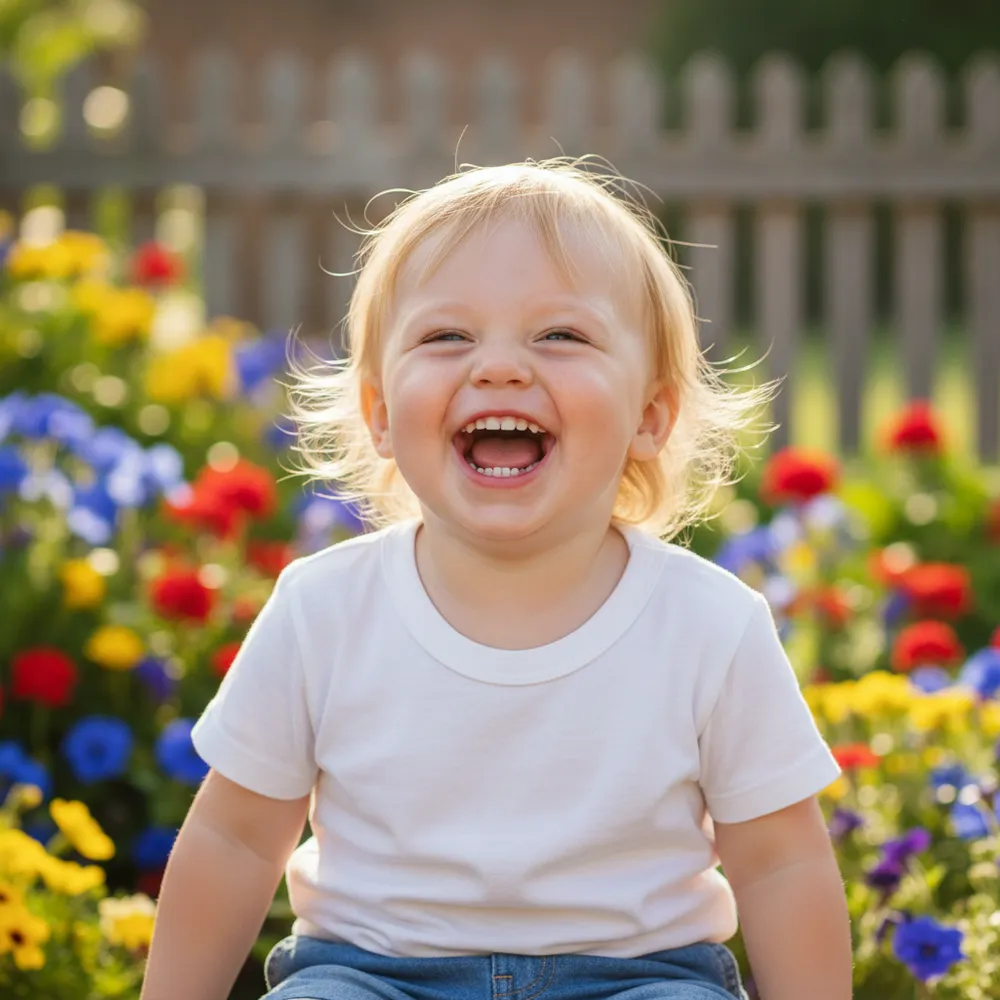
Unblur & Enhance — before & after

Real edits. Upload your own to try it.
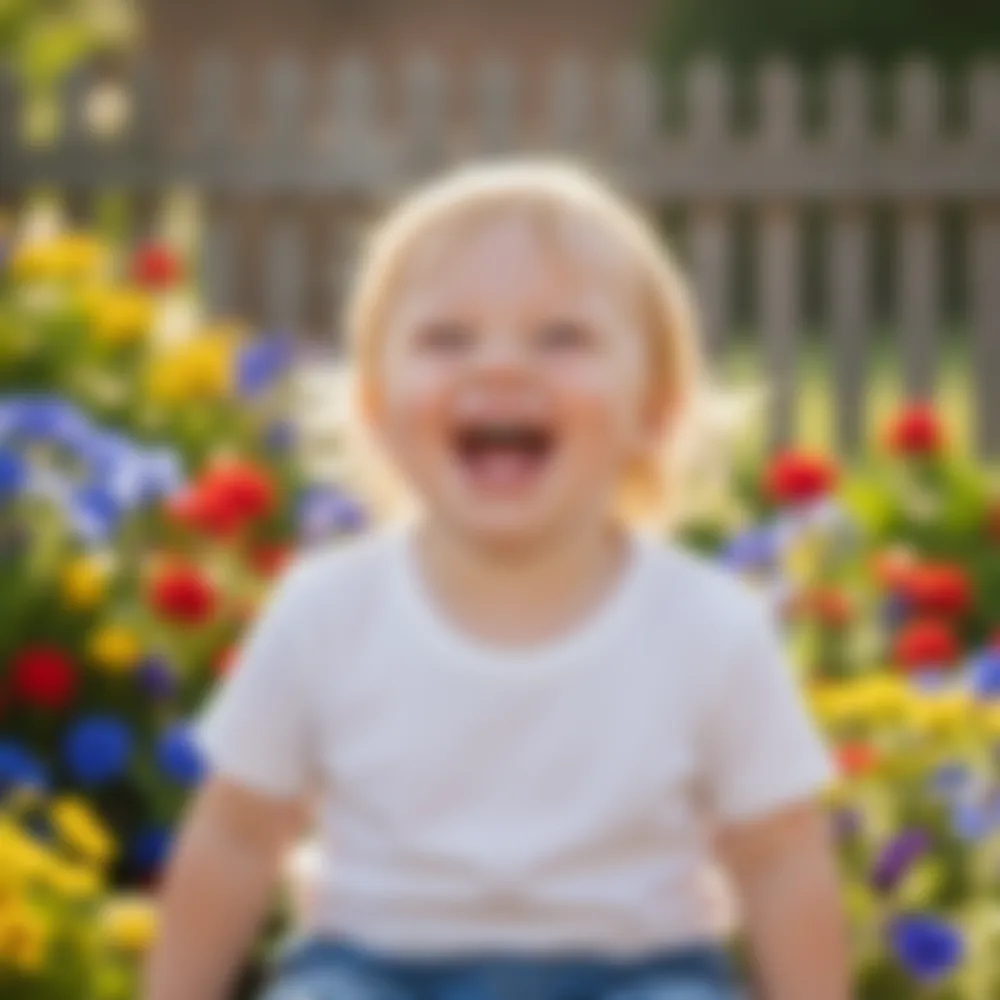
Unblur & Enhance before
Unblur & Enhance after
“Make this blurry pic sharp”

How to unblur & enhance in 3 steps

1

Upload your photo

Drop in the photo you want to edit — Fix Your Pic works on your real picture, not a generated one.

2

Describe the edit

Type what you want, e.g. “Make this blurry photo sharp and clear”. Plain English, no tools to learn.

3

Get your result

See a free watermarked preview in seconds. Log in to download full-res, or go Pro for HD.

Unblur & Enhance — FAQ

Can it fix a blurry face?+
Yes — it recovers facial detail and sharpens soft focus while keeping the person looking like themselves.
Does it improve resolution?+
It enhances clarity and detail so small or soft images look sharper and more print-ready.
What if the photo is also dark?+
Ask it to brighten and reduce noise in the same edit — “make it sharper and brighter.”

More ways to edit your photo