· Unblur & Enhance

Unblur and enhance a blurry photo

Sharpen a blurry or low-quality shot — recover detail in faces and text so it's clear enough to print or post.

무료 미리보기
로그인 없이 체험
내 사진만 — 이미지 투 이미지
+ 사진 추가
스탠다드
일일 용량이 남아 있는 동안 무료 편집을 쓸 수 있어요.

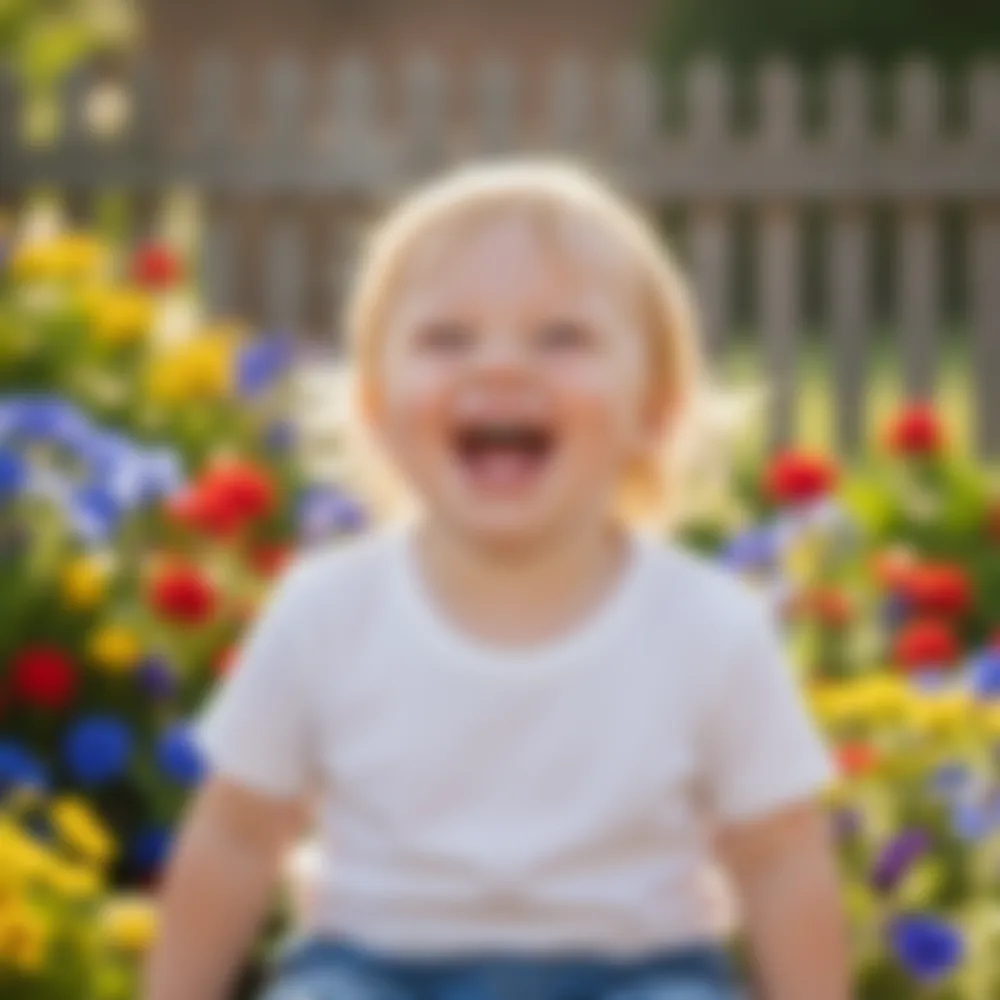
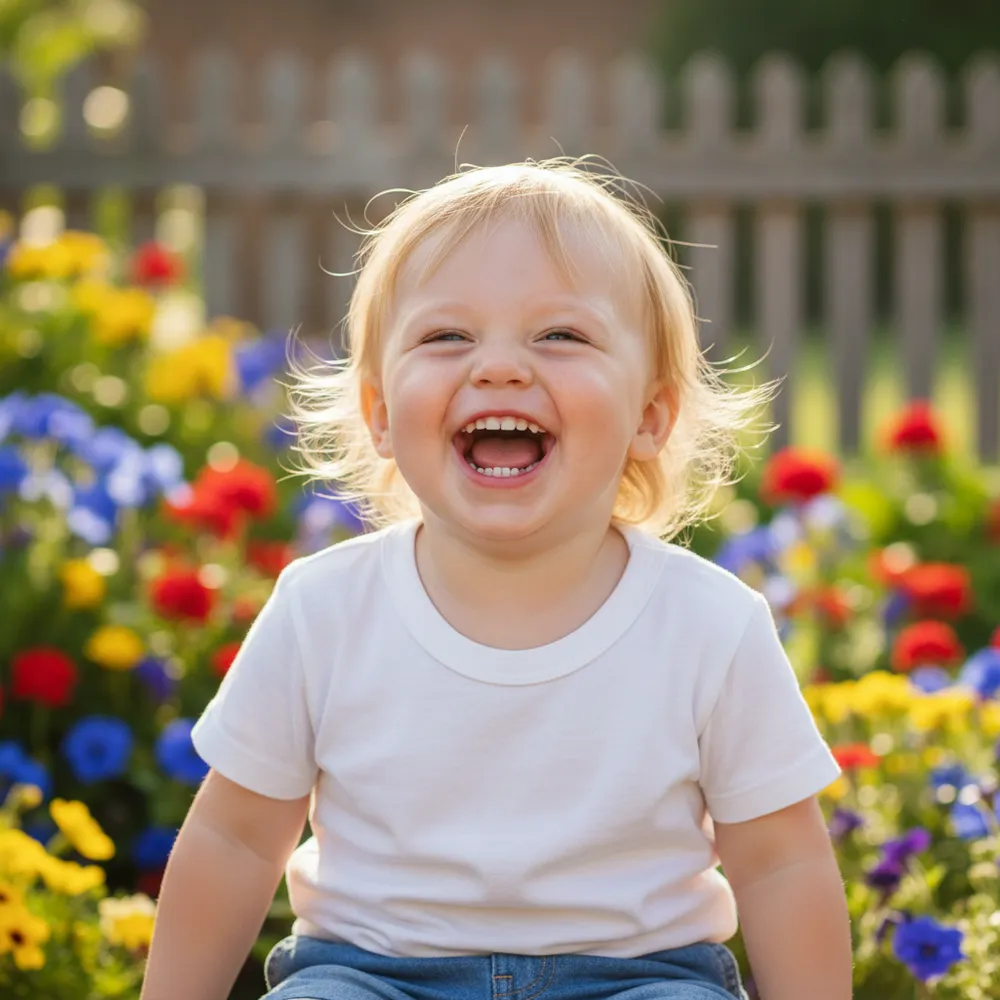
Unblur & Enhance — 전과 후

실제 편집 결과예요. 내 사진을 올려 시험해보세요.

Unblur & Enhance before
Unblur & Enhance after
“Make this blurry pic sharp”

3단계로 unblur & enhance 하는 법

1

사진 올리기

편집할 사진을 끌어다 놓으세요 — Fix Your Pic은 생성된 이미지가 아니라 진짜 내 사진으로 작업해요.

2

편집 설명하기

원하는 걸 입력하세요. 예: “Make this blurry photo sharp and clear”. 평범한 말로 충분하고, 배울 도구도 없어요.

3

결과 받기

몇 초 만에 워터마크가 있는 무료 미리보기를 확인하세요. 풀 해상도는 로그인, HD는 Pro로.

Unblur & Enhance — 자주 묻는 질문

Can it fix a blurry face?+
Yes — it recovers facial detail and sharpens soft focus while keeping the person looking like themselves.
Does it improve resolution?+
It enhances clarity and detail so small or soft images look sharper and more print-ready.
What if the photo is also dark?+
Ask it to brighten and reduce noise in the same edit — “make it sharper and brighter.”

사진을 편집하는 다른 방법들