Accueil · Unblur & Enhance

Unblur and enhance a blurry photo

Sharpen a blurry or low-quality shot — recover detail in faces and text so it's clear enough to print or post.

Aperçu gratuit
Essai sans inscription
Votre photo uniquement — image vers image
+ Ajouter une photo
Standard
Retouches gratuites disponibles dans la limite de la capacité quotidienne.

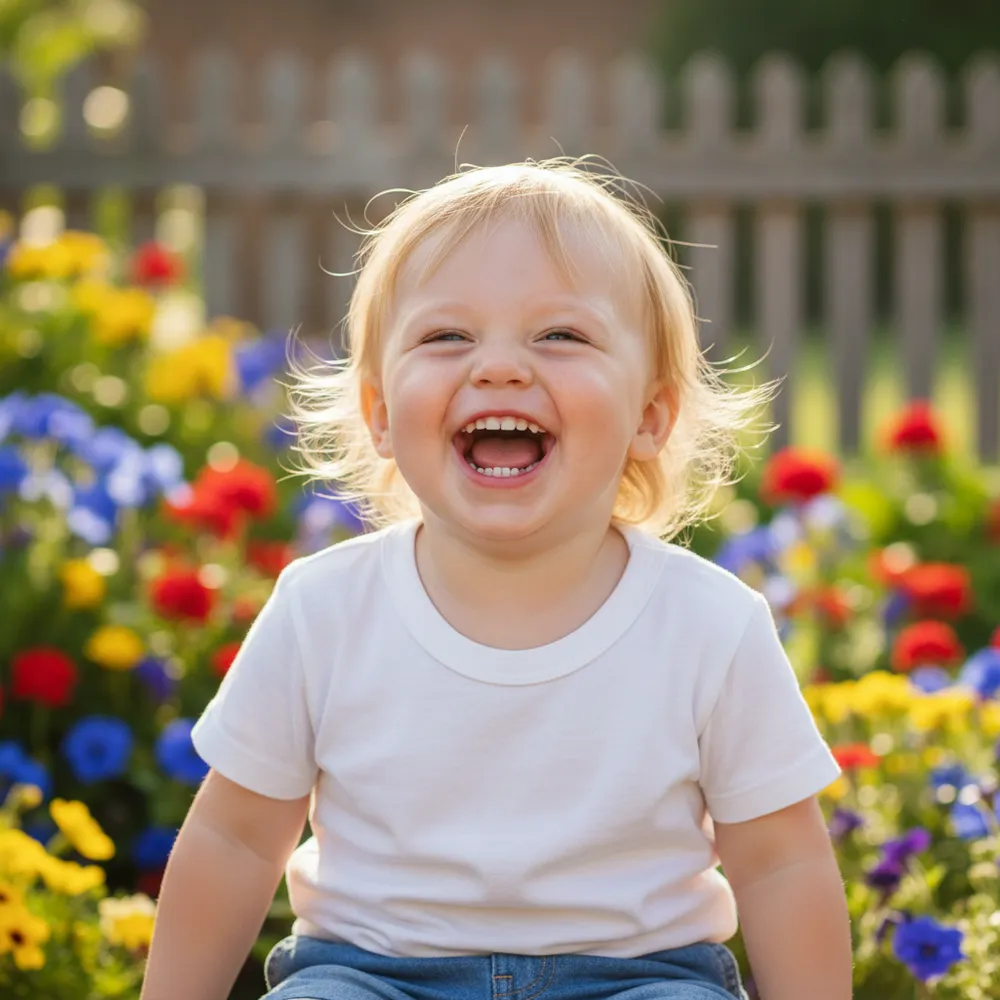
Unblur & Enhance — avant / après

De vraies retouches. Envoyez la vôtre pour essayer.
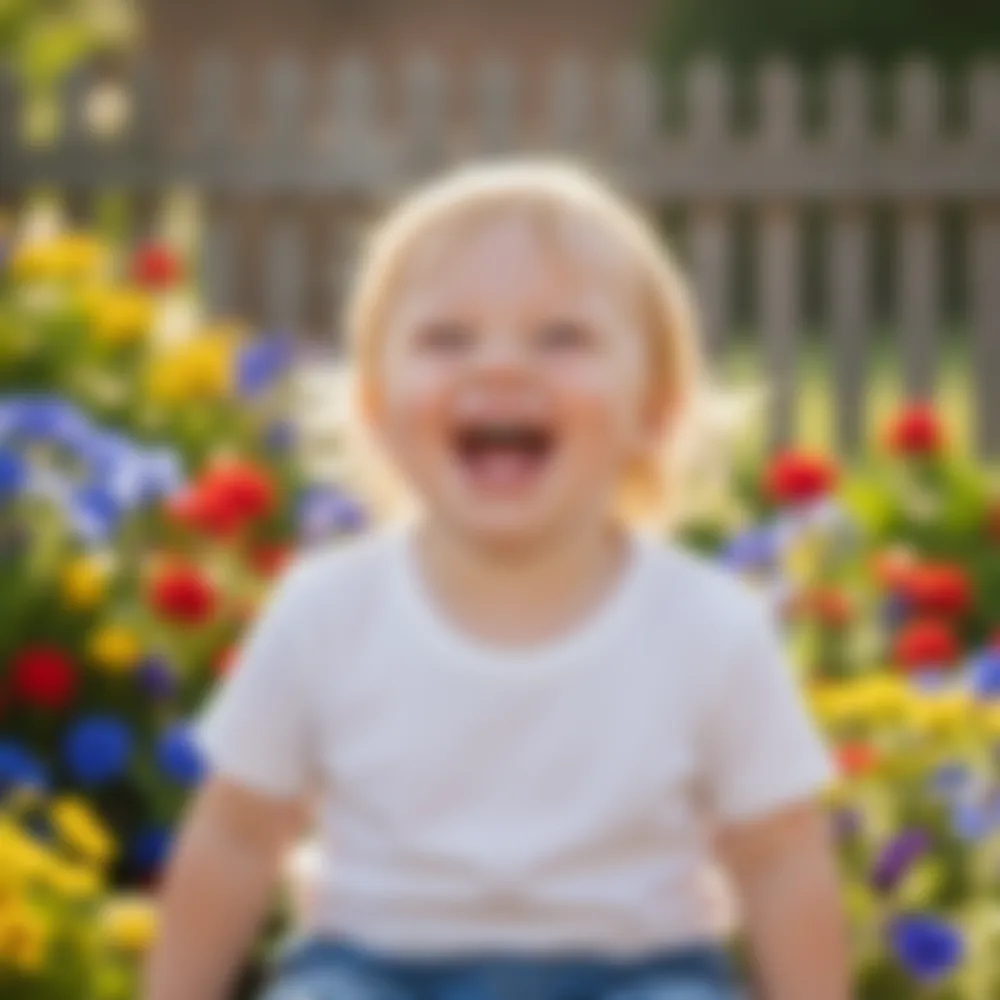
Unblur & Enhance before
Unblur & Enhance after
“Make this blurry pic sharp”

Comment unblur & enhance en 3 étapes

1

Envoyez votre photo

Déposez la photo à retoucher — Fix Your Pic travaille sur votre vraie image, pas sur une image générée.

2

Décrivez la retouche

Écrivez ce que vous voulez, ex. « Make this blurry photo sharp and clear ». En langage courant, aucun outil à apprendre.

3

Récupérez votre résultat

Obtenez un aperçu gratuit filigrané en quelques secondes. Connectez-vous pour la pleine résolution, ou passez Pro pour le HD.

Unblur & Enhance — FAQ

Can it fix a blurry face?+
Yes — it recovers facial detail and sharpens soft focus while keeping the person looking like themselves.
Does it improve resolution?+
It enhances clarity and detail so small or soft images look sharper and more print-ready.
What if the photo is also dark?+
Ask it to brighten and reduce noise in the same edit — “make it sharper and brighter.”

D'autres façons de retoucher votre photo