Accueil · Remove Person

Remove a person from a photo

Erase an ex, a stranger or a photobomber — AI fills the background back in like they were never there.

Aperçu gratuit
Essai sans inscription
Votre photo uniquement — image vers image
+ Ajouter une photo
Standard
Retouches gratuites disponibles dans la limite de la capacité quotidienne.

Remove Person — avant / après

De vraies retouches. Envoyez la vôtre pour essayer.
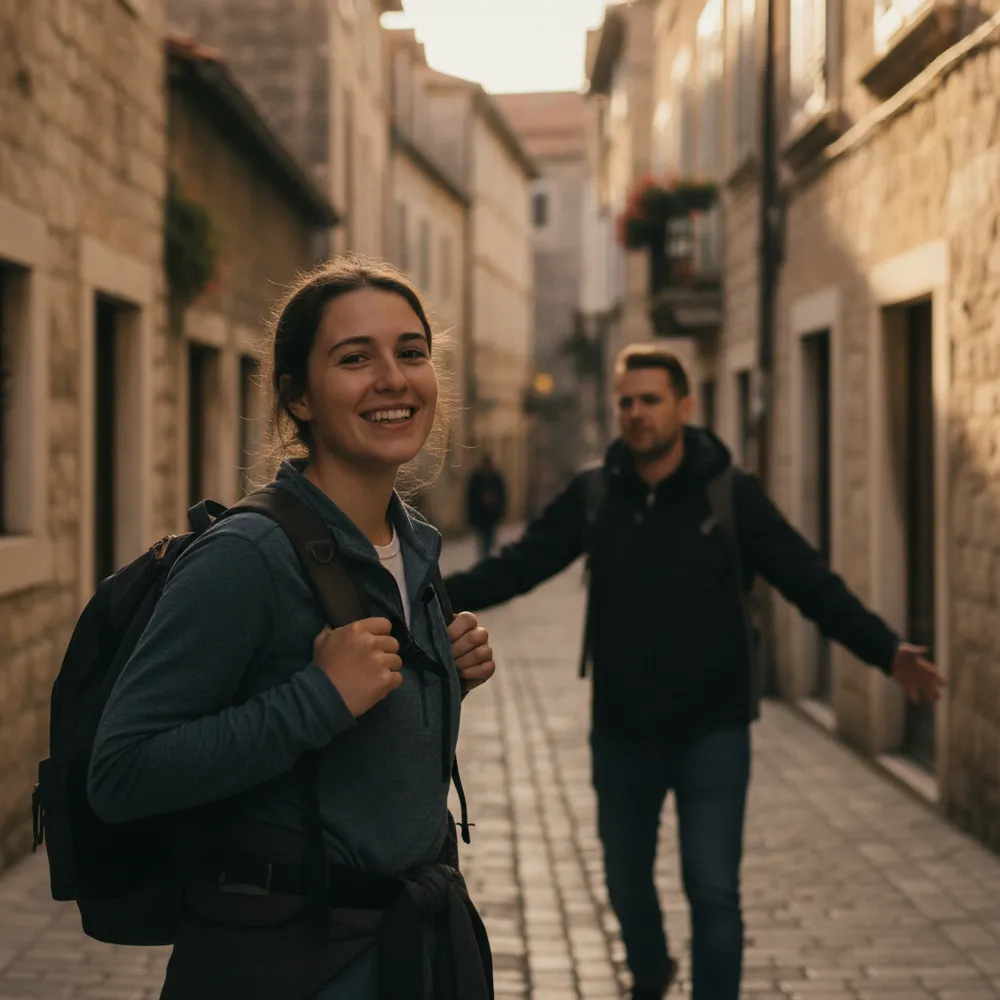
Remove Person before
Remove Person after
“Erase the person walking behind me”

Comment remove person en 3 étapes

1

Envoyez votre photo

Déposez la photo à retoucher — Fix Your Pic travaille sur votre vraie image, pas sur une image générée.

2

Décrivez la retouche

Écrivez ce que vous voulez, ex. « Remove my ex on the right, keep me ». En langage courant, aucun outil à apprendre.

3

Récupérez votre résultat

Obtenez un aperçu gratuit filigrané en quelques secondes. Connectez-vous pour la pleine résolution, ou passez Pro pour le HD.

Remove Person — FAQ

How do I remove my ex from a photo?+
Upload the photo and say who to remove — e.g. “remove the person on the right.” The AI rebuilds the background so it looks like they were never there.
Will there be a blurry gap?+
No — it reconstructs what should be behind the person instead of smudging, so the result looks natural.
Can it remove one person from a group photo?+
Yes — point out which person and it removes just them, keeping everyone else.

D'autres façons de retoucher votre photo