Accueil · Blur Background

Blur the background of a photo

Add soft, DSLR-style bokeh behind your subject — that portrait-mode look on any camera's photo.

Aperçu gratuit
Essai sans inscription
Votre photo uniquement — image vers image
+ Ajouter une photo
Standard
Retouches gratuites disponibles dans la limite de la capacité quotidienne.

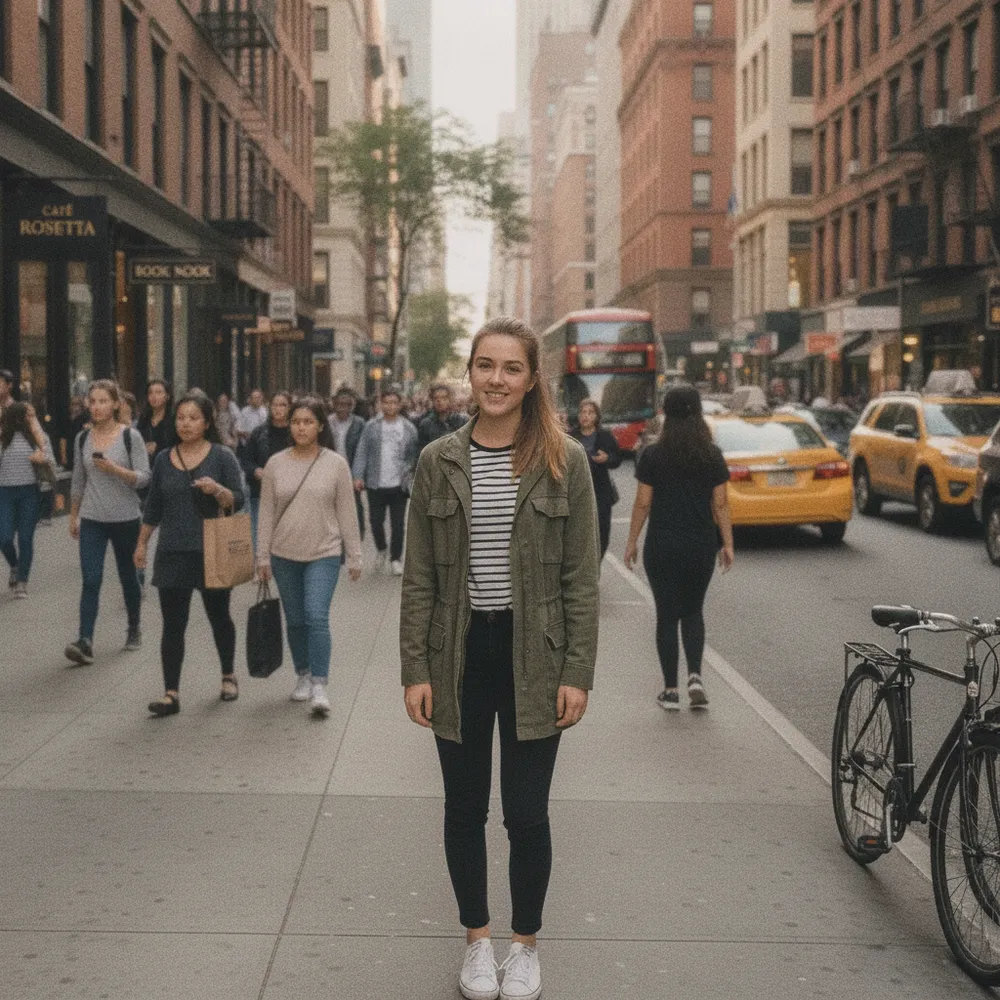
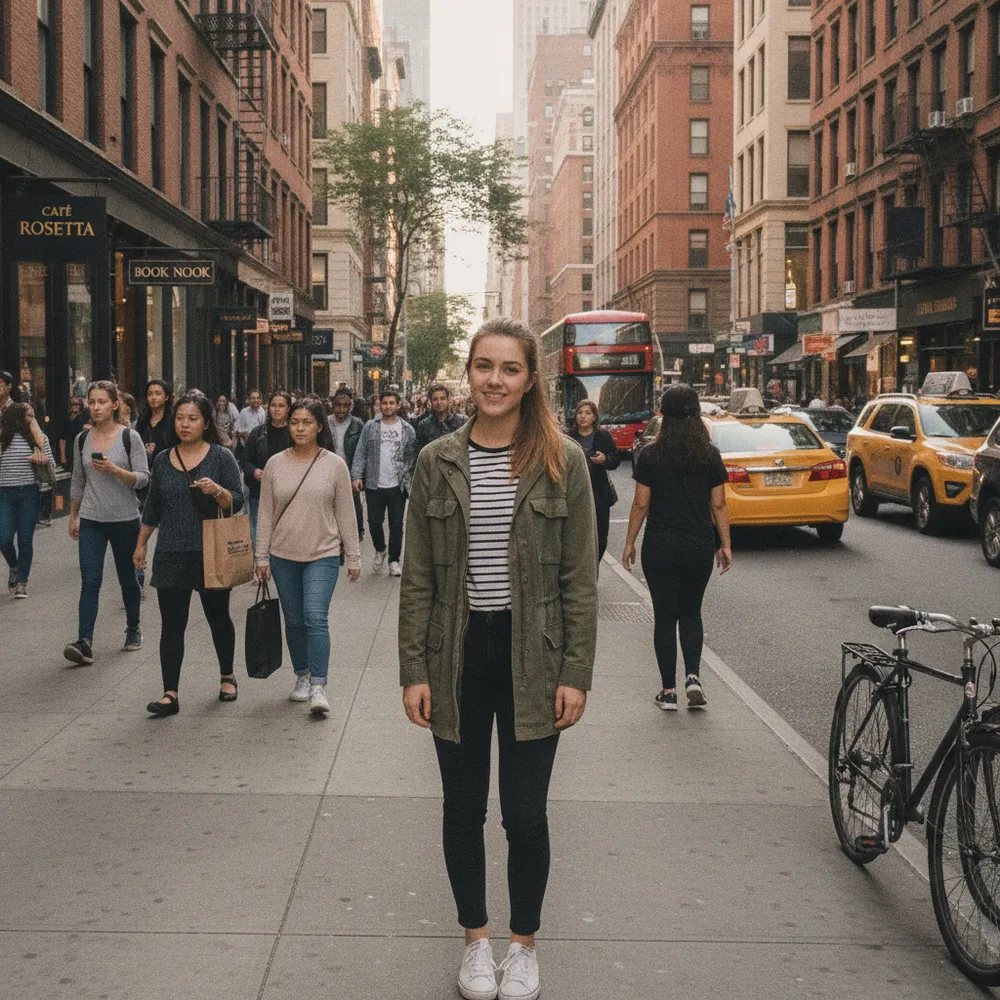
Blur Background — avant / après

De vraies retouches. Envoyez la vôtre pour essayer.
Blur Background before
Blur Background after
“Add portrait-mode blur”

Comment blur background en 3 étapes

1

Envoyez votre photo

Déposez la photo à retoucher — Fix Your Pic travaille sur votre vraie image, pas sur une image générée.

2

Décrivez la retouche

Écrivez ce que vous voulez, ex. « Blur the background like portrait mode ». En langage courant, aucun outil à apprendre.

3

Récupérez votre résultat

Obtenez un aperçu gratuit filigrané en quelques secondes. Connectez-vous pour la pleine résolution, ou passez Pro pour le HD.

Blur Background — FAQ

Does my subject stay sharp?+
Yes — only the background is blurred; the main subject stays in focus.
Is the blur realistic?+
It mimics a wide-aperture lens with natural, gradual bokeh rather than a flat, uniform blur.
Can I change the background instead?+
Yes — use Change Background to replace it, or Remove Background for a clean cut-out.

D'autres façons de retoucher votre photo