Home · Remove Person

Remove a person from a photo

Erase an ex, a stranger or a photobomber — AI fills the background back in like they were never there.

Anteprima gratis
Provalo senza registrazione
Solo la tua foto — da immagine a immagine
+ Aggiungi foto
Standard
Modifiche gratuite disponibili finché c'è capacità giornaliera.

Remove Person — prima e dopo

Modifiche vere. Carica la tua per provare.
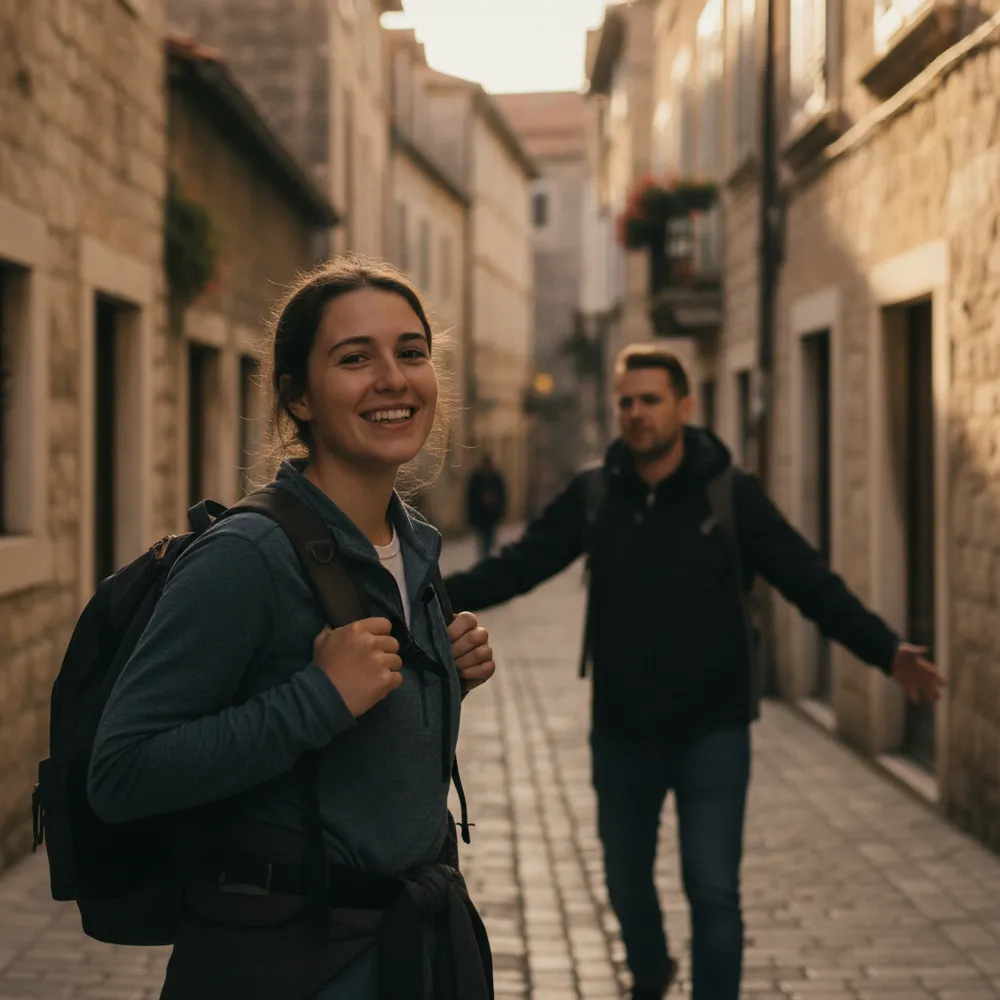
Remove Person before
Remove Person after
“Erase the person walking behind me”

Come remove person in 3 passaggi

1

Carica la tua foto

Trascina la foto da modificare — Fix Your Pic lavora sulla tua immagine reale, non su una generata.

2

Descrivi la modifica

Scrivi cosa vuoi, es. “Remove my ex on the right, keep me”. Linguaggio semplice, nessuno strumento da imparare.

3

Ricevi il risultato

Guarda un'anteprima gratuita con filigrana in pochi secondi. Accedi per la piena risoluzione, o passa a Pro per l'HD.

Remove Person — FAQ

How do I remove my ex from a photo?+
Upload the photo and say who to remove — e.g. “remove the person on the right.” The AI rebuilds the background so it looks like they were never there.
Will there be a blurry gap?+
No — it reconstructs what should be behind the person instead of smudging, so the result looks natural.
Can it remove one person from a group photo?+
Yes — point out which person and it removes just them, keeping everyone else.

Altri modi per modificare la tua foto