Beranda · Remove Person

Remove a person from a photo

Erase an ex, a stranger or a photobomber — AI fills the background back in like they were never there.

Pratinjau gratis
Coba tanpa daftar
Hanya fotomu — image-to-image
+ Tambah foto
Standar
Edit gratis tersedia selama kapasitas harian masih ada.

Remove Person — sebelum & sesudah

Editan asli. Unggah punyamu untuk mencoba.
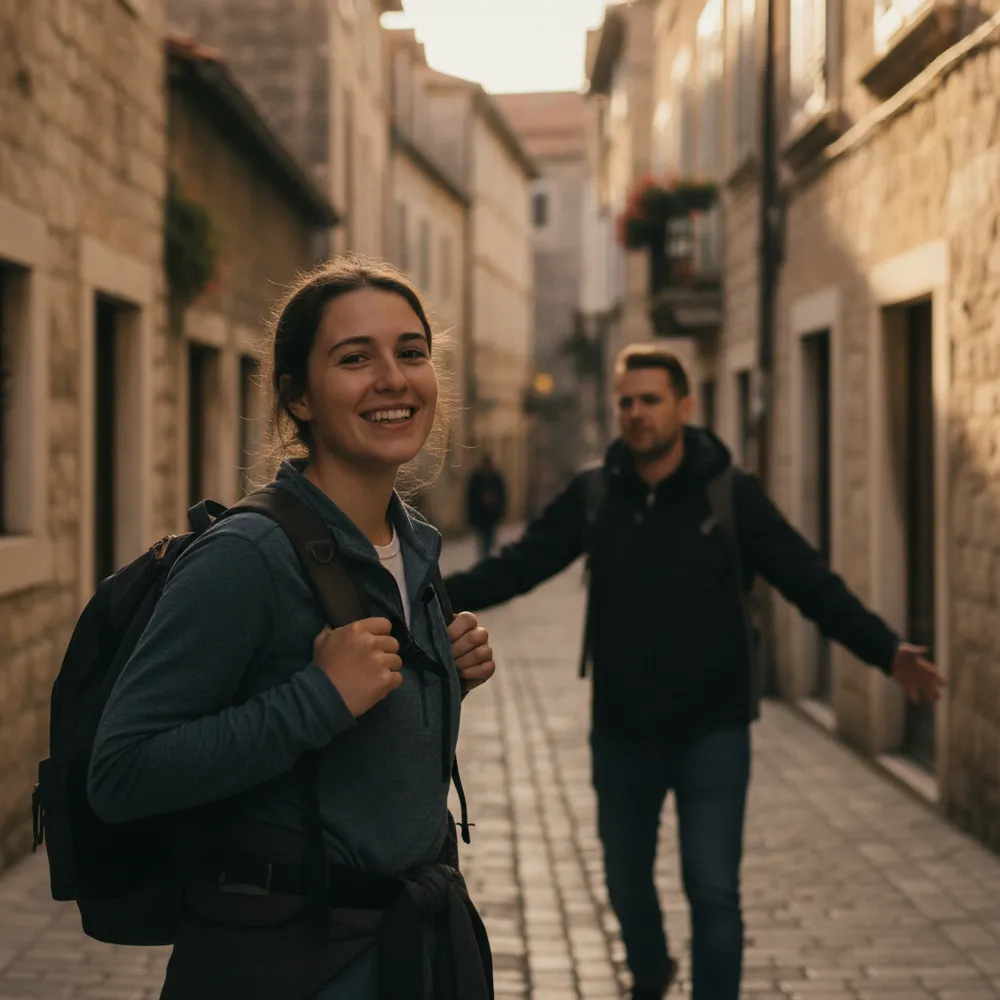
Remove Person before
Remove Person after
“Erase the person walking behind me”

Cara remove person dalam 3 langkah

1

Unggah fotomu

Taruh foto yang mau diedit — Fix Your Pic bekerja pada fotomu yang asli, bukan gambar buatan.

2

Deskripsikan editannya

Ketik yang kamu mau, mis. “Remove my ex on the right, keep me”. Bahasa sehari-hari, tanpa alat yang harus dipelajari.

3

Terima hasilnya

Lihat pratinjau gratis ber-watermark dalam hitungan detik. Masuk untuk unduhan resolusi penuh, atau jadi Pro untuk HD.

Remove Person — Tanya jawab

How do I remove my ex from a photo?+
Upload the photo and say who to remove — e.g. “remove the person on the right.” The AI rebuilds the background so it looks like they were never there.
Will there be a blurry gap?+
No — it reconstructs what should be behind the person instead of smudging, so the result looks natural.
Can it remove one person from a group photo?+
Yes — point out which person and it removes just them, keeping everyone else.

Cara lain mengedit fotomu