Home · Blur Background

Blur the background of a photo

Add soft, DSLR-style bokeh behind your subject — that portrait-mode look on any camera's photo.

Anteprima gratis
Provalo senza registrazione
Solo la tua foto — da immagine a immagine
+ Aggiungi foto
Standard
Modifiche gratuite disponibili finché c'è capacità giornaliera.

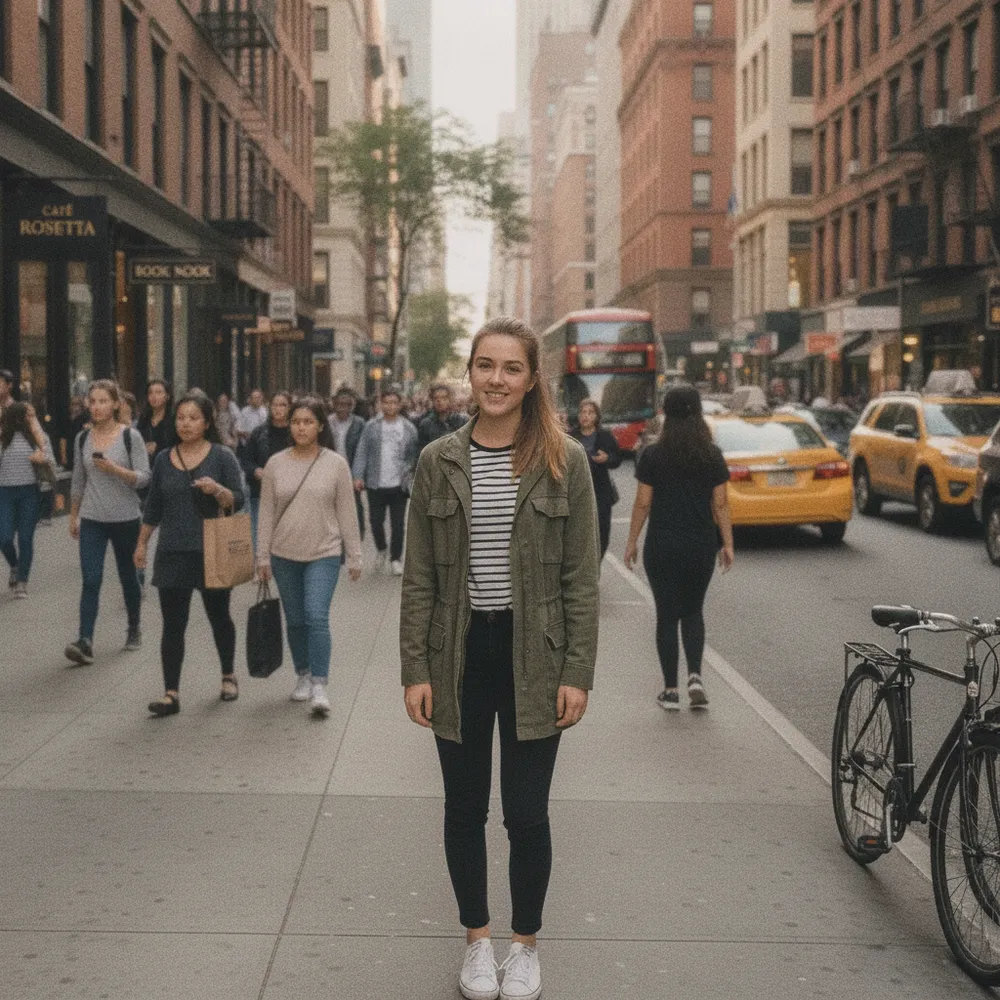
Blur Background — prima e dopo

Modifiche vere. Carica la tua per provare.
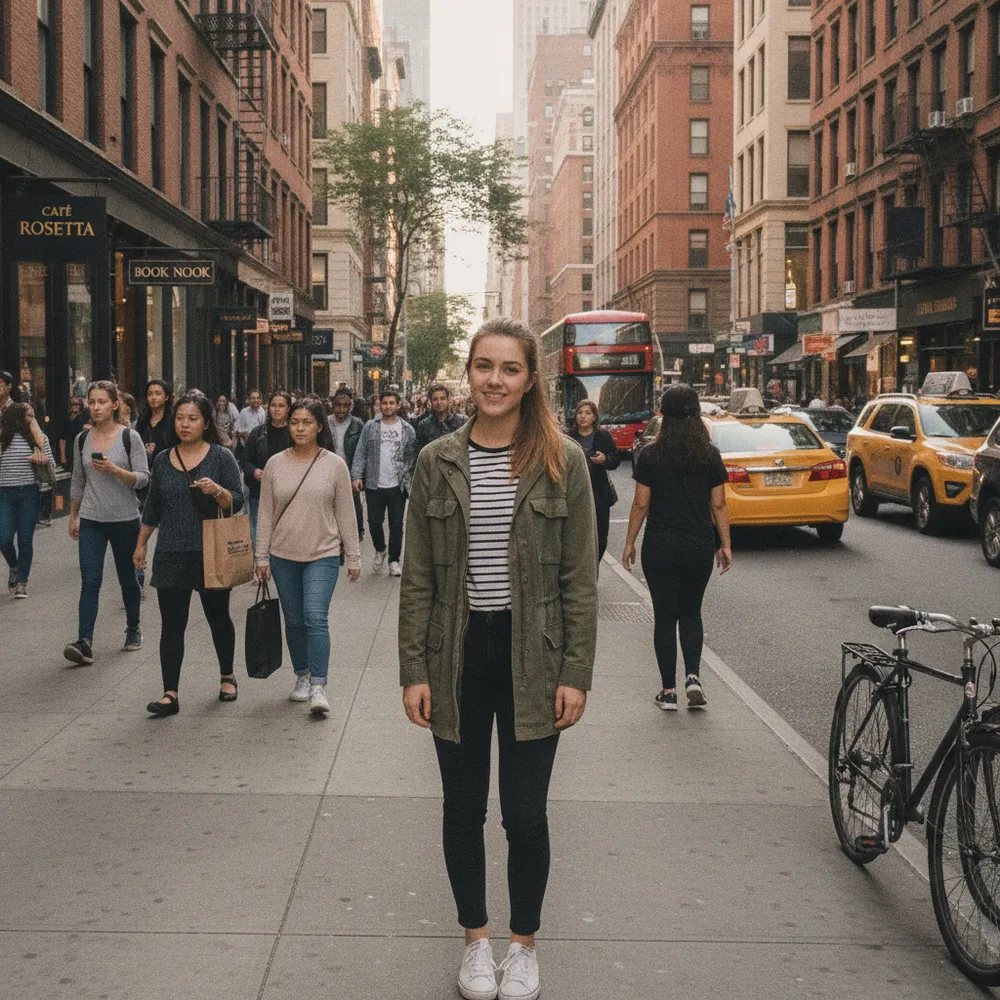
Blur Background before
Blur Background after
“Add portrait-mode blur”

Come blur background in 3 passaggi

1

Carica la tua foto

Trascina la foto da modificare — Fix Your Pic lavora sulla tua immagine reale, non su una generata.

2

Descrivi la modifica

Scrivi cosa vuoi, es. “Blur the background like portrait mode”. Linguaggio semplice, nessuno strumento da imparare.

3

Ricevi il risultato

Guarda un'anteprima gratuita con filigrana in pochi secondi. Accedi per la piena risoluzione, o passa a Pro per l'HD.

Blur Background — FAQ

Does my subject stay sharp?+
Yes — only the background is blurred; the main subject stays in focus.
Is the blur realistic?+
It mimics a wide-aperture lens with natural, gradual bokeh rather than a flat, uniform blur.
Can I change the background instead?+
Yes — use Change Background to replace it, or Remove Background for a clean cut-out.

Altri modi per modificare la tua foto