Beranda · Blur Background

Blur the background of a photo

Add soft, DSLR-style bokeh behind your subject — that portrait-mode look on any camera's photo.

Pratinjau gratis
Coba tanpa daftar
Hanya fotomu — image-to-image
+ Tambah foto
Standar
Edit gratis tersedia selama kapasitas harian masih ada.

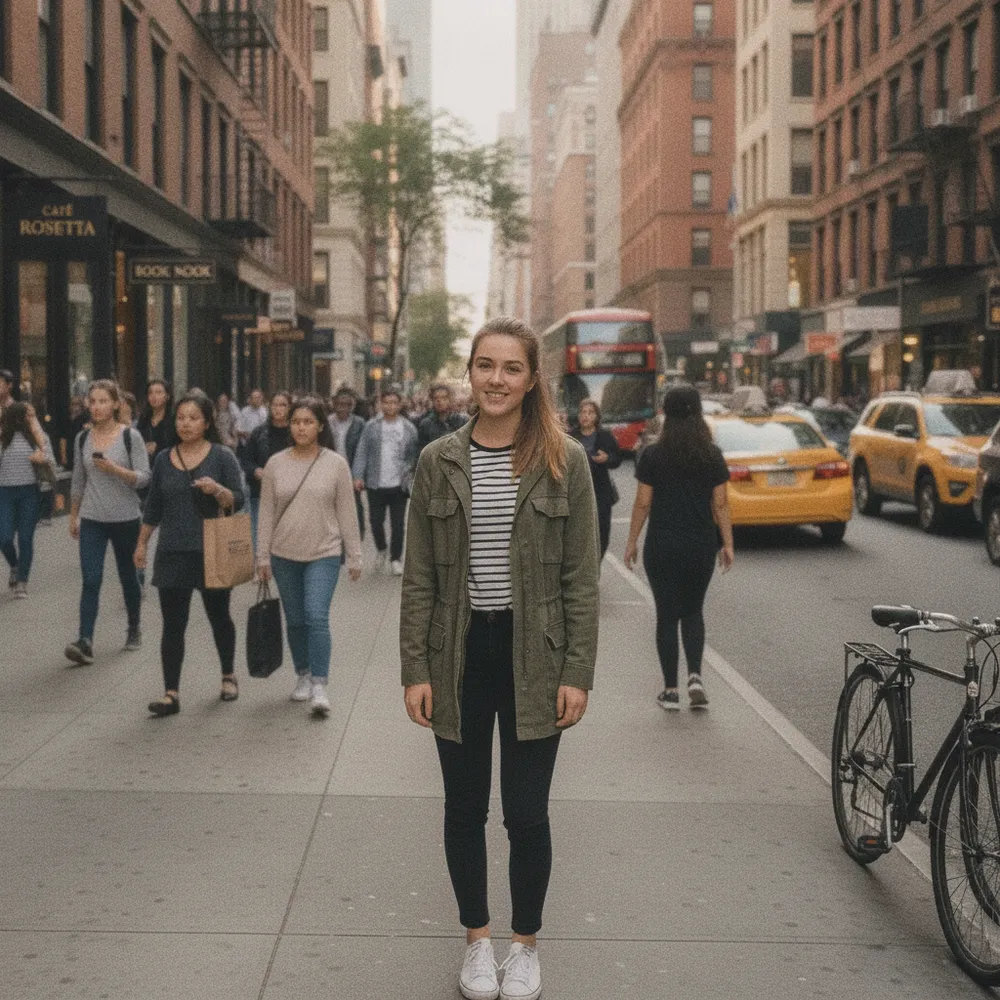
Blur Background — sebelum & sesudah

Editan asli. Unggah punyamu untuk mencoba.
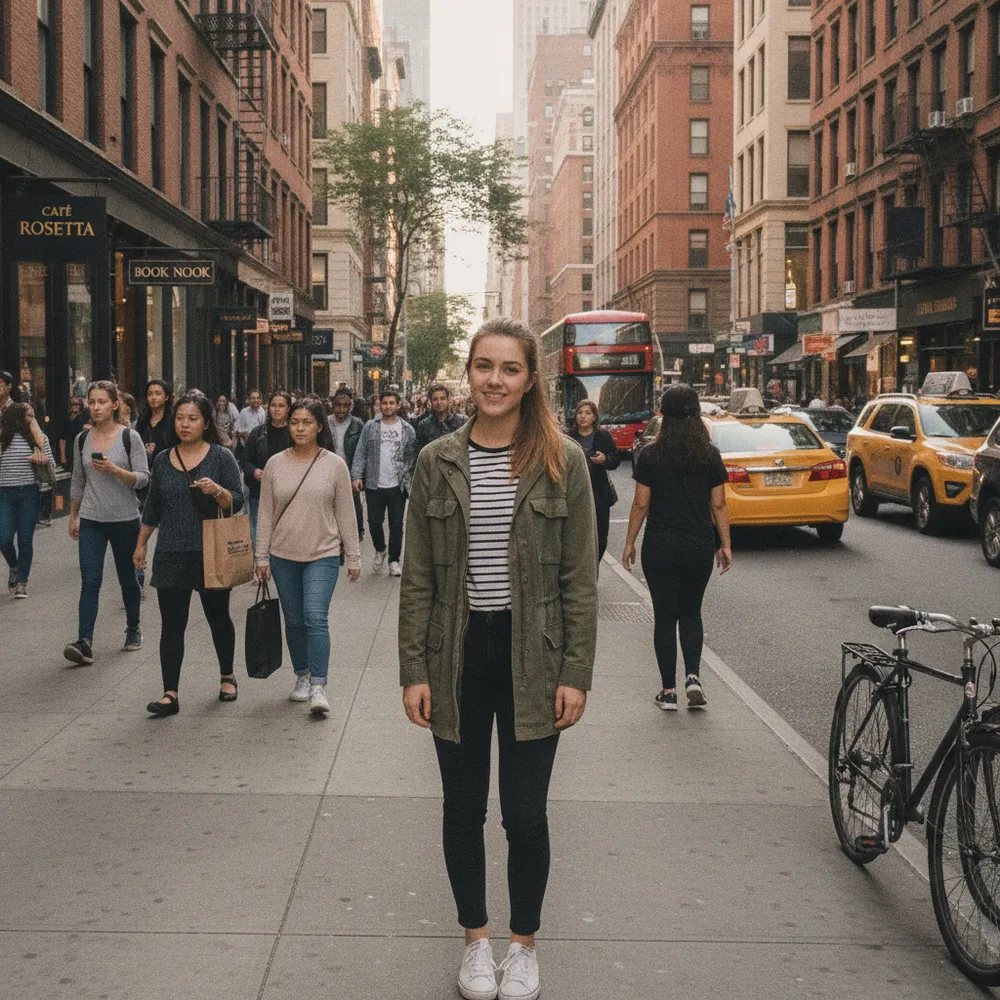
Blur Background before
Blur Background after
“Add portrait-mode blur”

Cara blur background dalam 3 langkah

1

Unggah fotomu

Taruh foto yang mau diedit — Fix Your Pic bekerja pada fotomu yang asli, bukan gambar buatan.

2

Deskripsikan editannya

Ketik yang kamu mau, mis. “Blur the background like portrait mode”. Bahasa sehari-hari, tanpa alat yang harus dipelajari.

3

Terima hasilnya

Lihat pratinjau gratis ber-watermark dalam hitungan detik. Masuk untuk unduhan resolusi penuh, atau jadi Pro untuk HD.

Blur Background — Tanya jawab

Does my subject stay sharp?+
Yes — only the background is blurred; the main subject stays in focus.
Is the blur realistic?+
It mimics a wide-aperture lens with natural, gradual bokeh rather than a flat, uniform blur.
Can I change the background instead?+
Yes — use Change Background to replace it, or Remove Background for a clean cut-out.

Cara lain mengedit fotomu