Beranda · Foto jualan

Clean up photos of things you're selling

Remove the clutter, fix the light, keep the item honest — listing photos buyers actually stop on.

Pratinjau gratis
Coba tanpa daftar
Hanya fotomu — image-to-image
+ Tambah foto
Standar
Edit gratis tersedia selama kapasitas harian masih ada.

Foto jualan — sebelum & sesudah

Editan asli. Unggah punyamu untuk mencoba.
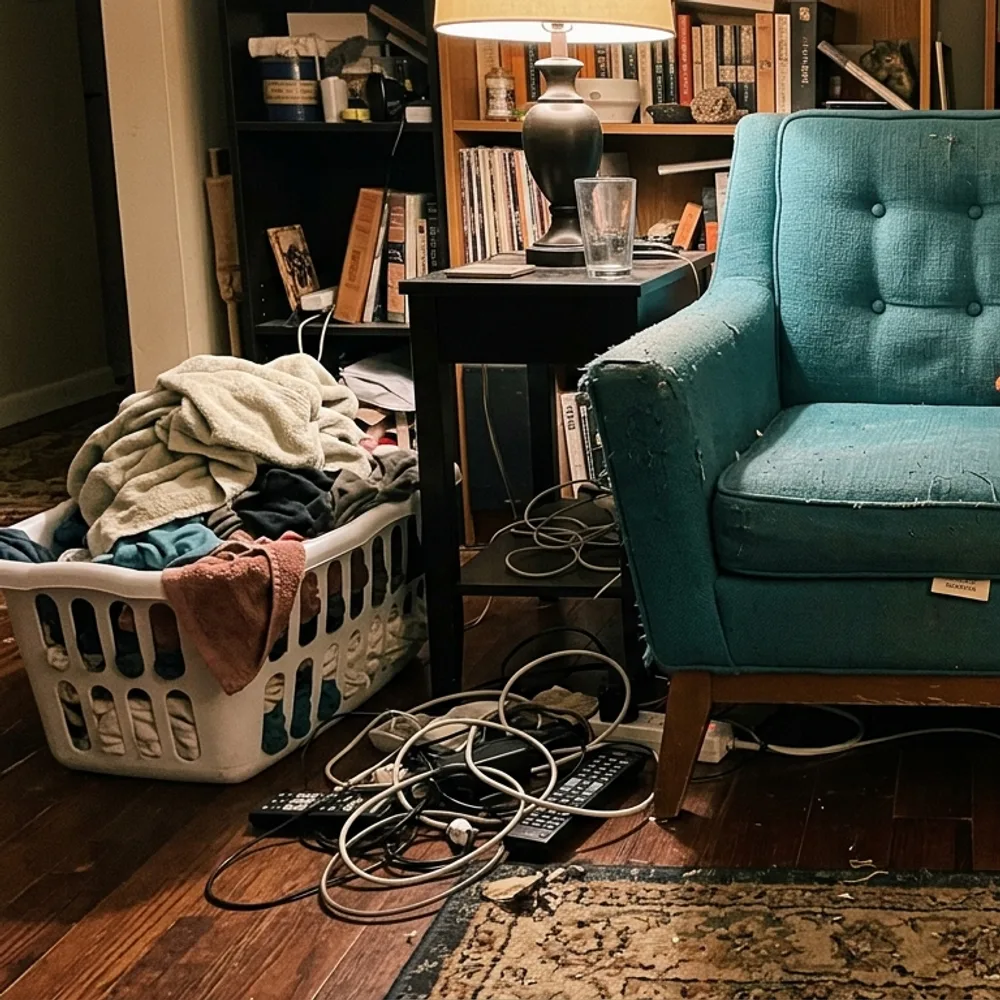
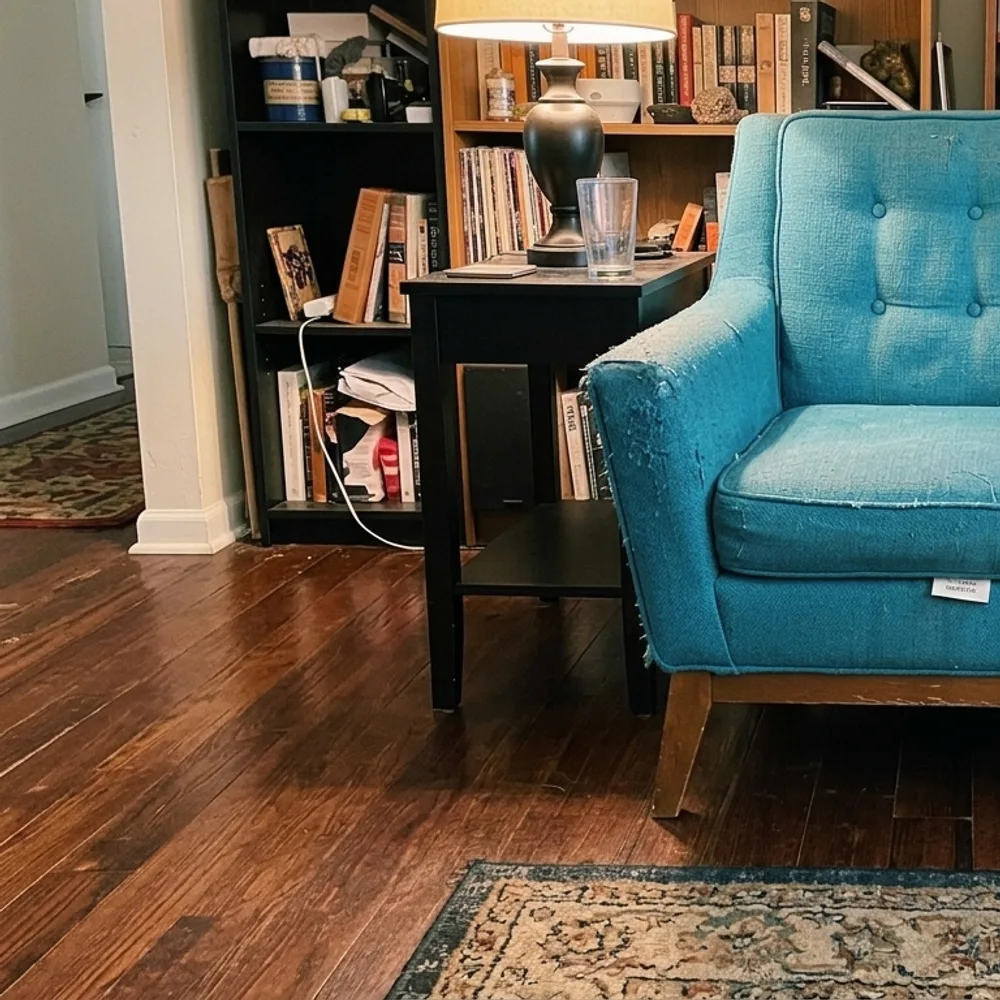
Foto jualan before
Foto jualan after
“Clear the room around the armchair”

Cara clean up a listing photo dalam 3 langkah

1

Unggah fotomu

Taruh foto yang mau diedit — Fix Your Pic bekerja pada fotomu yang asli, bukan gambar buatan.

2

Deskripsikan editannya

Ketik yang kamu mau, mis. “Remove the clutter around the chair and brighten the photo”. Bahasa sehari-hari, tanpa alat yang harus dipelajari.

3

Terima hasilnya

Editanmu siap dalam hitungan detik — unduh gratis, tanpa akun. Pro menghapus watermark dan memberi resolusi penuh.

Foto jualan — Tanya jawab

Can it hide scratches or damage?+
It won't — and you shouldn't. Buyers see the real item eventually; misrepresenting condition leads to returns and disputes. It cleans up the presentation (light, background, clutter), not the item's condition.
Which platforms is this for?+
Any listing photo — eBay, Facebook Marketplace, Vinted, Depop, Craigslist, Leboncoin. Clean, bright, uncluttered photos sell faster everywhere.
Is it free?+
Yes — upload and edit free, no sign-up. HD downloads without the watermark are a one-time $0.99 per photo.

Cara lain mengedit fotomu