Home · Retouch / Skin

Retouch a portrait — clear skin, natural look

Clear acne, blemishes and spots and even out skin — refined but still natural, never plastic.

Anteprima gratis
Provalo senza registrazione
Solo la tua foto — da immagine a immagine
+ Aggiungi foto
Standard
Modifiche gratuite disponibili finché c'è capacità giornaliera.

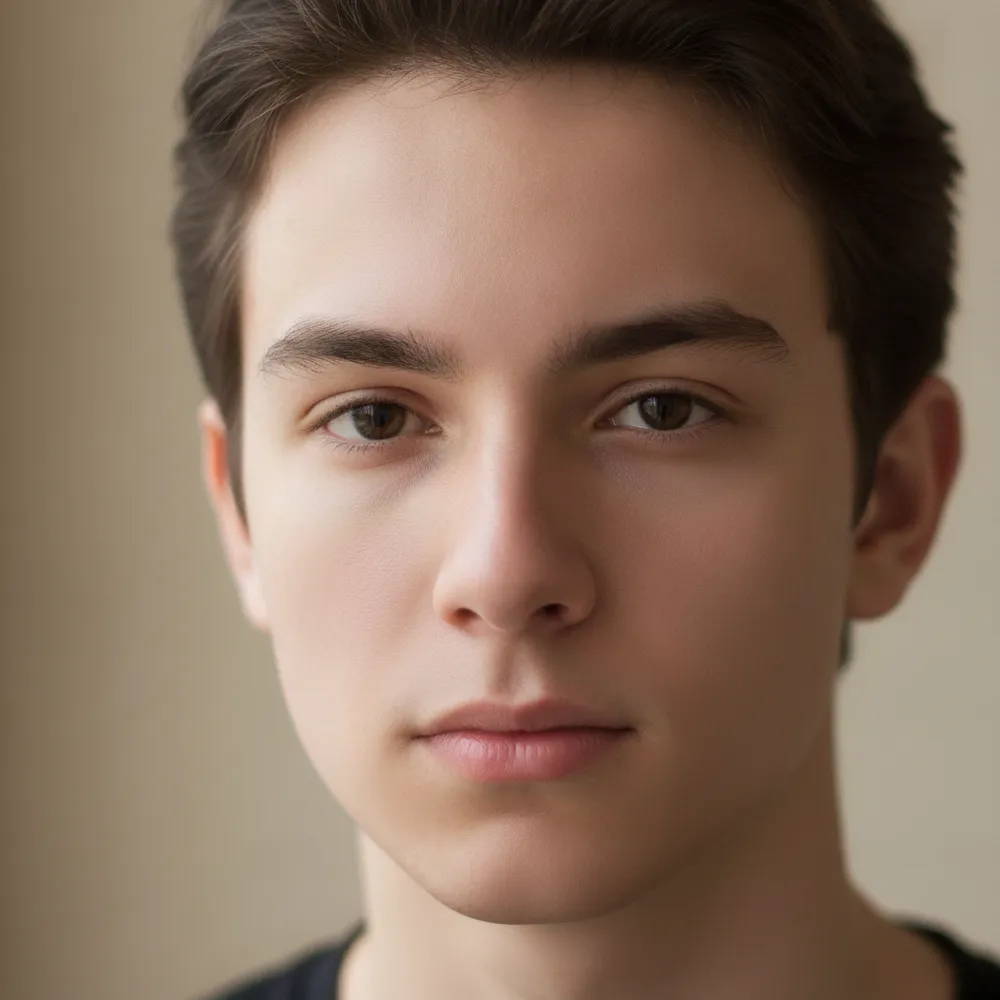
Retouch / Skin — prima e dopo

Modifiche vere. Carica la tua per provare.
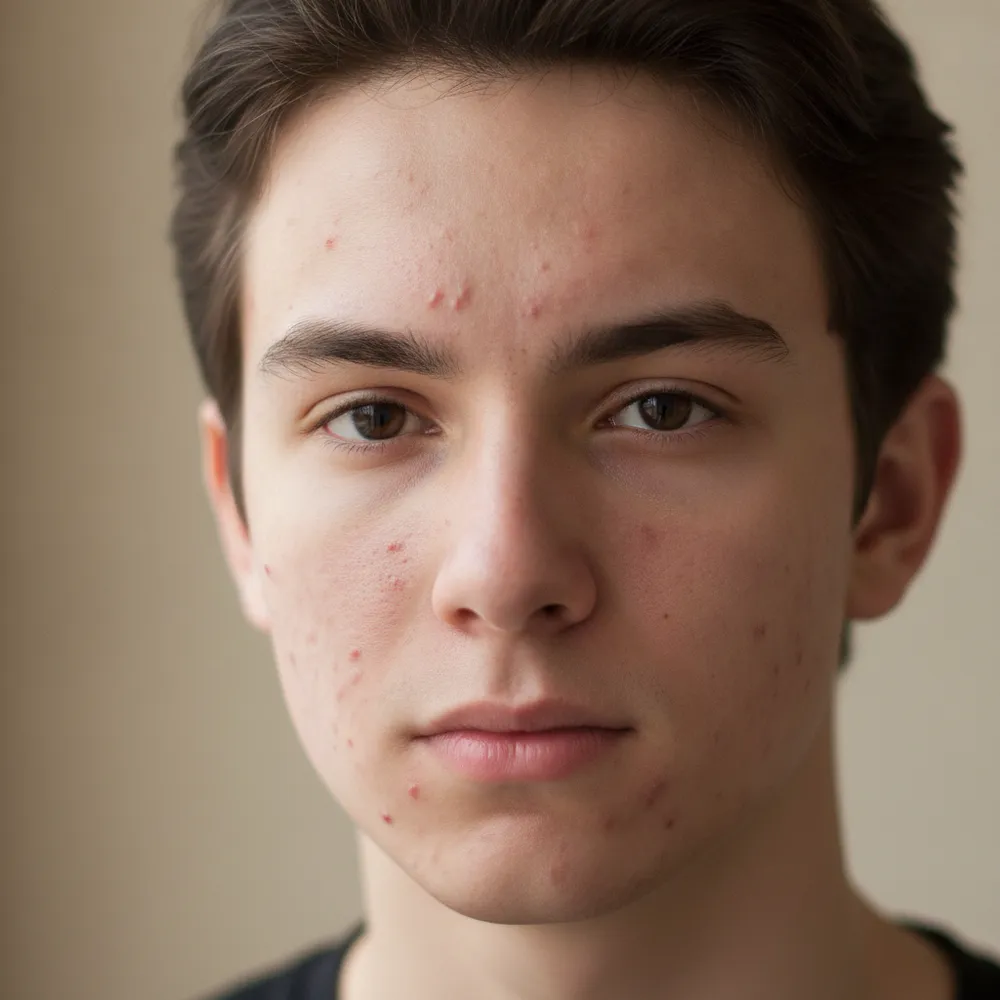
Retouch / Skin before
Retouch / Skin after
“Clear acne, keep it natural”

Come retouch / skin in 3 passaggi

1

Carica la tua foto

Trascina la foto da modificare — Fix Your Pic lavora sulla tua immagine reale, non su una generata.

2

Descrivi la modifica

Scrivi cosa vuoi, es. “Clear up my skin but keep it natural”. Linguaggio semplice, nessuno strumento da imparare.

3

Ricevi il risultato

Guarda un'anteprima gratuita con filigrana in pochi secondi. Accedi per la piena risoluzione, o passa a Pro per l'HD.

Retouch / Skin — FAQ

Does it look fake?+
No — it keeps real skin texture and features, just clearing blemishes and evening tone for a natural finish.
Can it remove under-eye bags?+
Yes — describe it, like “reduce under-eye shadows,” and it softens them naturally.
Will it change my face shape?+
It only retouches skin by default. It won't reshape your face unless you ask.

Altri modi per modificare la tua foto