ホーム · 肌のレタッチ

Retouch a portrait — clear skin, natural look

Clear acne, blemishes and spots and even out skin — refined but still natural, never plastic.

無料プレビュー
お試しはログイン不要
あなたの写真だけ — 画像から画像へ
+ 写真を追加
スタンダード
本日の空き枠があるあいだ、無料で生成できます。

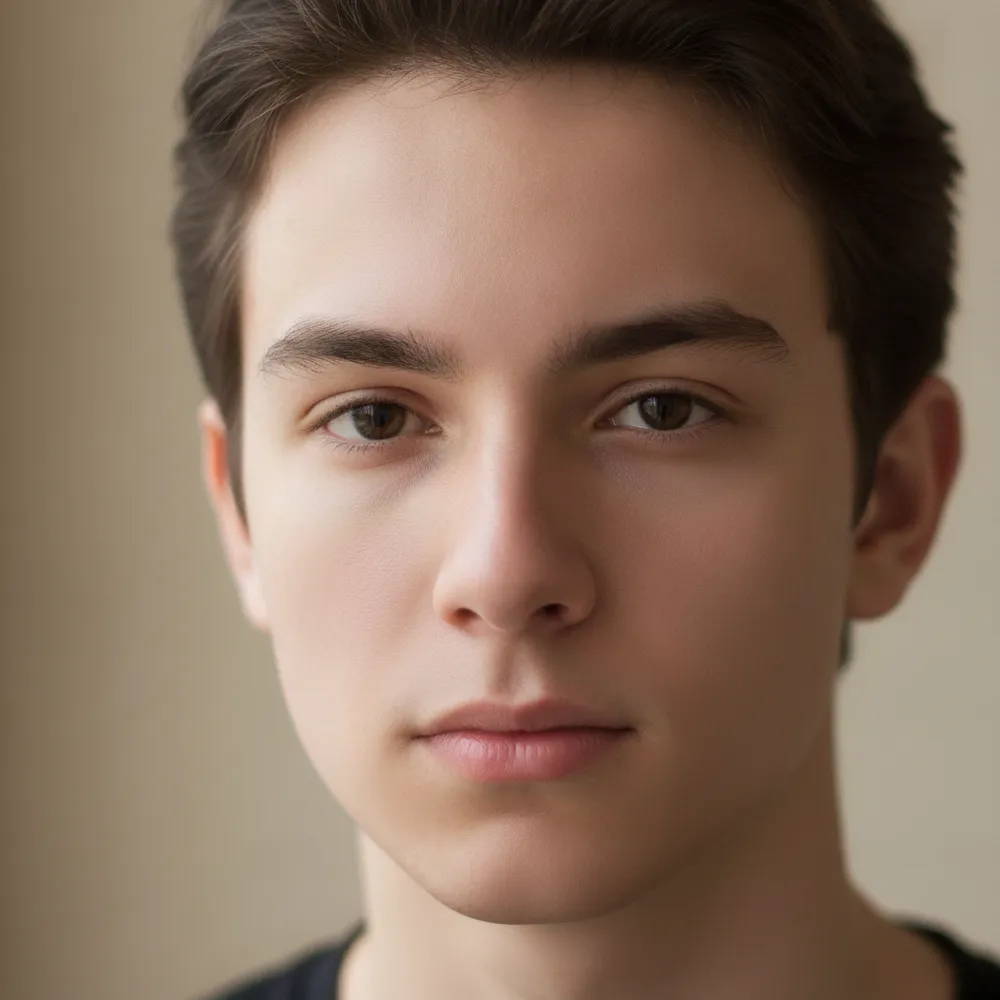
肌のレタッチ — ビフォー & アフター

実際の編集例です。ご自身の写真でも試せます。
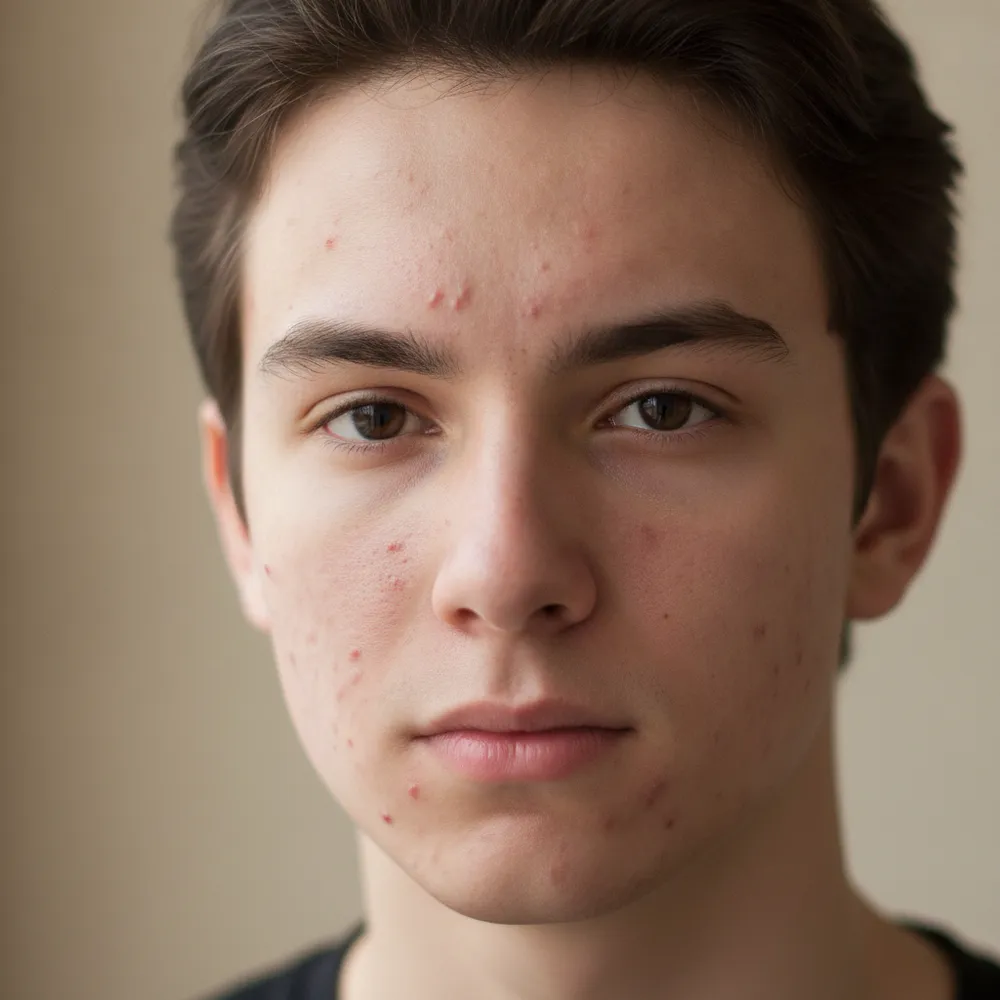
肌のレタッチ before
肌のレタッチ after
“Clear acne, keep it natural”

肌のレタッチの手順は3ステップ

1

写真をアップロード

編集したい写真をドロップしてください — Fix Your Picは生成画像ではなく、あなたの実際の写真を扱います。

2

編集内容を書く

やりたいことを書くだけ。例:「Clear up my skin but keep it natural」。普通の言葉でOK、覚えるツールはありません。

3

結果を受け取る

編集は数秒で完成 — アカウントなしで無料ダウンロードできます。Proならウォーターマークなしのフル解像度で保存できます。

肌のレタッチ — よくある質問

Does it look fake?+
No — it keeps real skin texture and features, just clearing blemishes and evening tone for a natural finish.
Can it remove under-eye bags?+
Yes — describe it, like “reduce under-eye shadows,” and it softens them naturally.
Will it change my face shape?+
It only retouches skin by default. It won't reshape your face unless you ask.

写真を編集する他の方法