Home · Retouch / Skin

Retouch a portrait — clear skin, natural look

Clear acne, blemishes and spots and even out skin — refined but still natural, never plastic.

Free preview
No login to try
Your photo only — image-to-image
+ Add photo
Standard
Free generations available while daily capacity lasts.

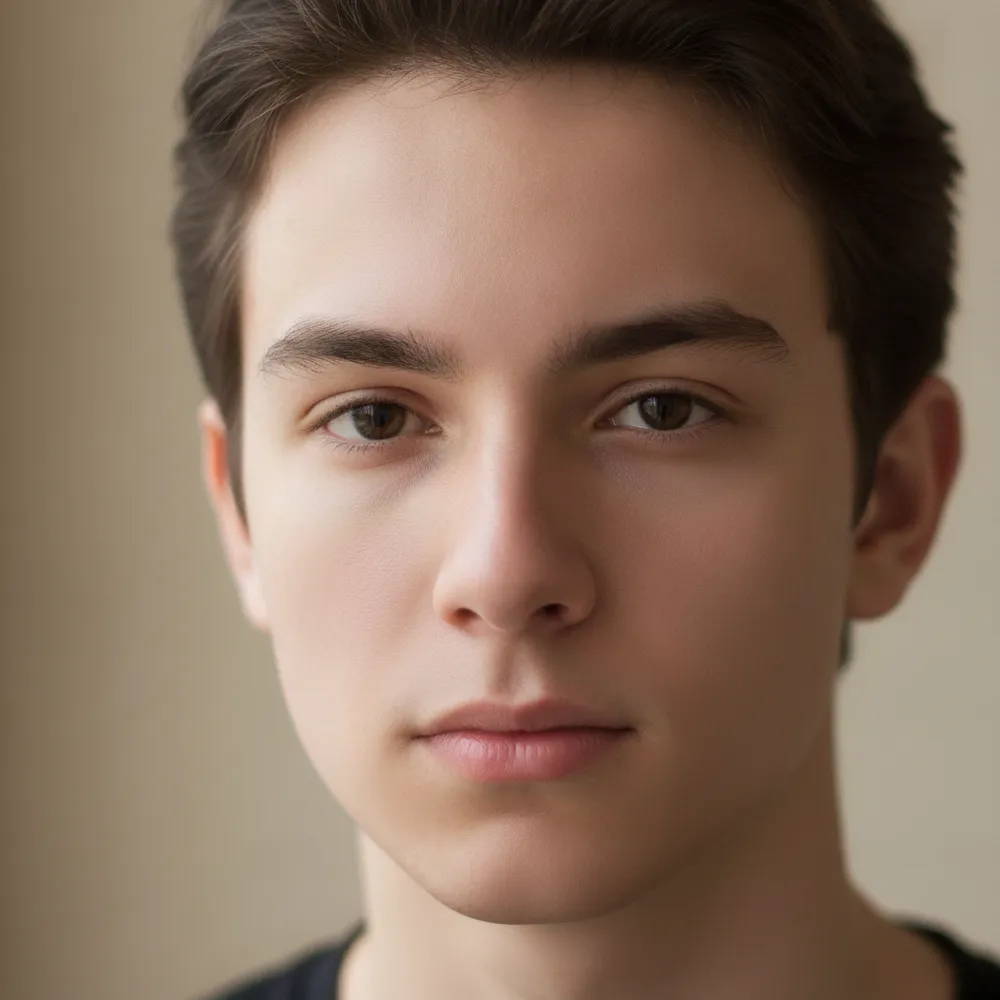
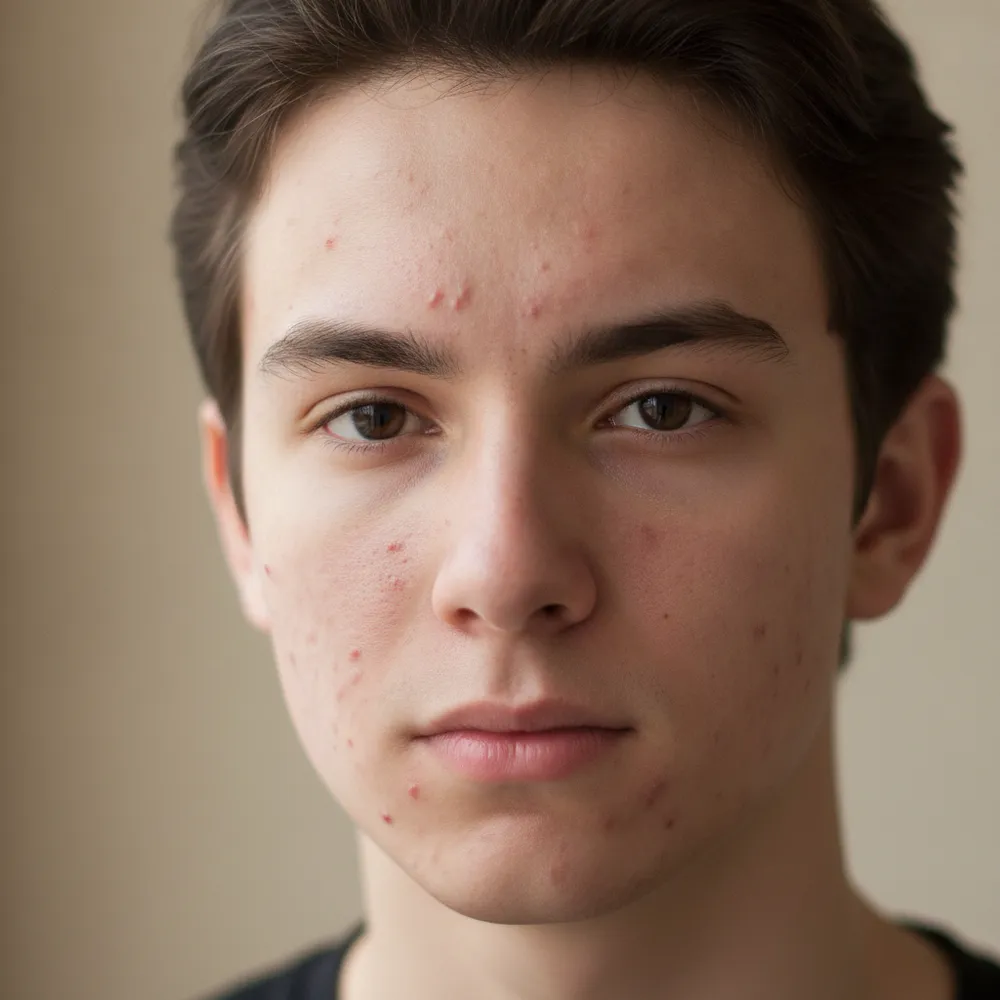
Retouch / Skin — before & after

Real edits. Upload your own to try it.
Retouch / Skin before
Retouch / Skin after
“Clear acne, keep it natural”

How to retouch / skin in 3 steps

1

Upload your photo

Drop in the photo you want to edit — Fix Your Pic works on your real picture, not a generated one.

2

Describe the edit

Type what you want, e.g. “Clear up my skin but keep it natural”. Plain English, no tools to learn.

3

Get your result

See a free watermarked preview in seconds. Log in to download full-res, or go Pro for HD.

Retouch / Skin — FAQ

Does it look fake?+
No — it keeps real skin texture and features, just clearing blemishes and evening tone for a natural finish.
Can it remove under-eye bags?+
Yes — describe it, like “reduce under-eye shadows,” and it softens them naturally.
Will it change my face shape?+
It only retouches skin by default. It won't reshape your face unless you ask.

More ways to edit your photo