Home · Add Person

Add a person to a photo

Add someone who missed the shot — a far-away friend, a relative — combined into one natural-looking photo.

Free preview
No login to try
Your photo only — image-to-image
+ Add photo
⚡Standard▾
Free generations available while daily capacity lasts.

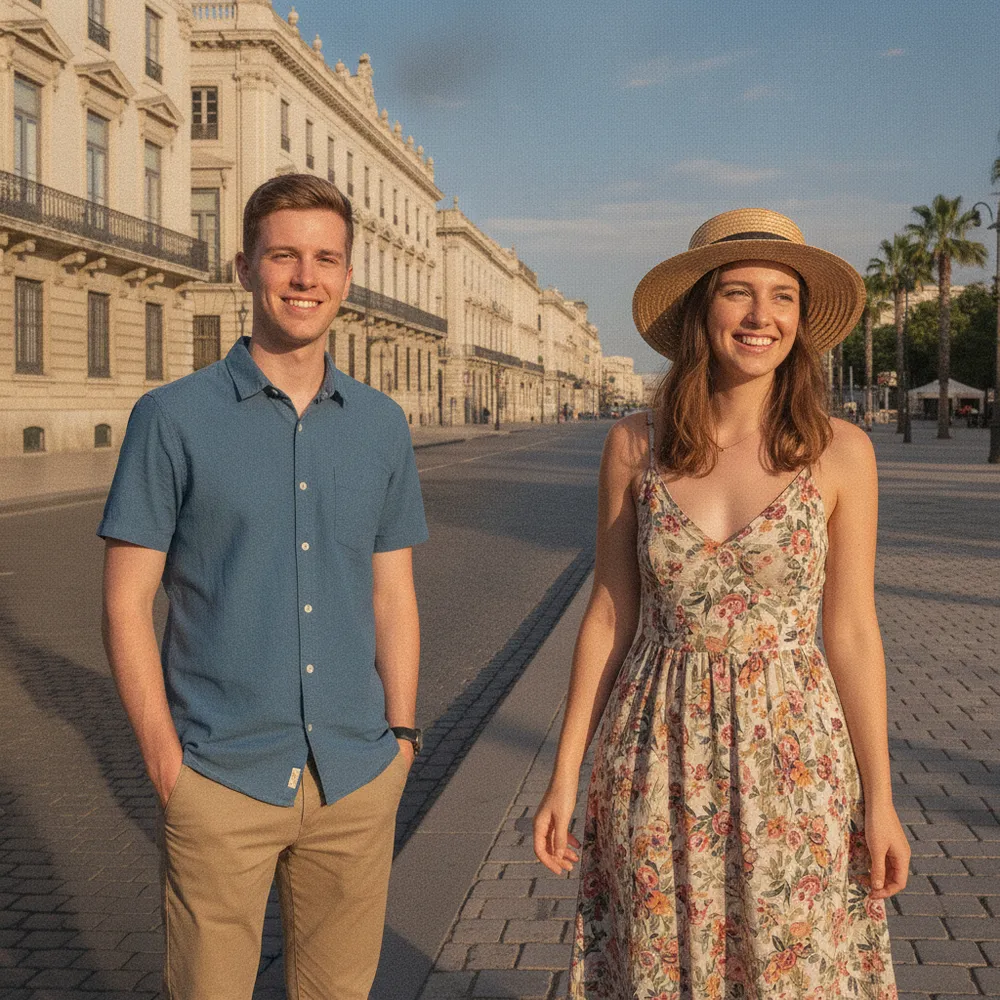
Add Person — before & after

Real edits. Upload your own to try it.
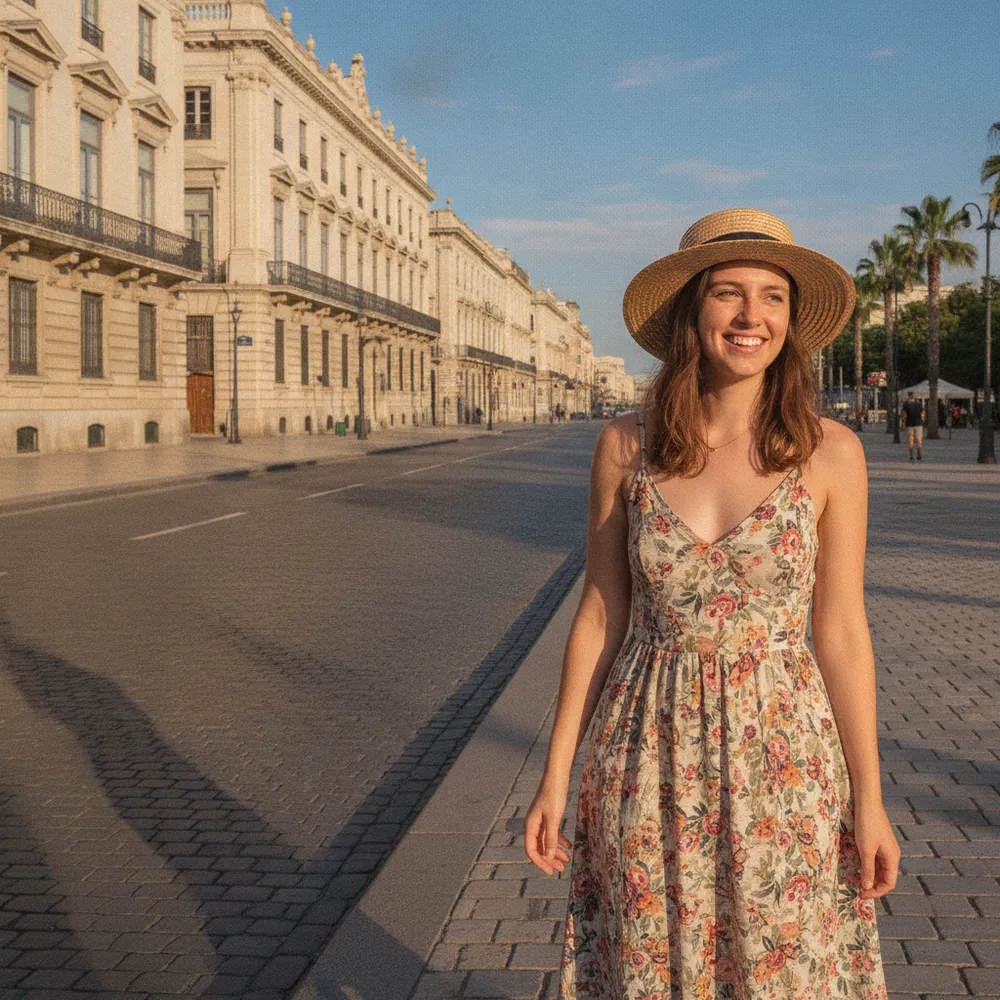
Add Person before
Add Person after
“Add him next to me”

How to add a person to a photo in 3 steps

1

Upload your photo

Drop in the photo you want to edit — Fix Your Pic works on your real picture, not a generated one.

2

Describe the edit

Type what you want, e.g. “Add my brother next to me on the right”. Plain English, no tools to learn.

3

Get your result

Your edit is ready in seconds — download it free, no account. Pro removes the watermark and gives you full resolution.

What Add Person handles well

Add someone who missed the photo — a family member, a friend, a partner — into an existing picture, matched to its light, scale and colour. Describe who to add and where.

Instructions that work

Type them as they are, or change the details. You can keep refining the result with a new instruction.

Where it struggles

Add Person — FAQ

Can it merge two separate photos?+
Yes — describe who to add and it blends them into the main photo with matching lighting and scale.
Will it look pasted-on?+
It matches perspective, color and shadows so the added person looks like they were there.
Can I add a relative who has passed?+
Yes — many people use it to bring a missing loved one into a family photo.
Can I add someone from another photo?+
Not yet — one photo per edit. Describe the person (age, hair, clothes) as precisely as you can.
Can I make a memorial photo with someone who passed away?+
Many people use it that way. Describe them in detail, and if the first result isn't close, refine it step by step on the result.

More ways to edit your photo