Home · Change Hairstyle

Try a new hairstyle or hair color on your photo

See a new cut or color on your own face before the salon — upload a selfie and describe the look.

Free preview
No login to try
Your photo only — image-to-image
+ Add photo
⚡Standard▾
Free generations available while daily capacity lasts.

Change Hairstyle — before & after

Real edits. Upload your own to try it.
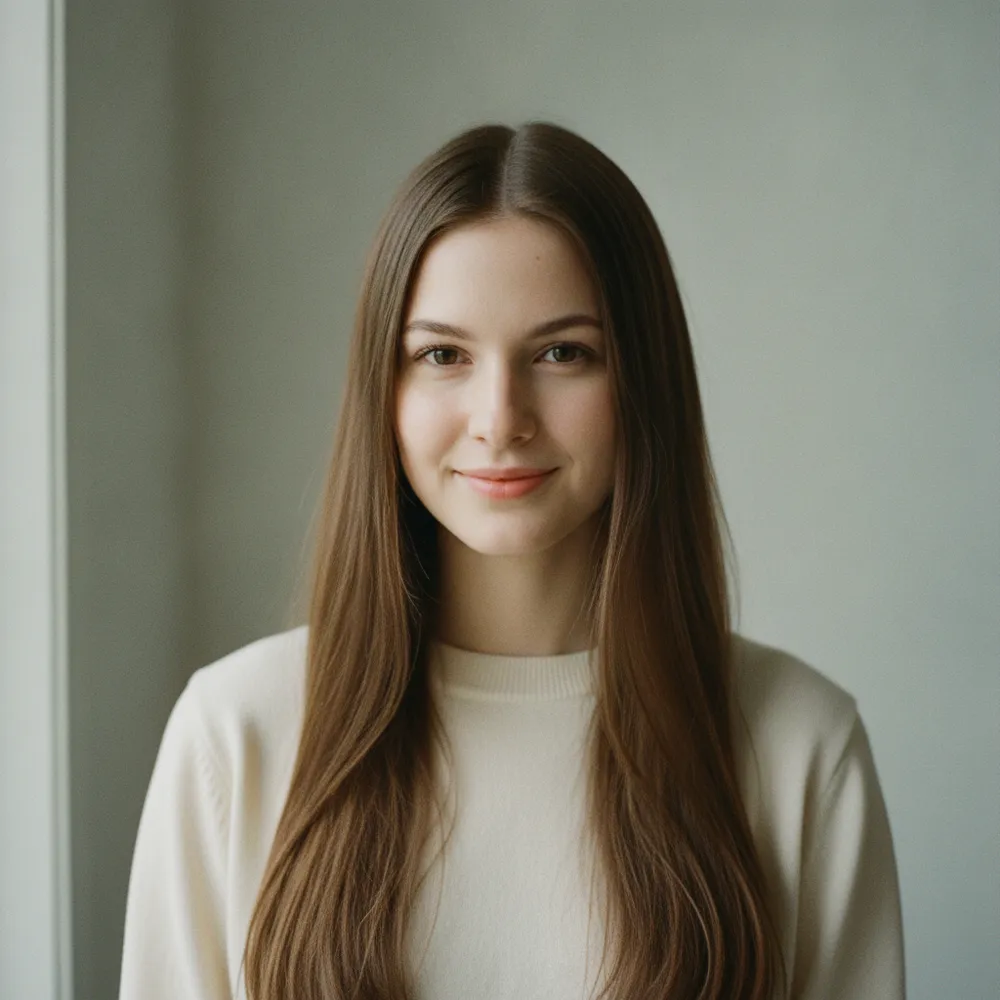
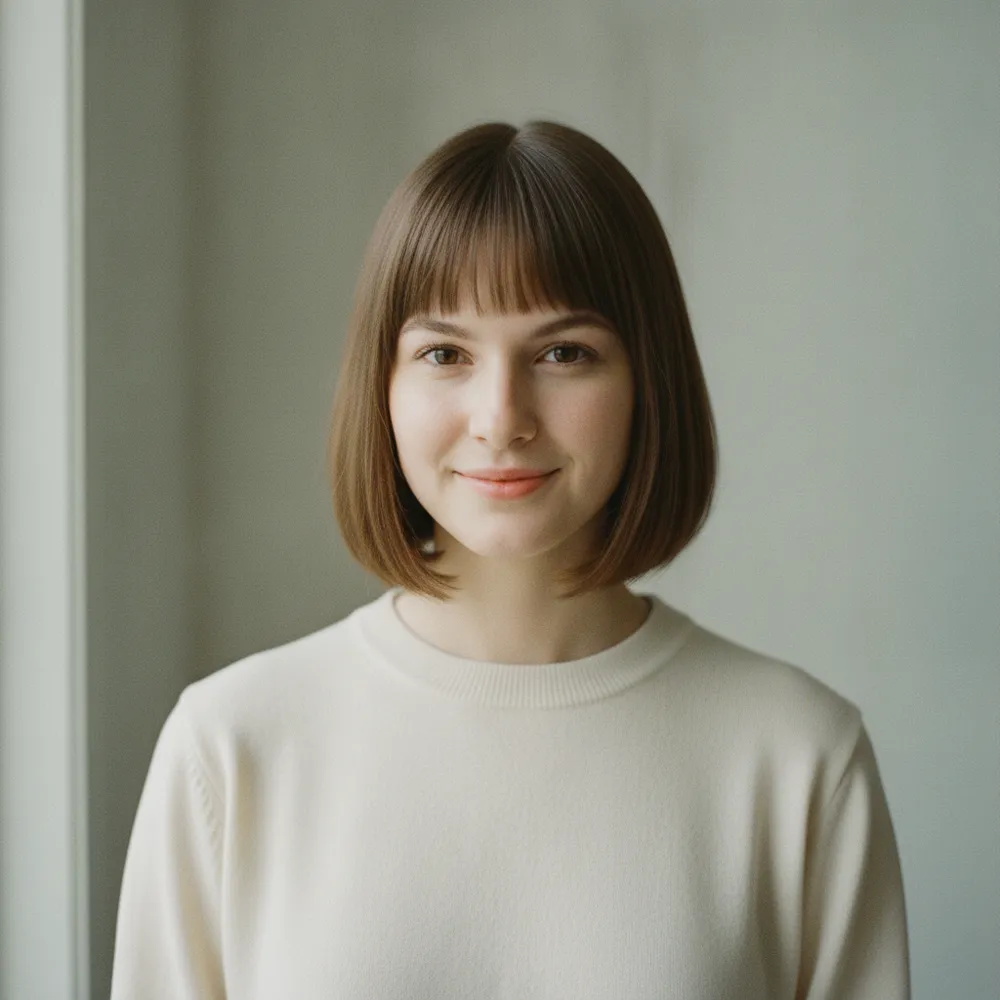
Change Hairstyle before
Change Hairstyle after
“Short bob with bangs”

How to try a new hairstyle on your photo in 3 steps

1

Upload your photo

Drop in the photo you want to edit — Fix Your Pic works on your real picture, not a generated one.

2

Describe the edit

Type what you want, e.g. “Give me a short bob with bangs, dark brown”. Plain English, no tools to learn.

3

Get your result

Your edit is ready in seconds — download it free, no account. Pro removes the watermark and gives you full resolution.

What Change Hairstyle handles well

Try a new haircut or hair colour on your own photo before you commit — a bob, a buzz cut, curls, bangs, blonde or pink — with your face kept the same.

Instructions that work

Type them as they are, or change the details. You can keep refining the result with a new instruction.

Where it struggles

Change Hairstyle — FAQ

Can I try a new hair color?+
Yes — describe the color and it applies it realistically while keeping your face the same.
Can I test a haircut before the salon?+
That's exactly what it's for — preview cuts and lengths on your own photo first.
Will my face change?+
No — only the hair changes; your face and the rest of the photo stay the same.
Can I compare several hairstyles?+
Yes. After the first result, the follow-up panel suggests variations, or type the next style. “Before” toggles back to the previous version.
Does it work for beards?+
Yes — “add a short beard” or “remove my beard” work the same way.

More ways to edit your photo