Home · Remove Object / Person

Remove any object or person from a photo

Erase an ex, a photobomber or clutter — the AI fills the background back in like it was never there.

Free preview
No login to try
Your photo only — image-to-image
+ Add photo
Standard
Free generations available while daily capacity lasts.

Remove Object / Person — before & after

Real edits. Upload your own to try it.
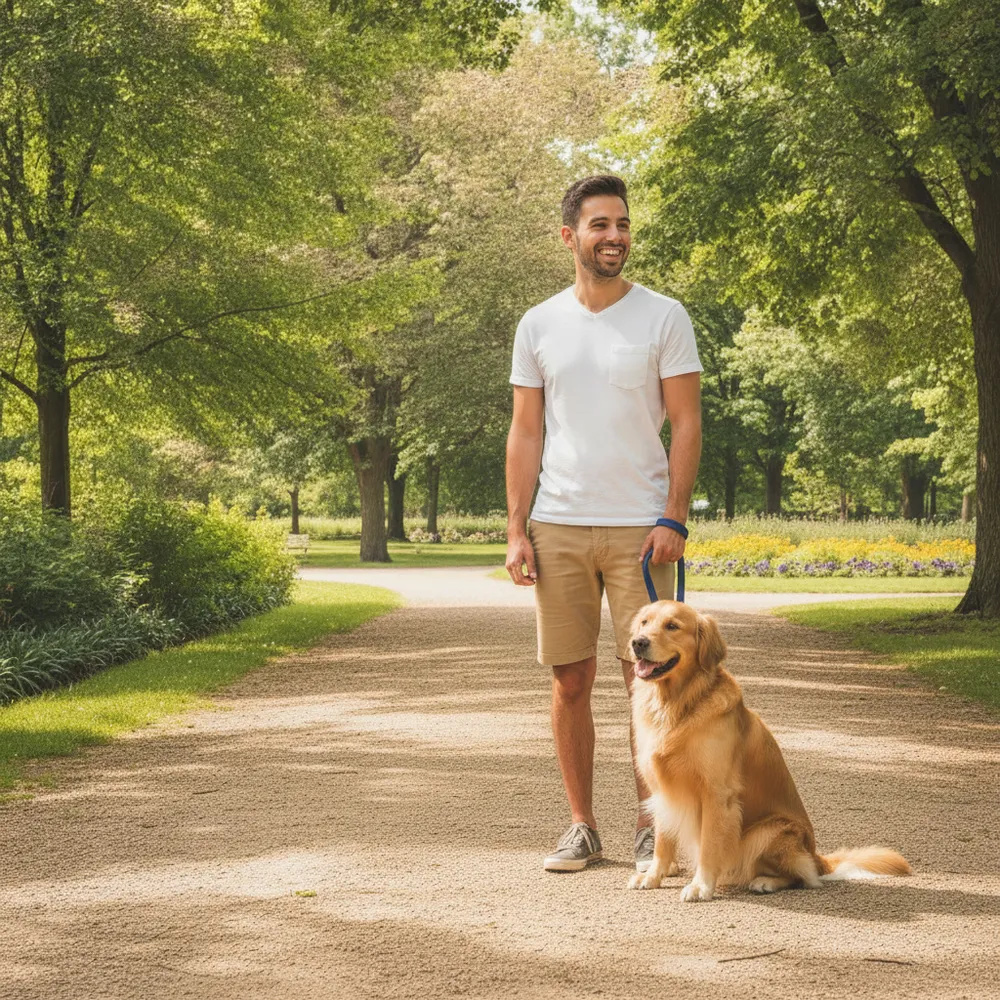
Remove Object / Person before
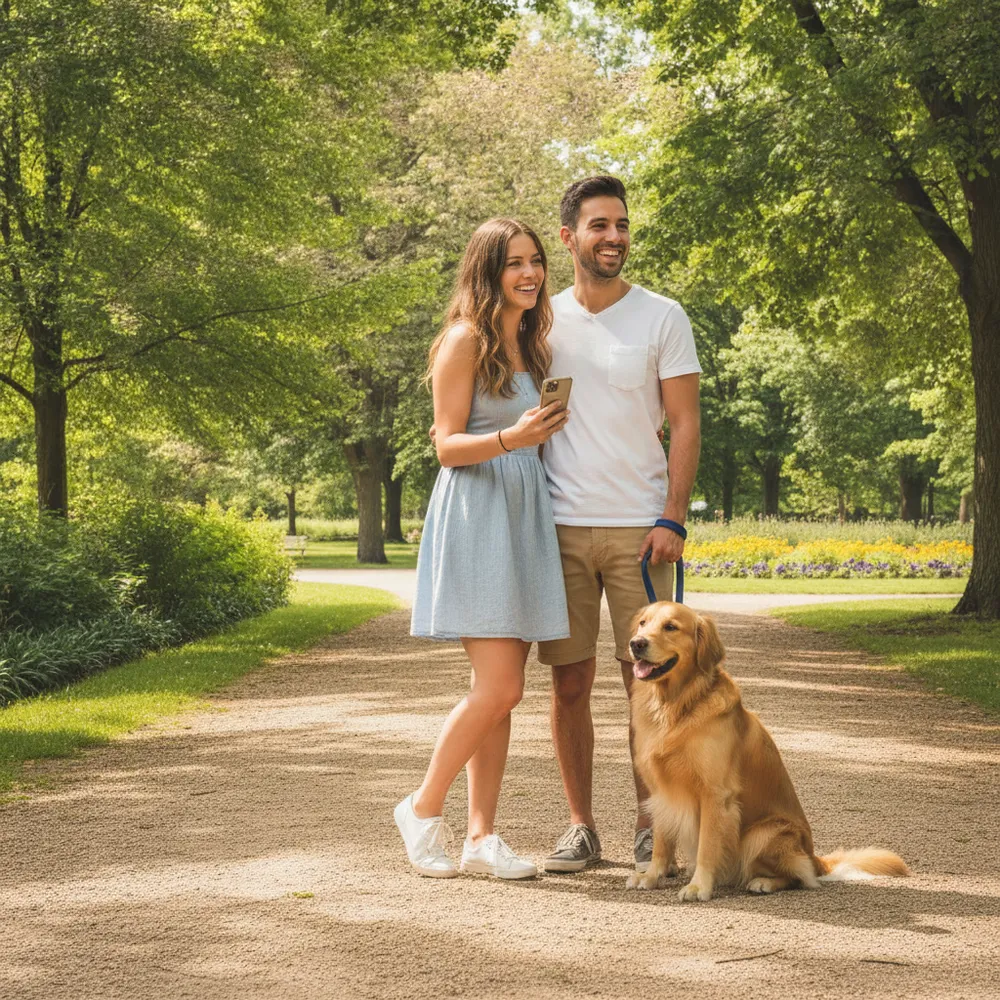
Remove Object / Person after
“Remove my ex, keep the dog”

How to remove object / person in 3 steps

1

Upload your photo

Drop in the photo you want to edit — Fix Your Pic works on your real picture, not a generated one.

2

Describe the edit

Type what you want, e.g. “Remove the person on the left, keep the dog”. Plain English, no tools to learn.

3

Get your result

See a free watermarked preview in seconds. Log in to download full-res, or go Pro for HD.

Remove Object / Person — FAQ

How do I remove someone from a photo?+
Upload the photo and type what to remove — e.g. “remove the person on the left.” The AI rebuilds the background behind them.
Will it leave a blurry patch?+
No — instead of smudging, it reconstructs what should be behind the object so the photo looks untouched.
Can it remove text or logos too?+
Yes, describe it — “remove the watermark date in the corner” or “erase the sign.”

More ways to edit your photo