Home · Colorize B&W Photo

Colorize black-and-white photos

Add natural, period-accurate color to black-and-white photos — skin, clothing and scenery in seconds.

Free preview
No login to try
Your photo only — image-to-image
+ Add photo
⚡Standard▾
Free generations available while daily capacity lasts.

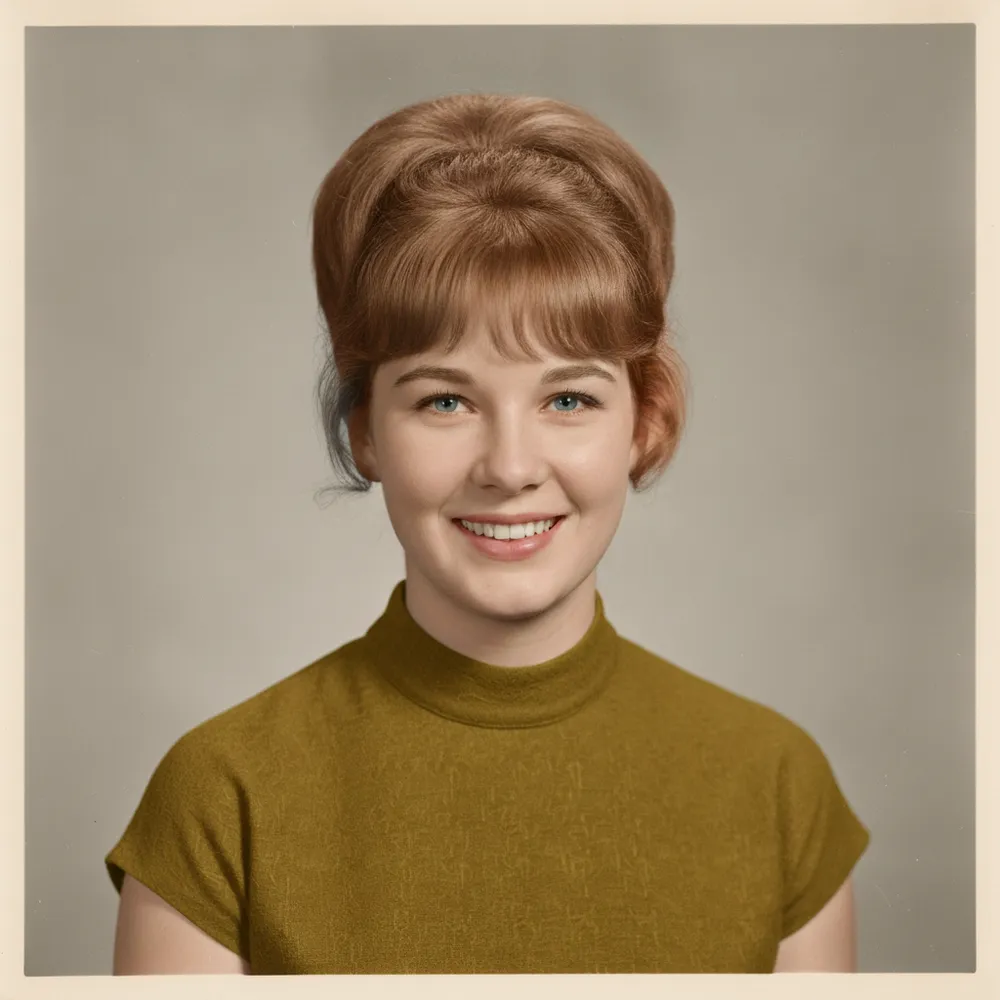
Colorize B&W Photo — before & after

Real edits. Upload your own to try it.
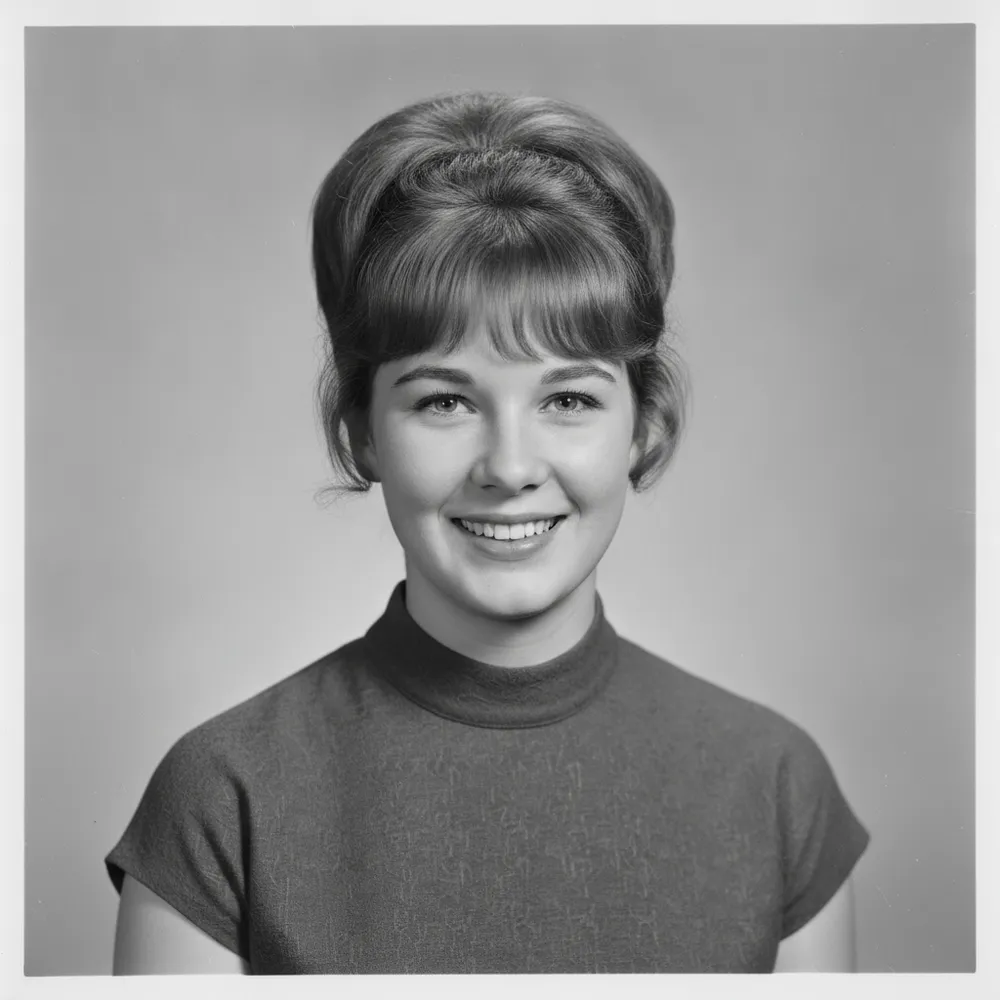
Colorize B&W Photo before
Colorize B&W Photo after
“Colorize an old black-and-white photo”

How to colorize a black-and-white photo in 3 steps

1

Upload your photo

Drop in the photo you want to edit — Fix Your Pic works on your real picture, not a generated one.

2

Describe the edit

Type what you want, e.g. “Colorize this black-and-white photo naturally”. Plain English, no tools to learn.

3

Get your result

Your edit is ready in seconds — download it free, no account. Pro removes the watermark and gives you full resolution.

What Colorize B&W Photo handles well

Turn a black-and-white or sepia photo into natural colour: skin tones, clothes, sky and buildings get plausible colours of the period instead of a tinted filter.

Instructions that work

Type them as they are, or change the details. You can keep refining the result with a new instruction.

Where it struggles

Colorize B&W Photo — FAQ

Is the colorizer free?+
Yes — upload and download your edit free, no sign-up needed.
Are the colors realistic?+
It chooses natural, period-appropriate tones for skin, clothing and scenery rather than over-saturated guesses.
Can I also restore damage?+
Yes — pair it with Restore Old Photo to repair scratches and fading at the same time.
Can I tell it what colour something was?+
Yes — add it to the instruction: “her coat was red, his eyes were blue”. It follows those and guesses the rest.
Is the colorized photo historically accurate?+
Not guaranteed. Skin, sky and foliage are reliable; clothing, paint and signs are plausible guesses. Treat it as an illustration, not a record.

More ways to edit your photo