Home · Remove Background

Remove the background from any photo

Upload a photo and get a clean cut-out with crisp edges — no green screen, no manual masking.

Free preview
No login to try
Your photo only — image-to-image
+ Add photo
Standard
Free generations available while daily capacity lasts.

Remove Background — before & after

Real edits. Upload your own to try it.
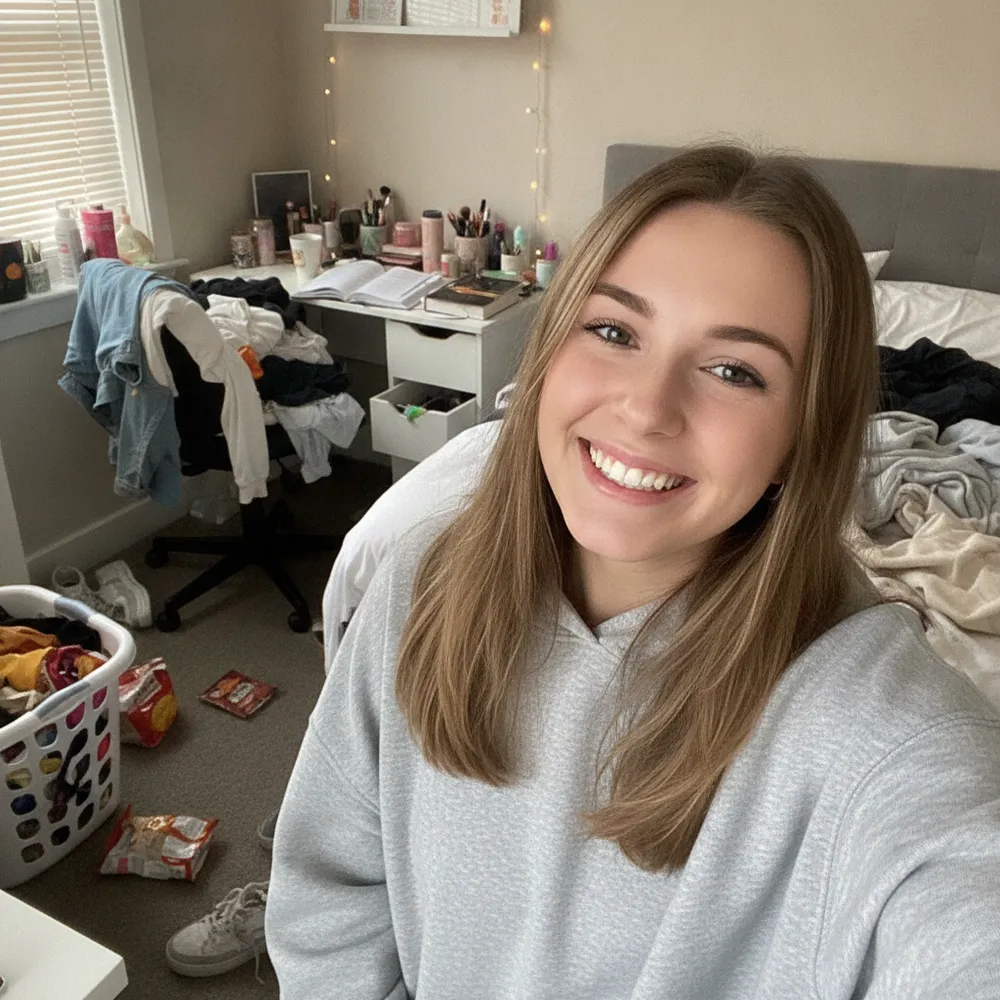
Remove Background before
Remove Background after
“Cut me out on a white background”

How to remove background in 3 steps

1

Upload your photo

Drop in the photo you want to edit — Fix Your Pic works on your real picture, not a generated one.

2

Describe the edit

Type what you want, e.g. “Remove the background, keep just the person”. Plain English, no tools to learn.

3

Get your result

See a free watermarked preview in seconds. Log in to download full-res, or go Pro for HD.

Remove Background — FAQ

Is the background remover free?+
Yes. Upload a photo and get a watermarked preview free, no login. Sign in to download the full-resolution cut-out.
Do I get a transparent PNG?+
Yes — the subject is cut out with clean edges so you can drop it onto any new background.
Does it work on hair and fur?+
It keeps fine edges like hair and fur intact, which is where manual cut-outs usually fail.

More ways to edit your photo