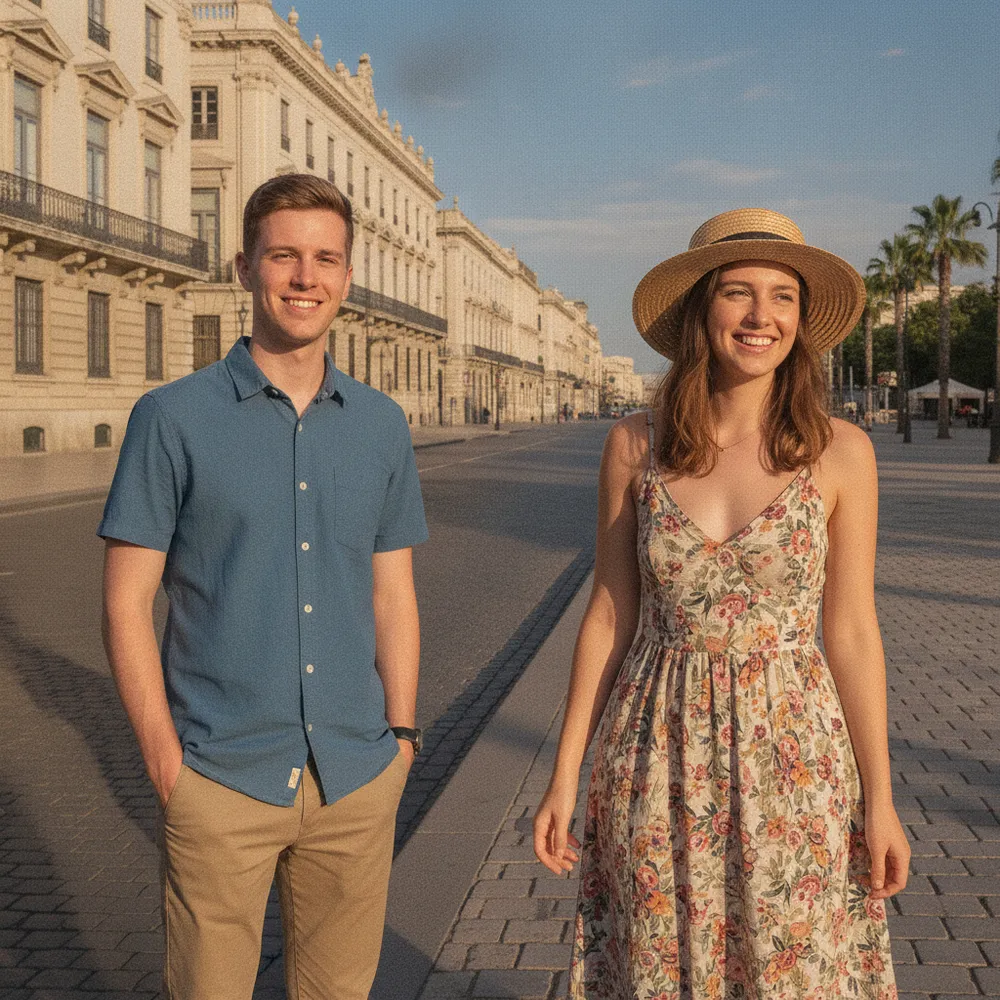
Free AI Photo Editor

Edit Your Photos Just by Asking

Make every photo look its best, restore old photos, remove unwanted people, replace backgrounds, erase watermarks, and more. Just describe what you want — 100% free, no sign-up required.

100% free daily
No login required
HD & instant on Pro
+ Add photo
Standard
Free generations available while daily capacity lasts.

Popular AI Photo Edits — Just Describe What You Want

If you can say it, Fix Your Pic can do it. You don't pick a tool — you just describe it, like asking a pro. A few things people ask:

“Remove my ex from this photo”“Erase the tourists behind us”“Put my late grandpa in our family photo”“Restore my grandma's torn photo”“Colorize this old black-and-white photo”“Make this blurry photo clear”“Give me a pro headshot in a suit”“Put us in wedding outfits”“Make me a boxed action figure”“Turn my pet into an action figure”“Turn me into an anime character”“Put my friend on a wanted poster”“Change the grey sky to a sunset”“Swap my background to a beach”“Remove the watermark from this”“Cut me out on a white background”“Make me look prettier in this pic”“Put me in an Argentina jersey”“Paint Brazil's flag on my face”“Erase the person walking behind me”

Real AI Photo Editing Examples

Real edits people asked for. Tap one to try it on your photo.
Enhance Photo before
Enhance Photo after
“Make this photo pop”
Try this →
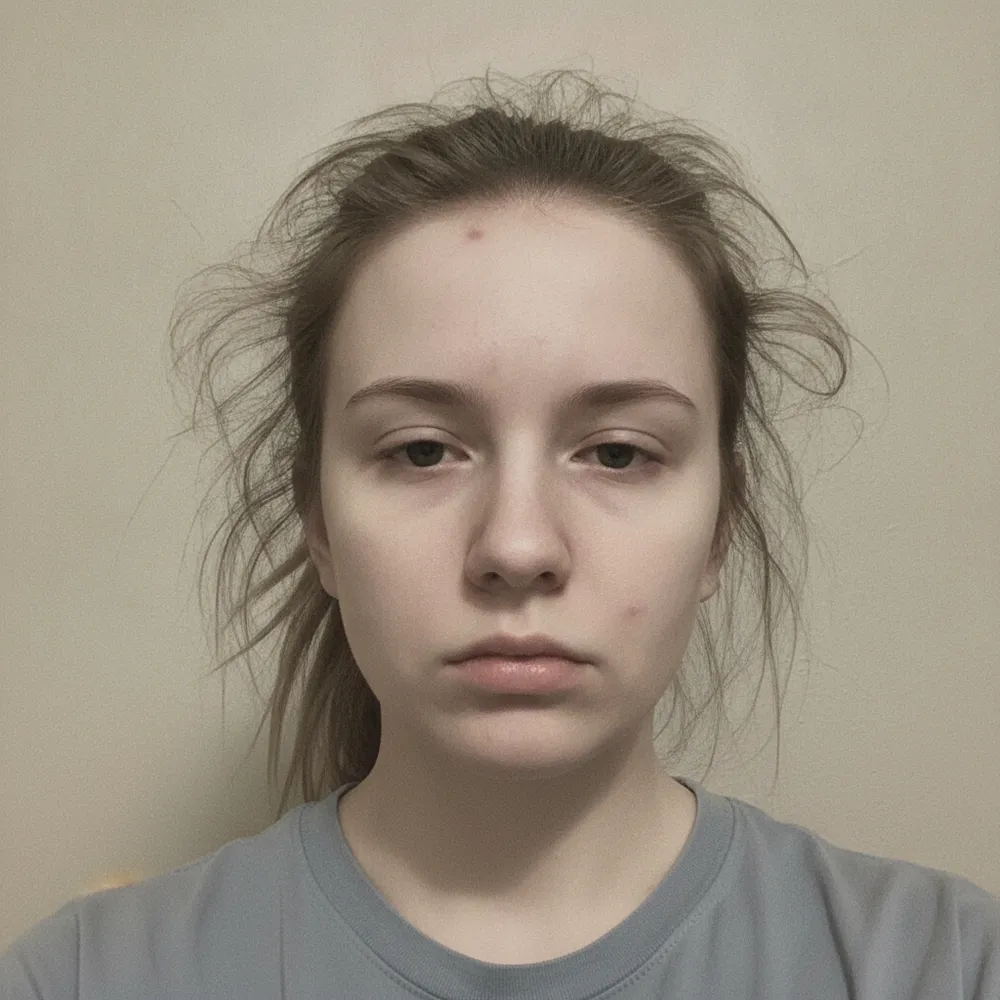
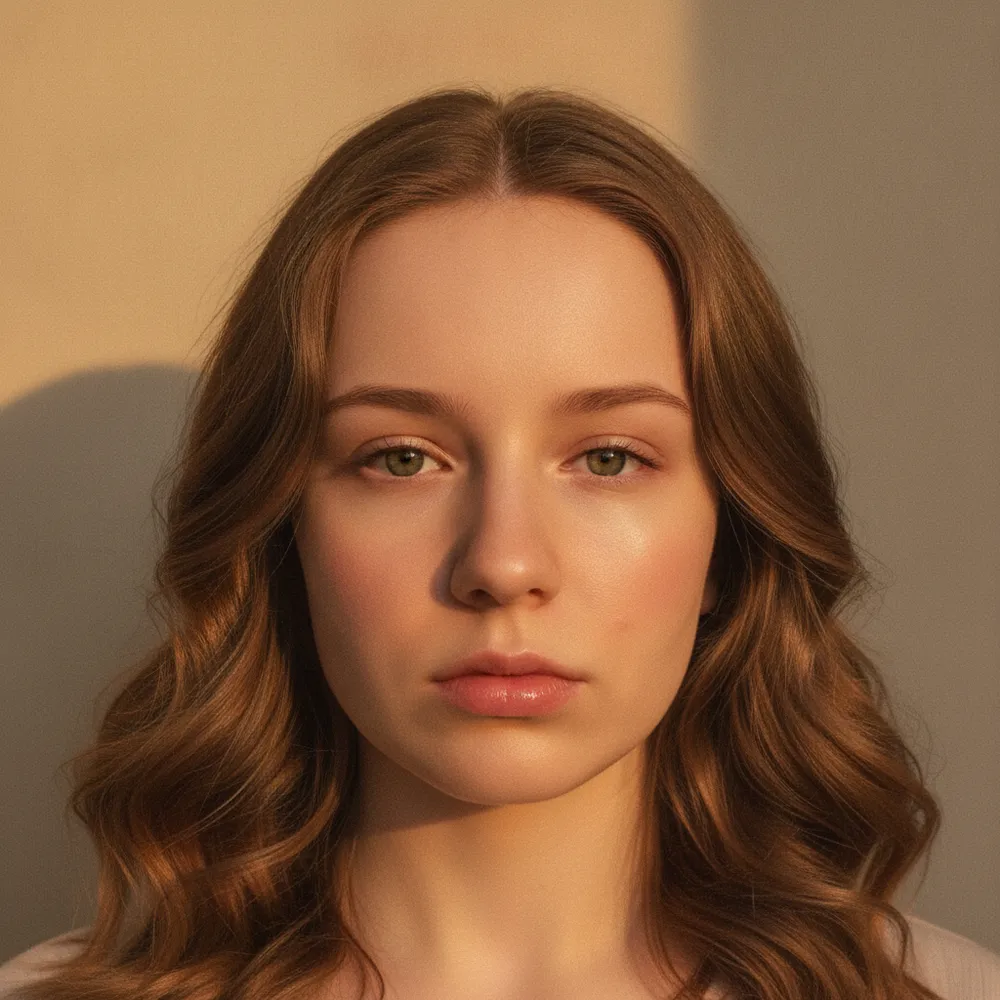
Beautify / Glow Up before
Beautify / Glow Up after
“Make me look stunning”
Try this →
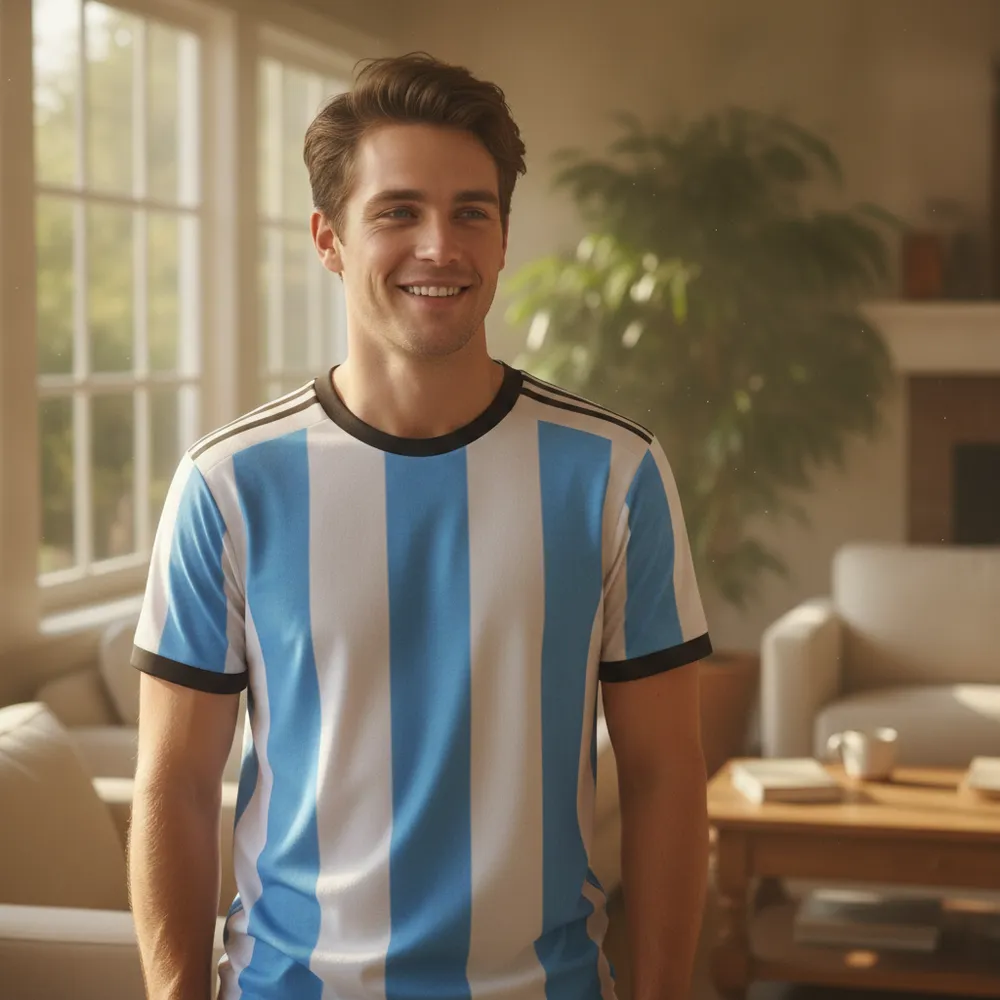
Football Jersey before
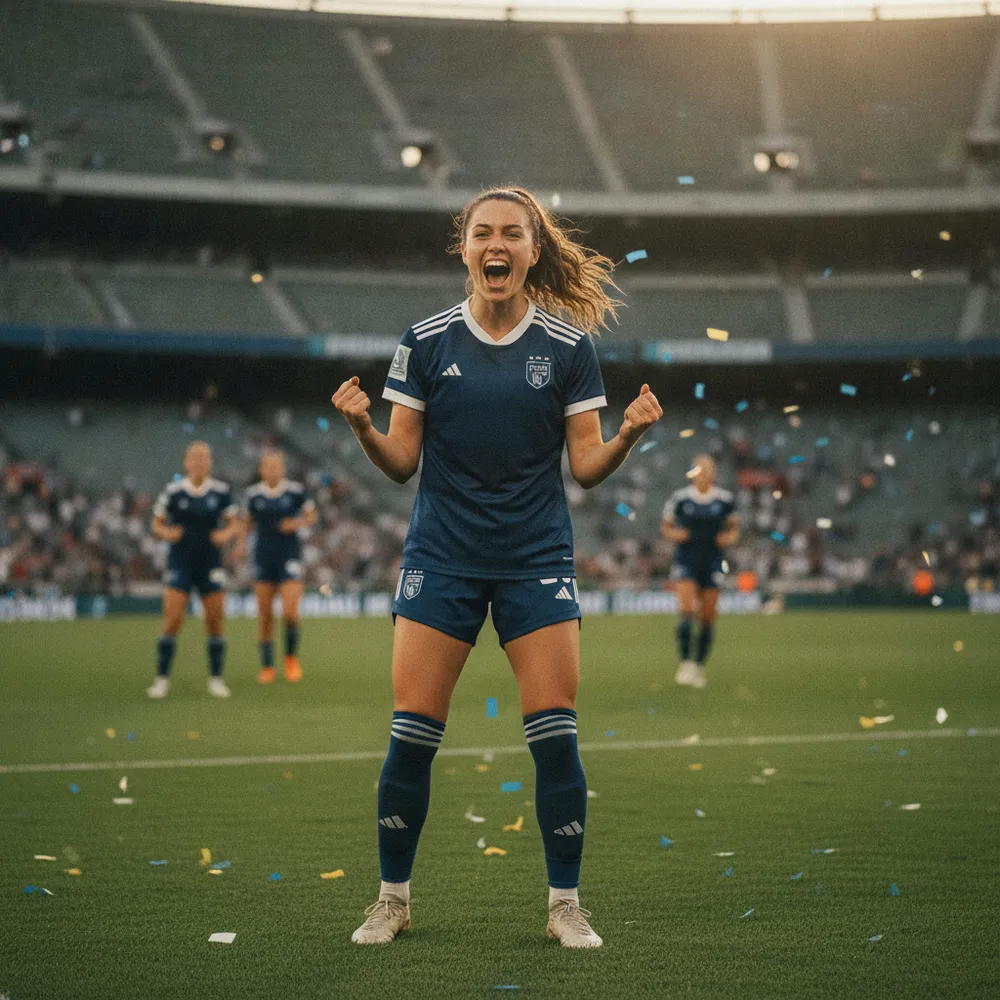
Football Jersey after
“Put me in an Argentina jersey”
Try this →
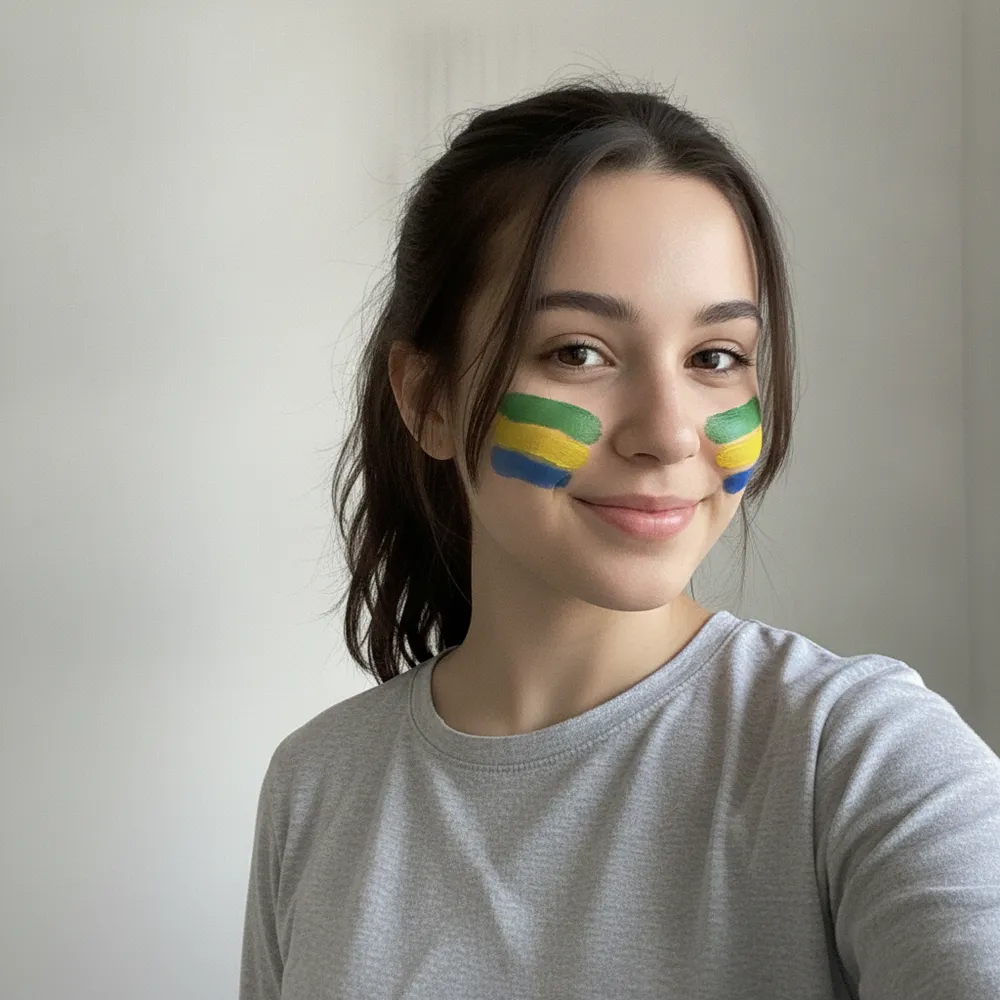
Flag Face Paint before
Flag Face Paint after
“Brazil flag on my face”
Try this →
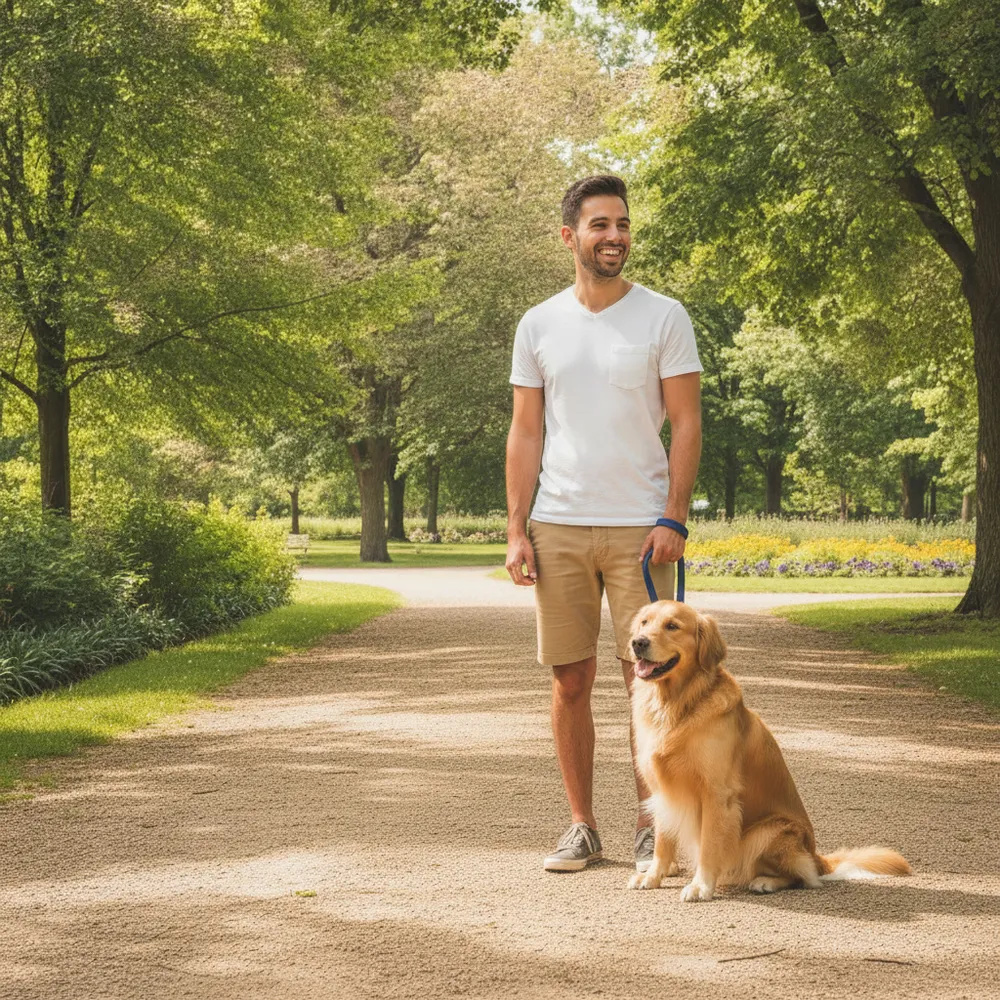
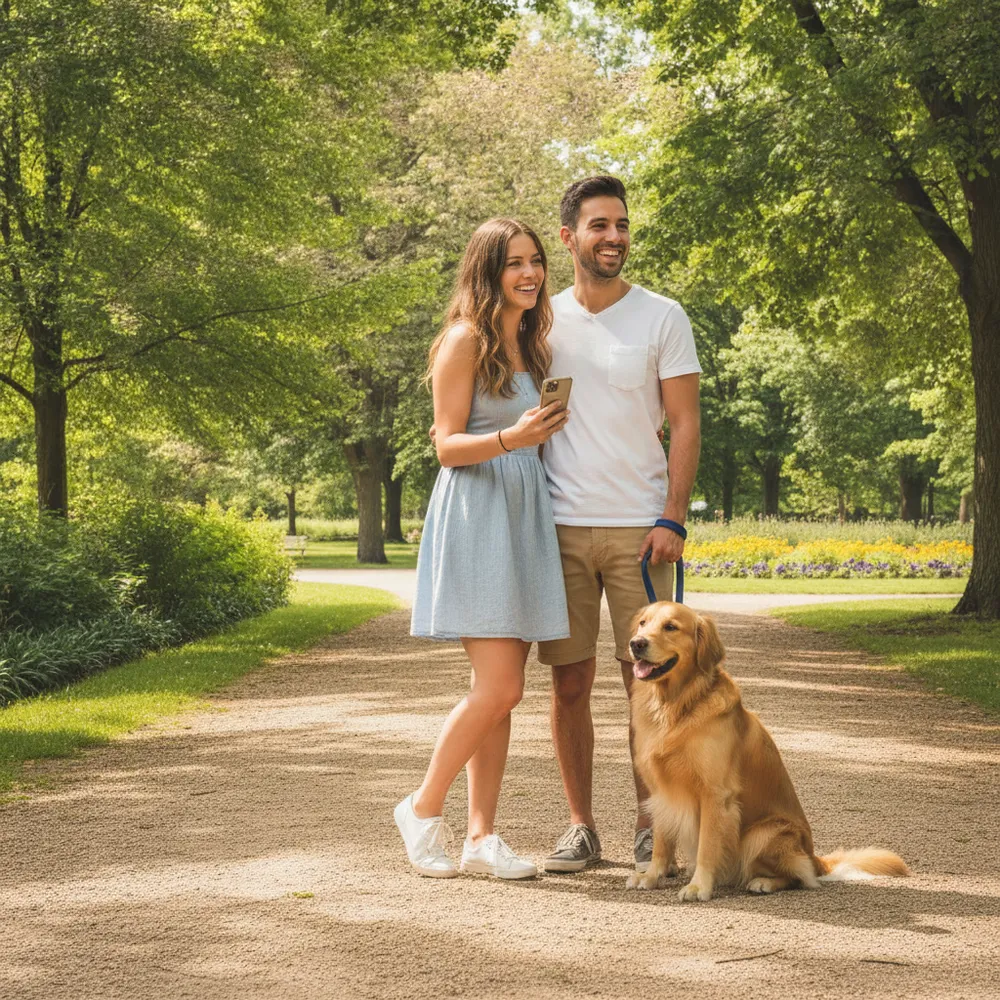
Remove Object / Person before
Remove Object / Person after
“Remove my ex, keep the dog”
Try this →
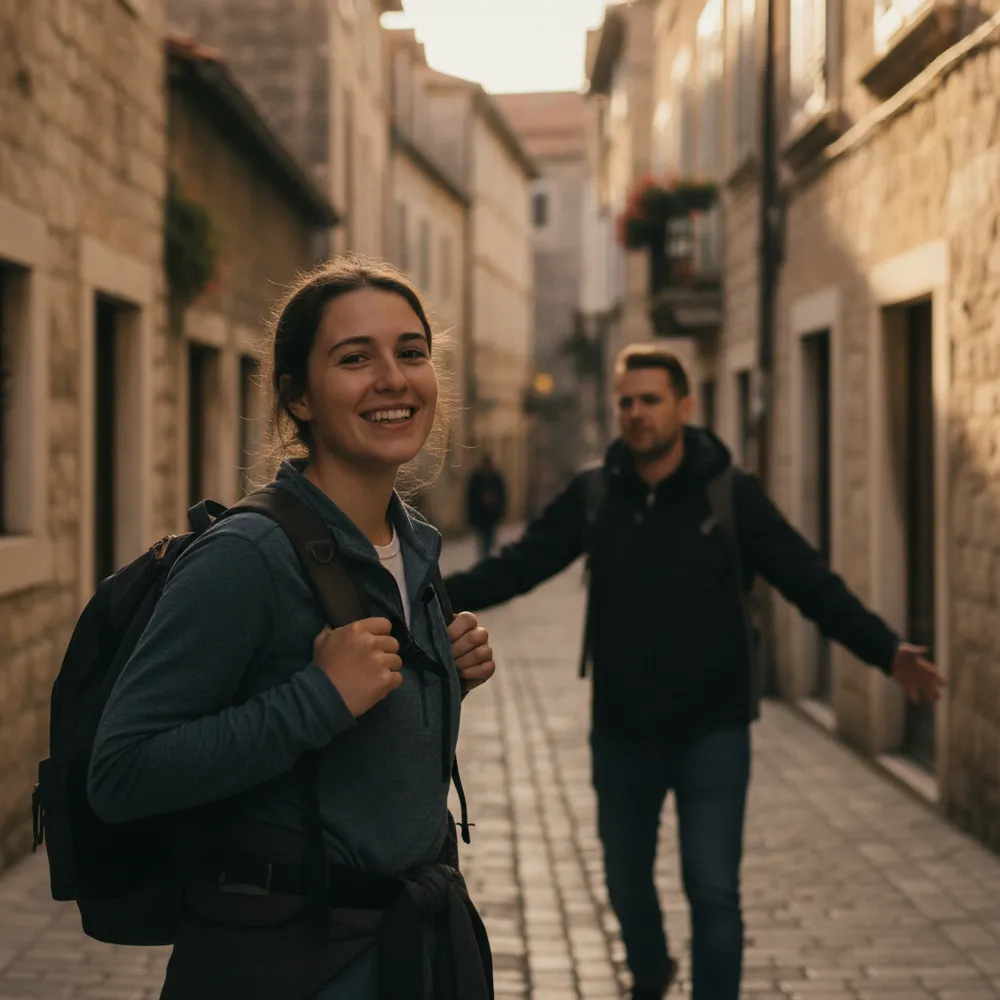
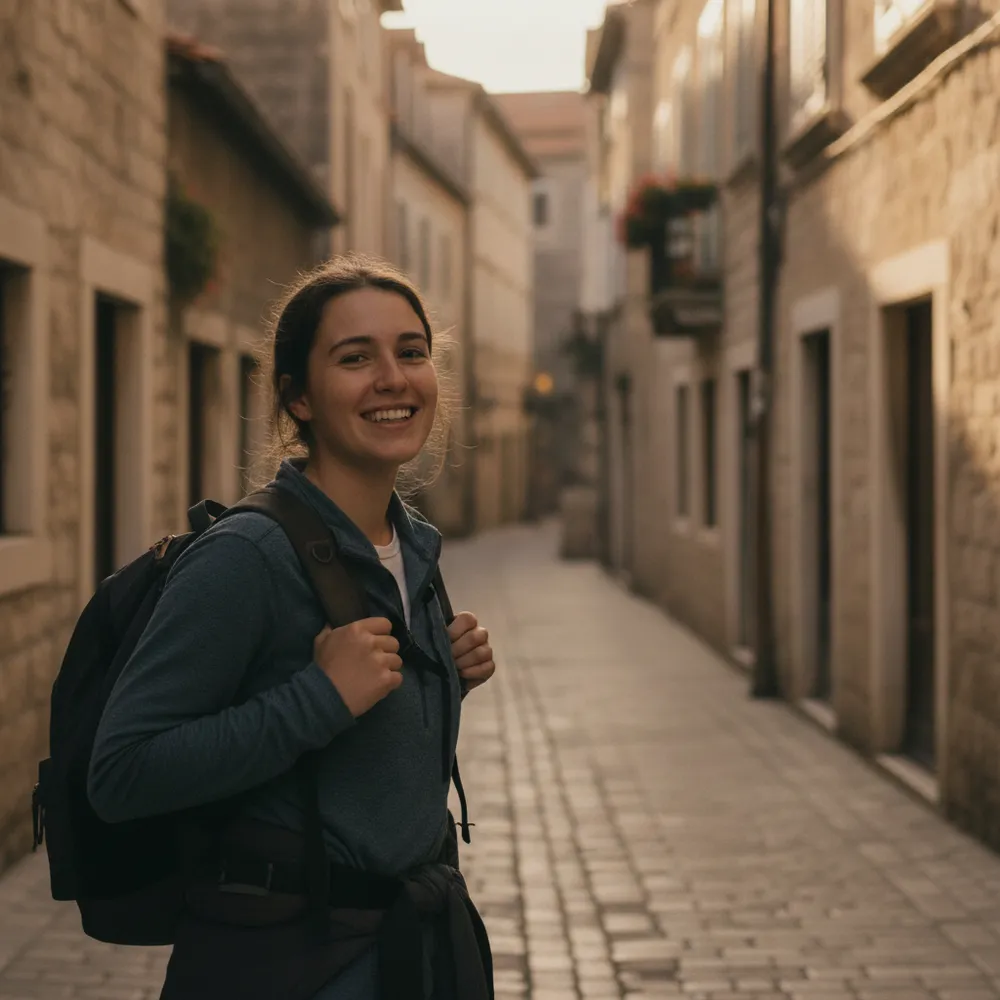
Remove Person before
Remove Person after
“Erase the person walking behind me”
Try this →
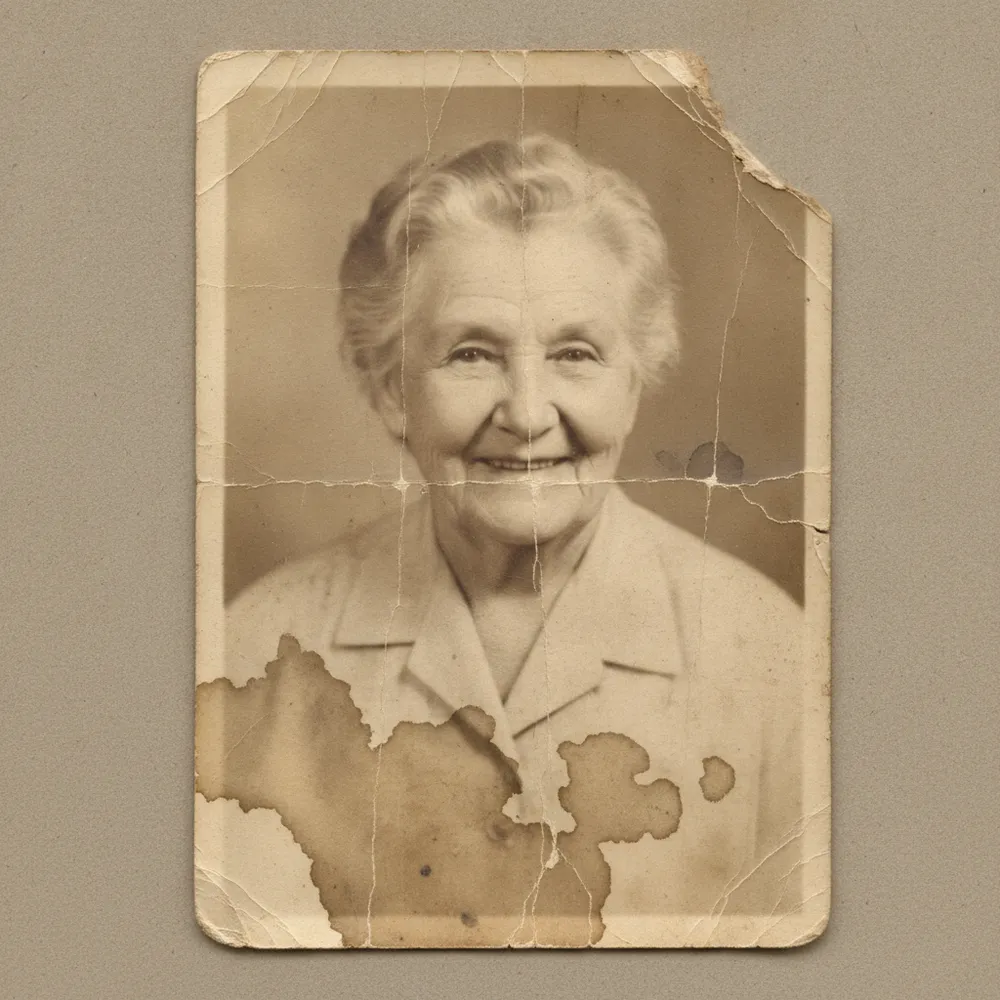
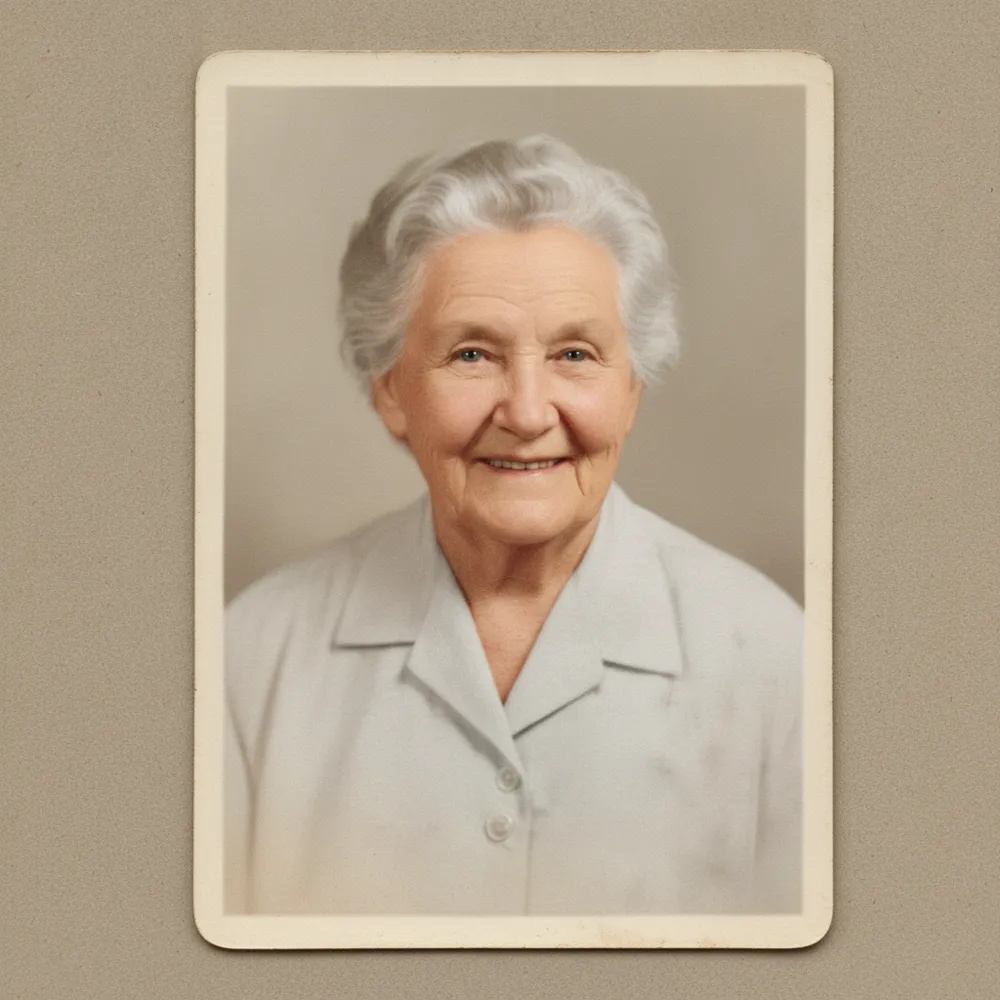
Restore Old Photo before
Restore Old Photo after
“Restore grandma's torn photo”
Try this →
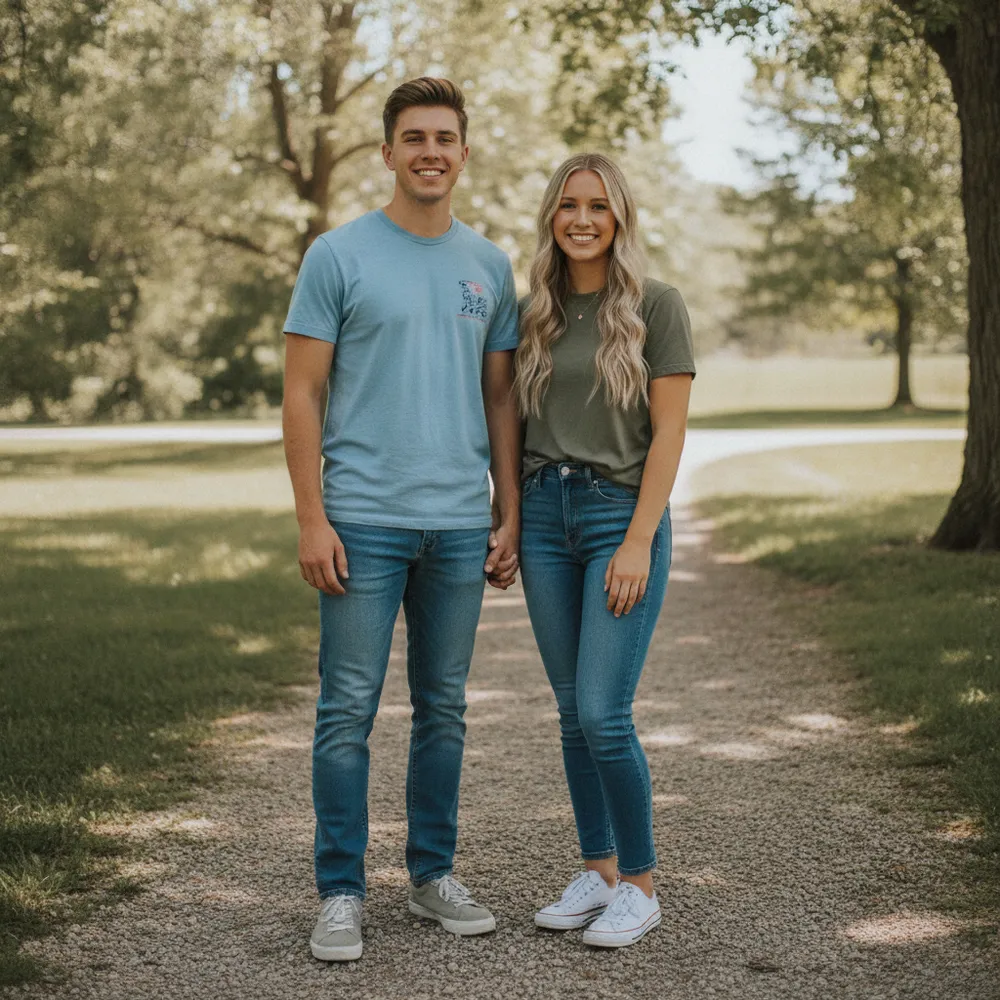
Wedding Photo before
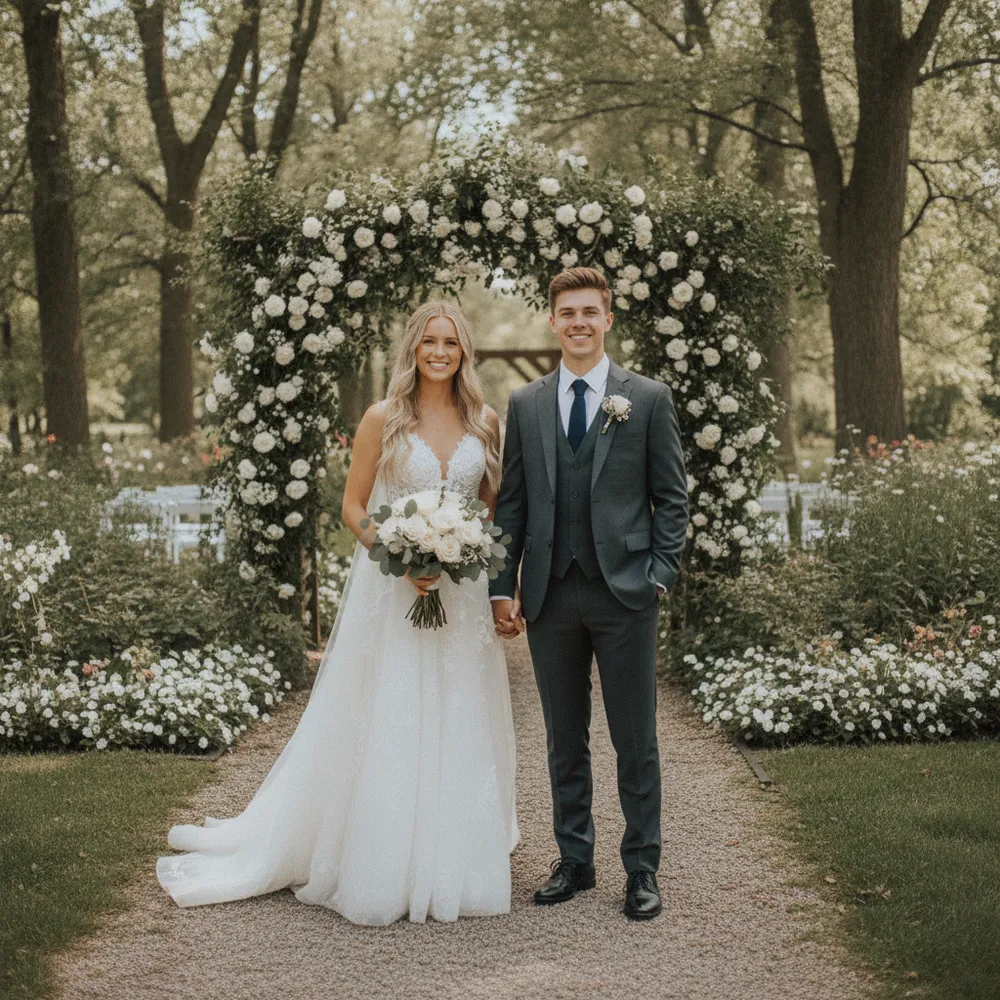
Wedding Photo after
“Make us a wedding photo”
Try this →
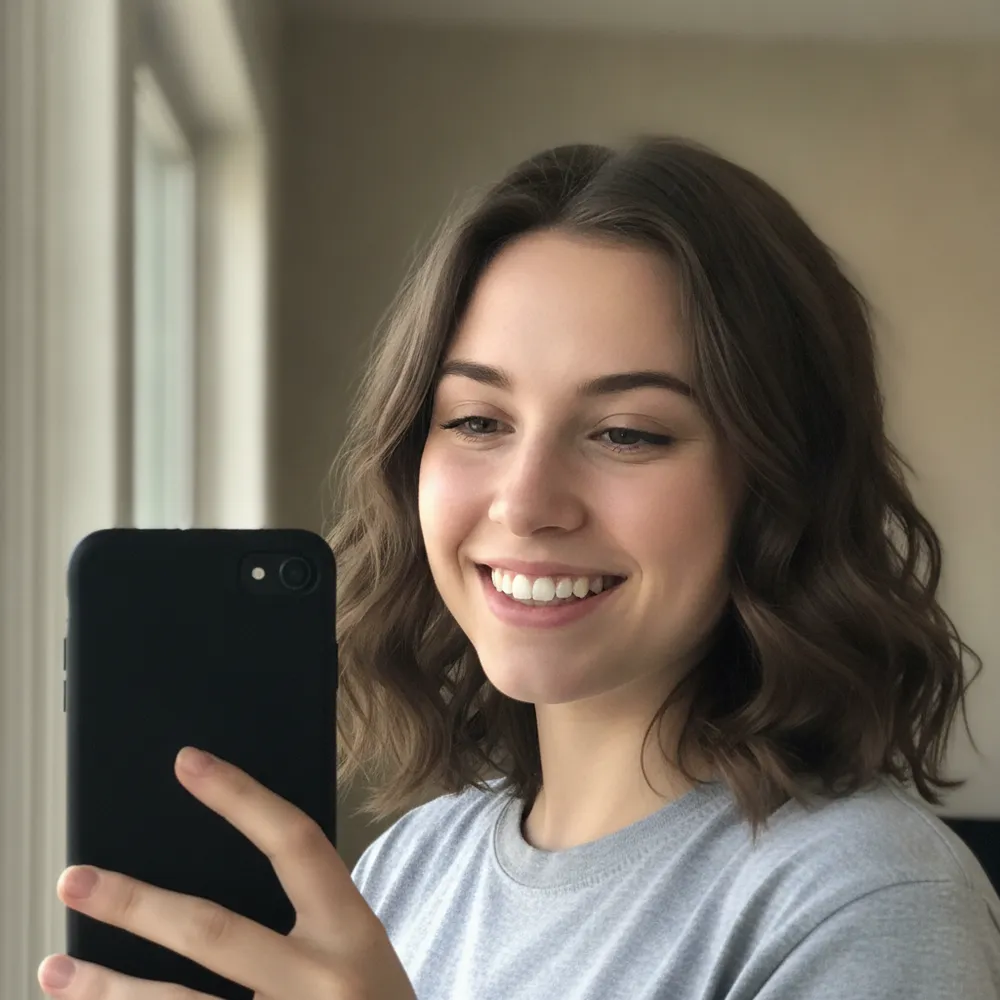
Face Swap before
Face Swap after
“Put my face on the athlete”
Try this →
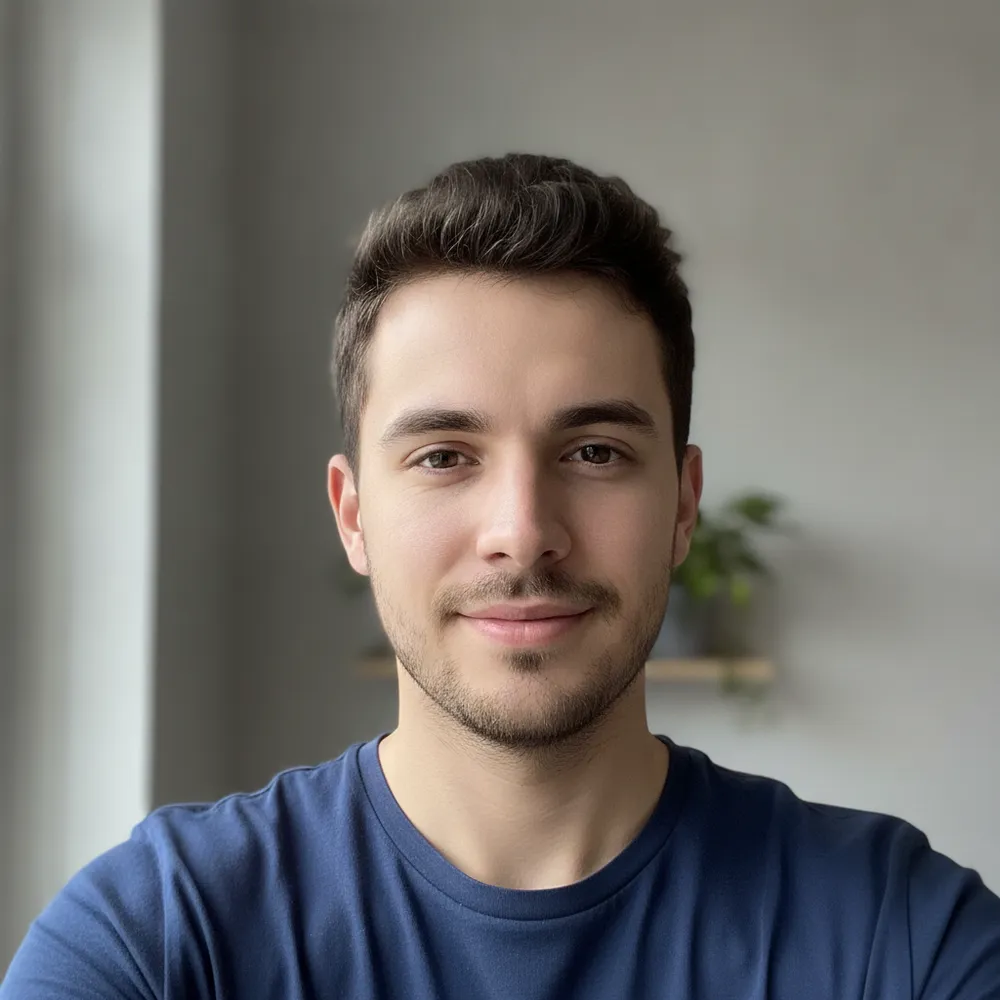
AI Avatar before
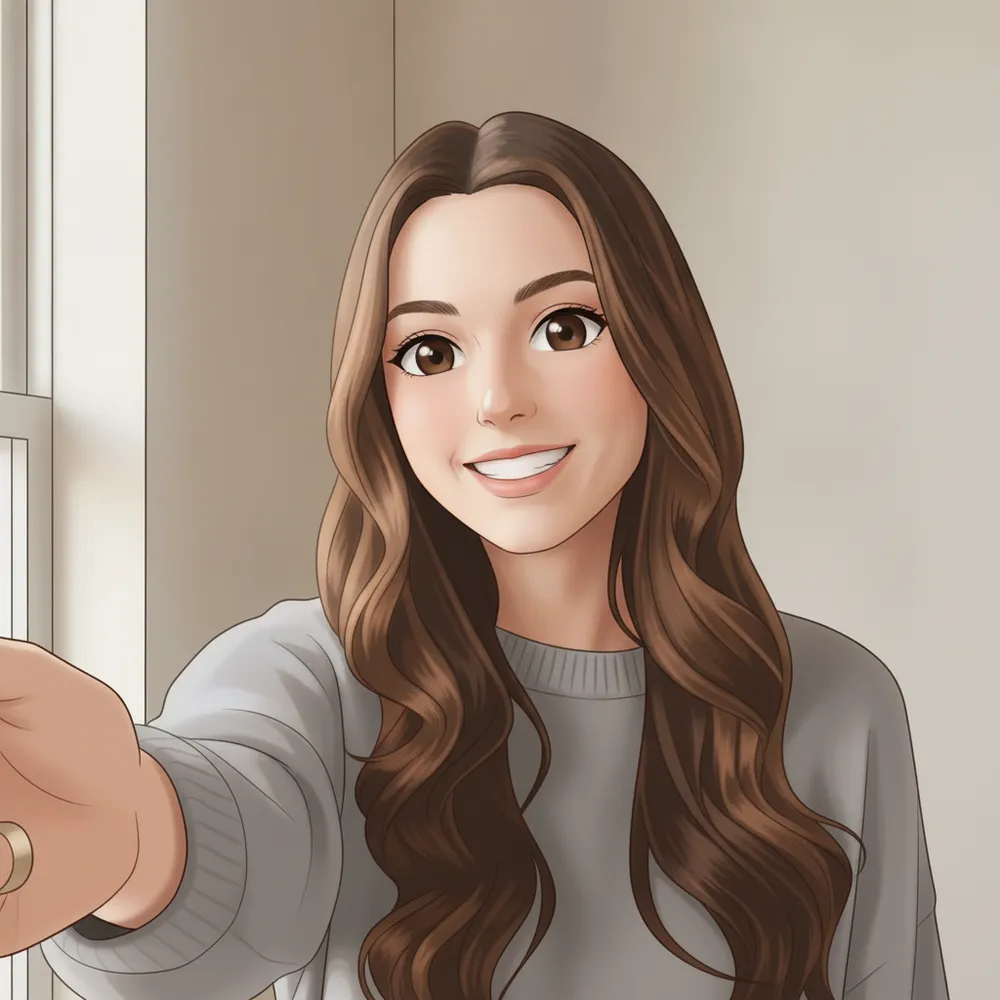
AI Avatar after
“Anime avatar from my selfie”
Try this →
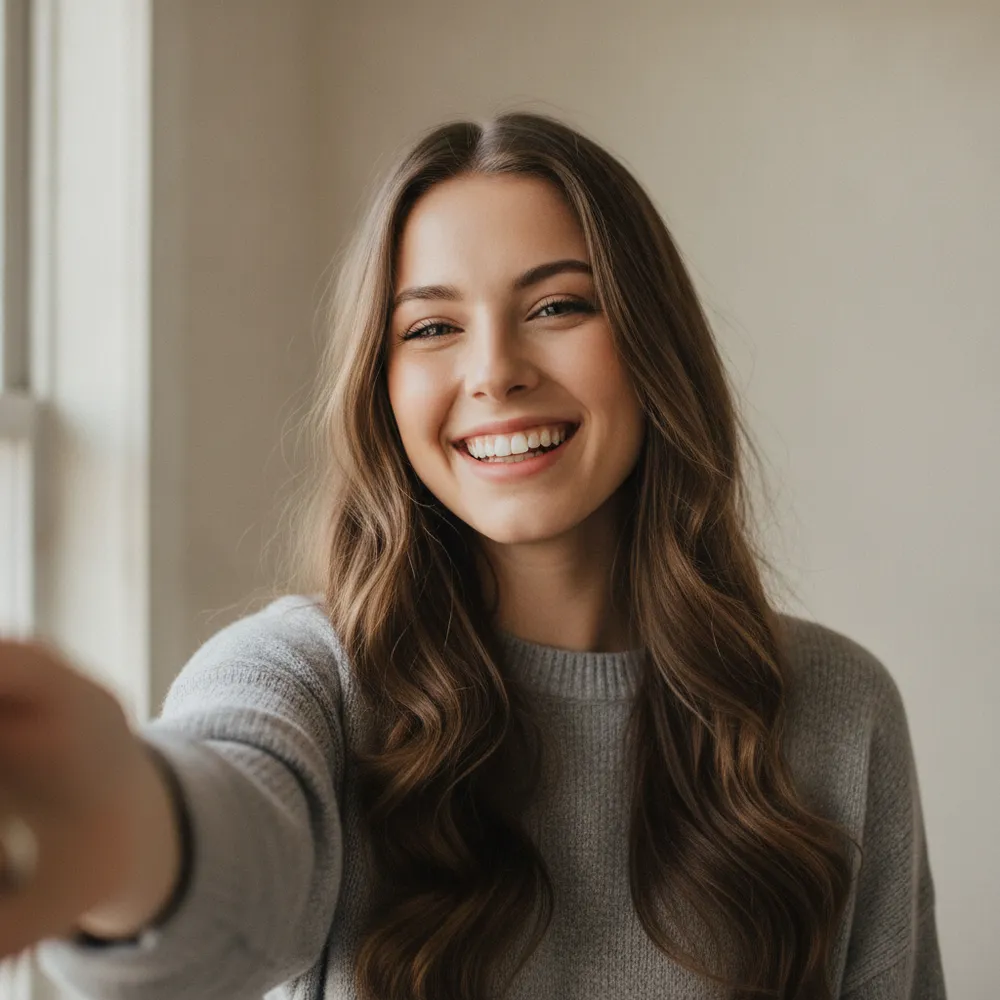
Cartoon / Anime before
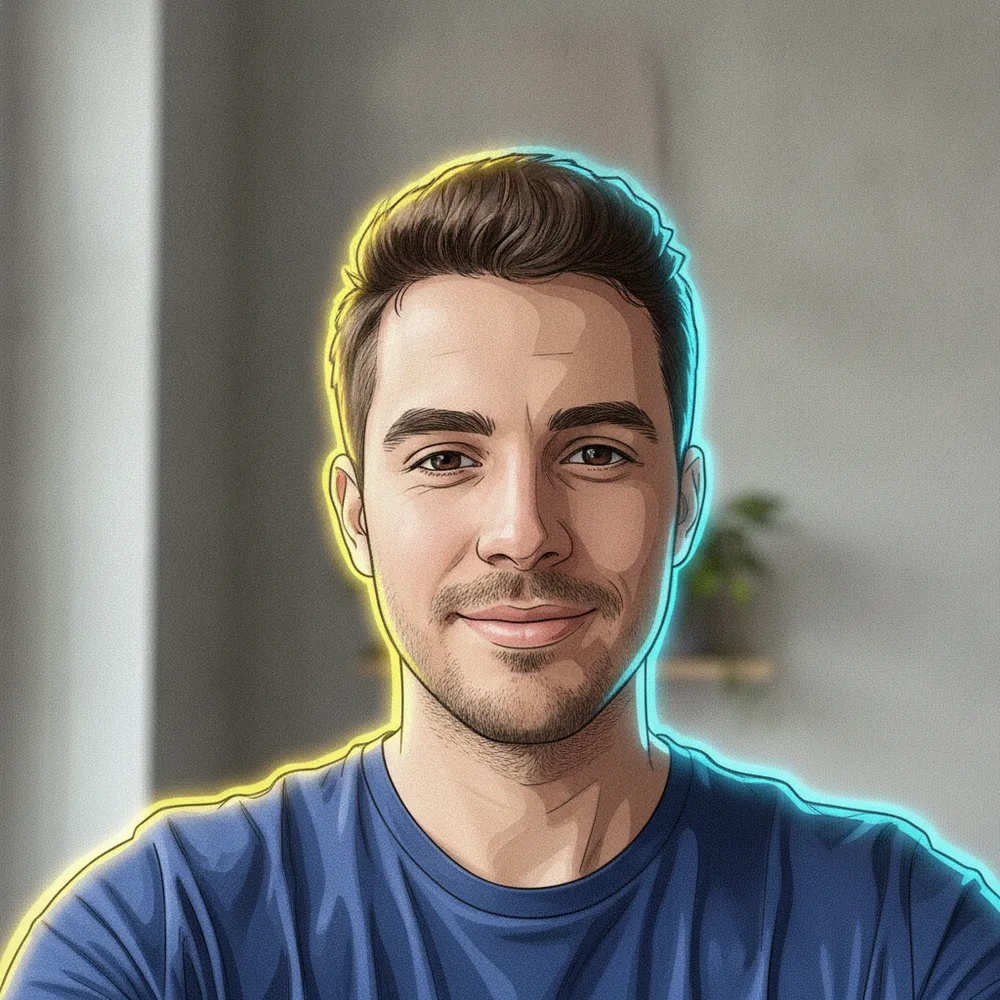
Cartoon / Anime after
“Make me an anime character”
Try this →
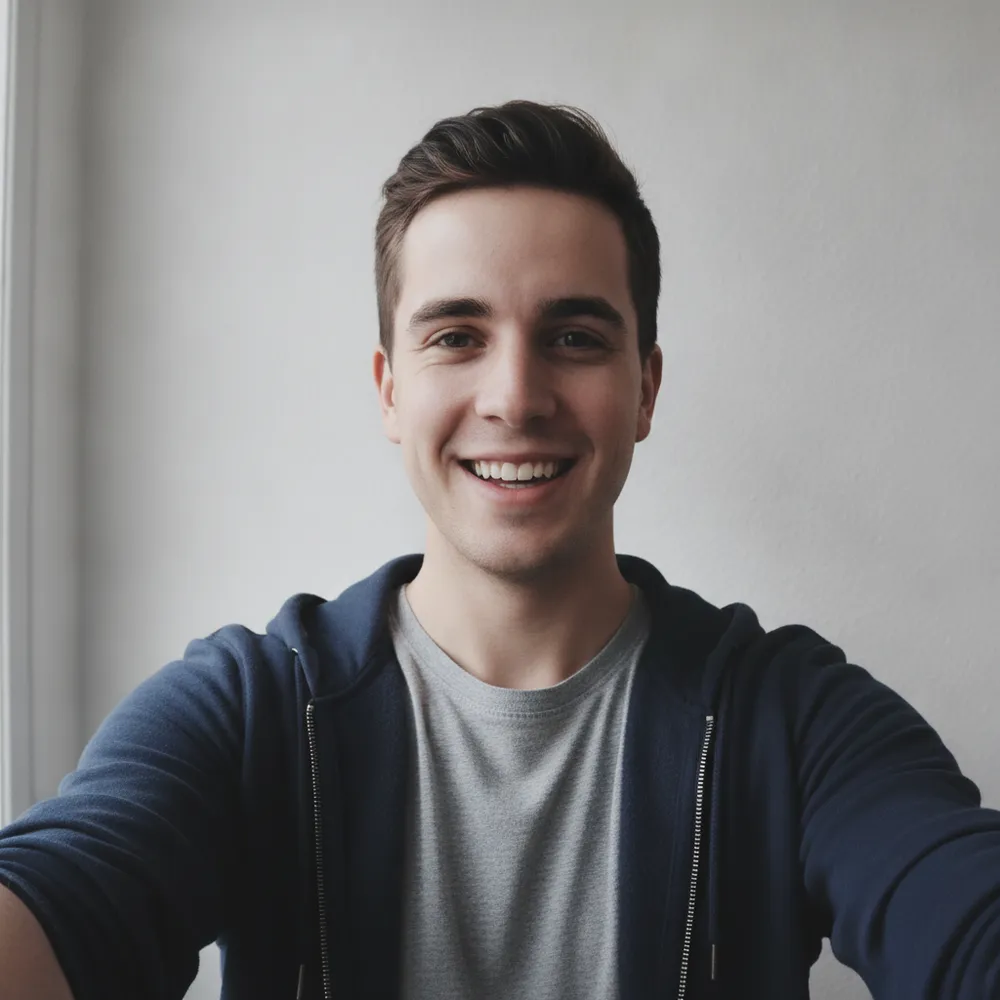
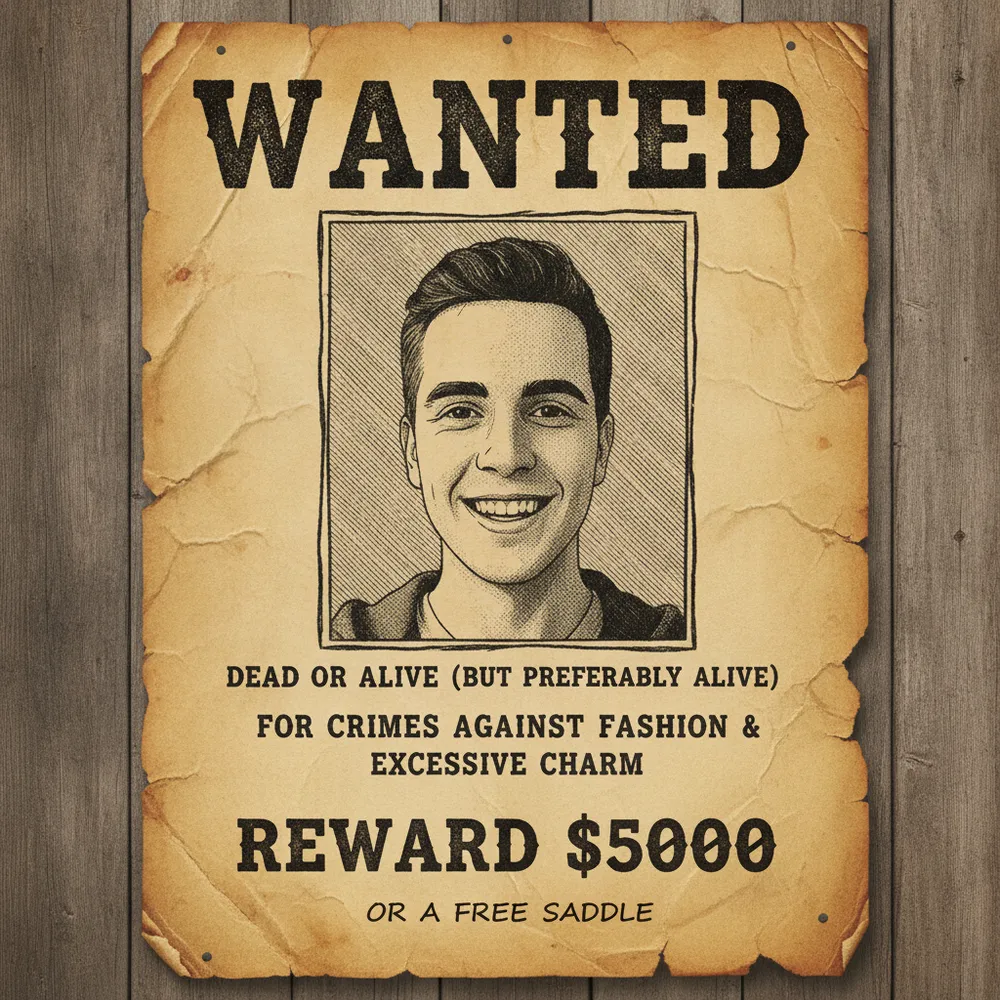
Funny Photo / Meme before
Funny Photo / Meme after
“Put me on a wanted poster”
Try this →
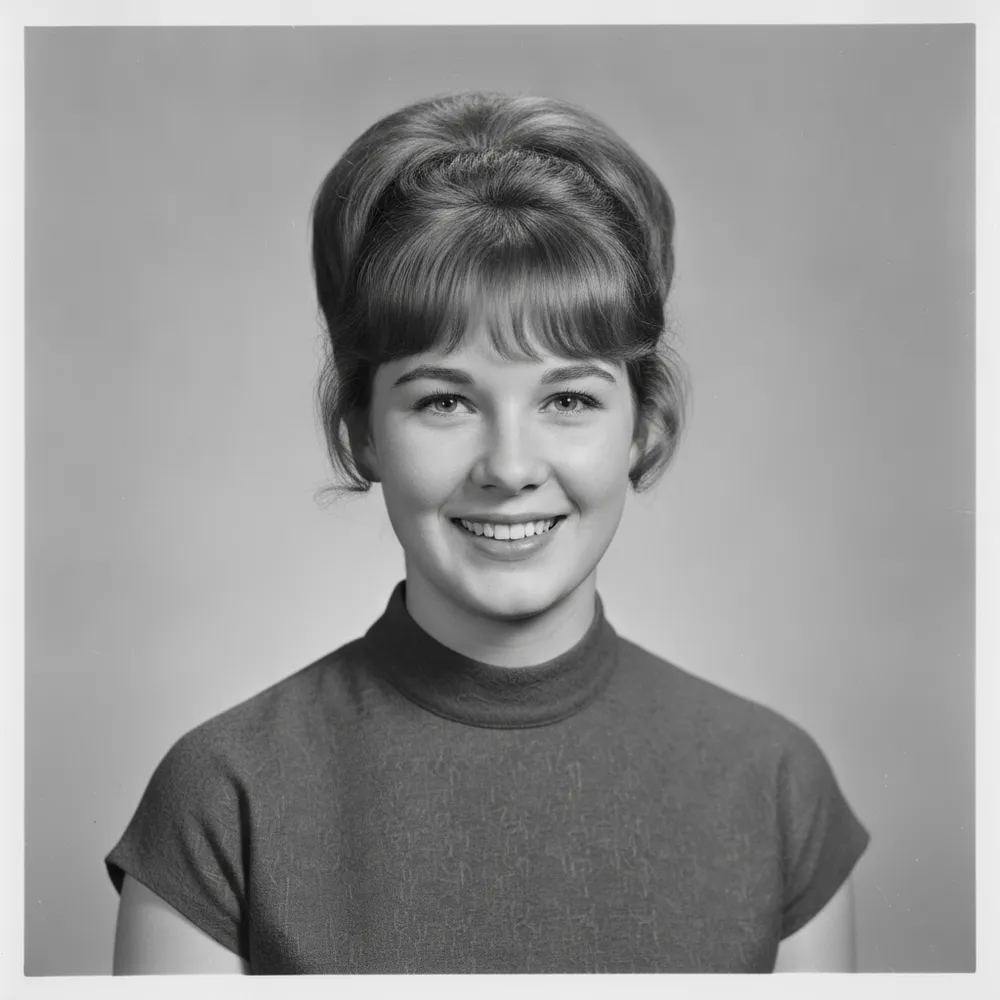
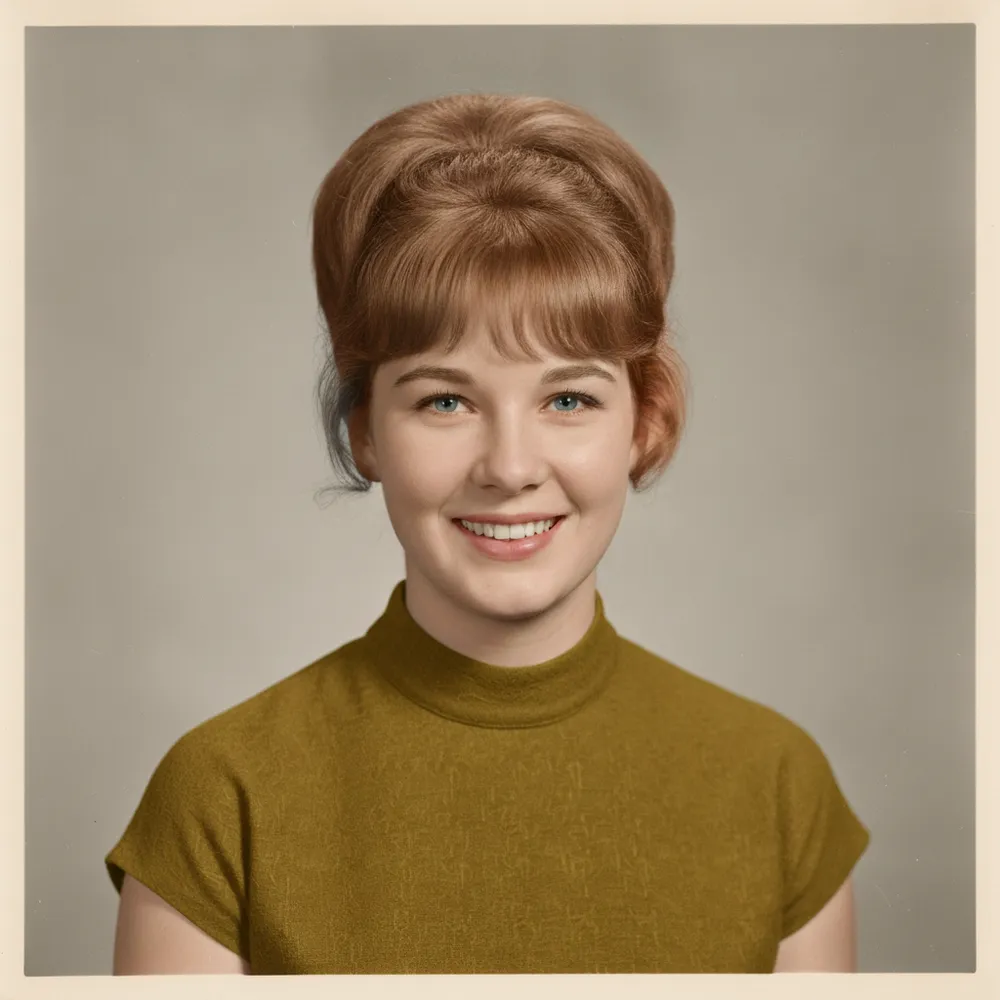
Colorize B&W Photo before
Colorize B&W Photo after
“Colorize an old black-and-white photo”
Try this →
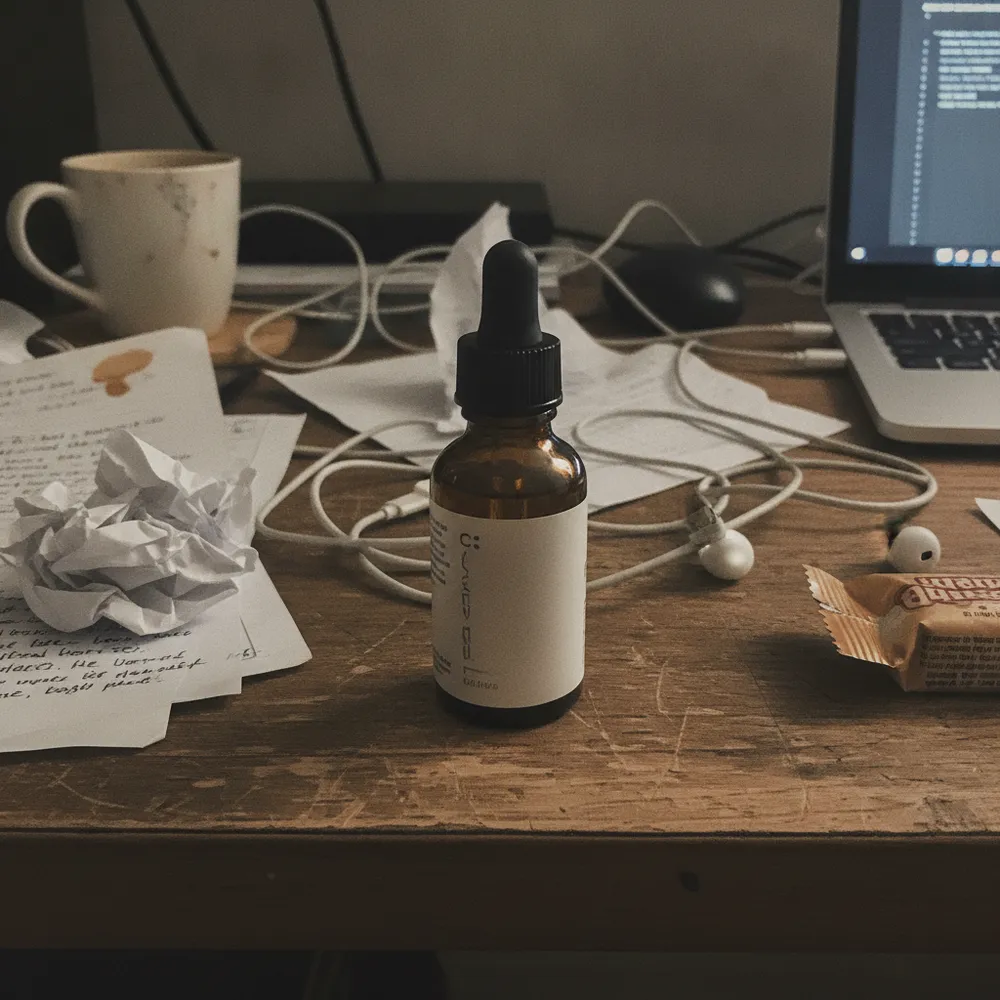
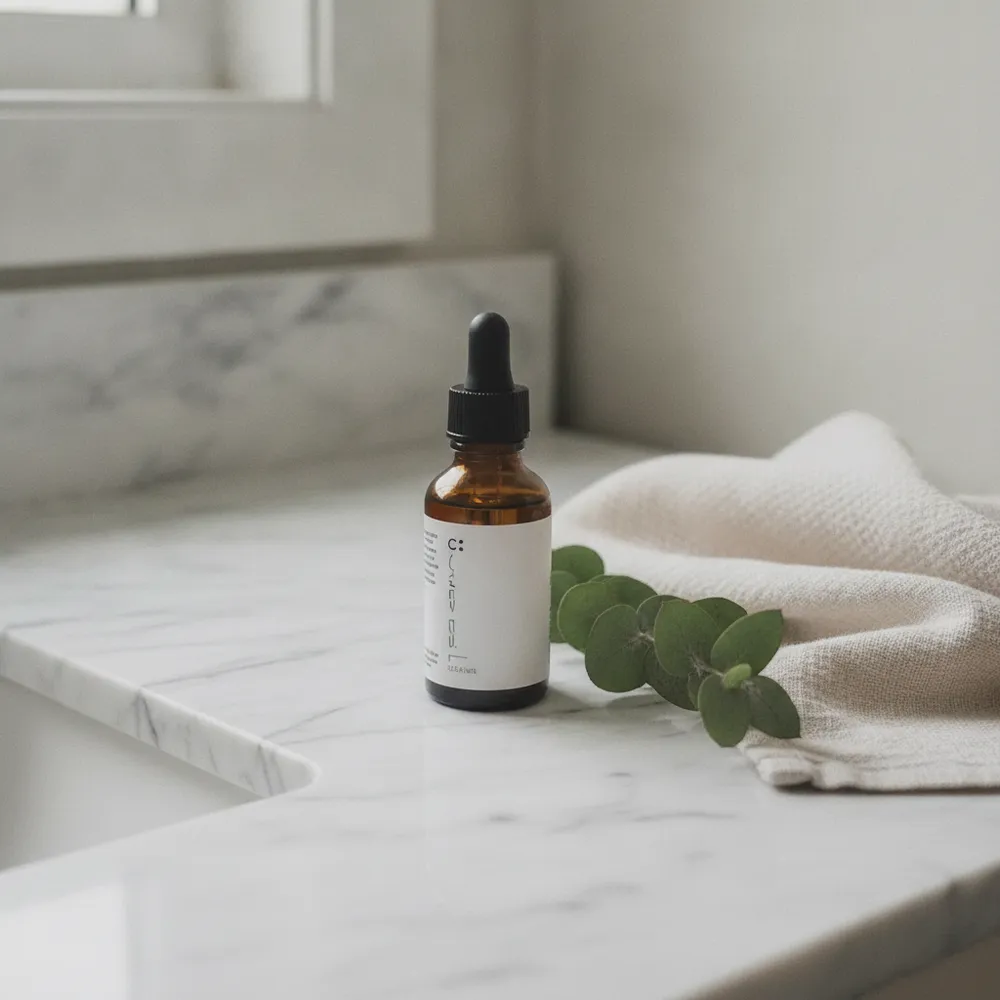
Product Photo before
Product Photo after
“Stage it in a lifestyle scene”
Try this →
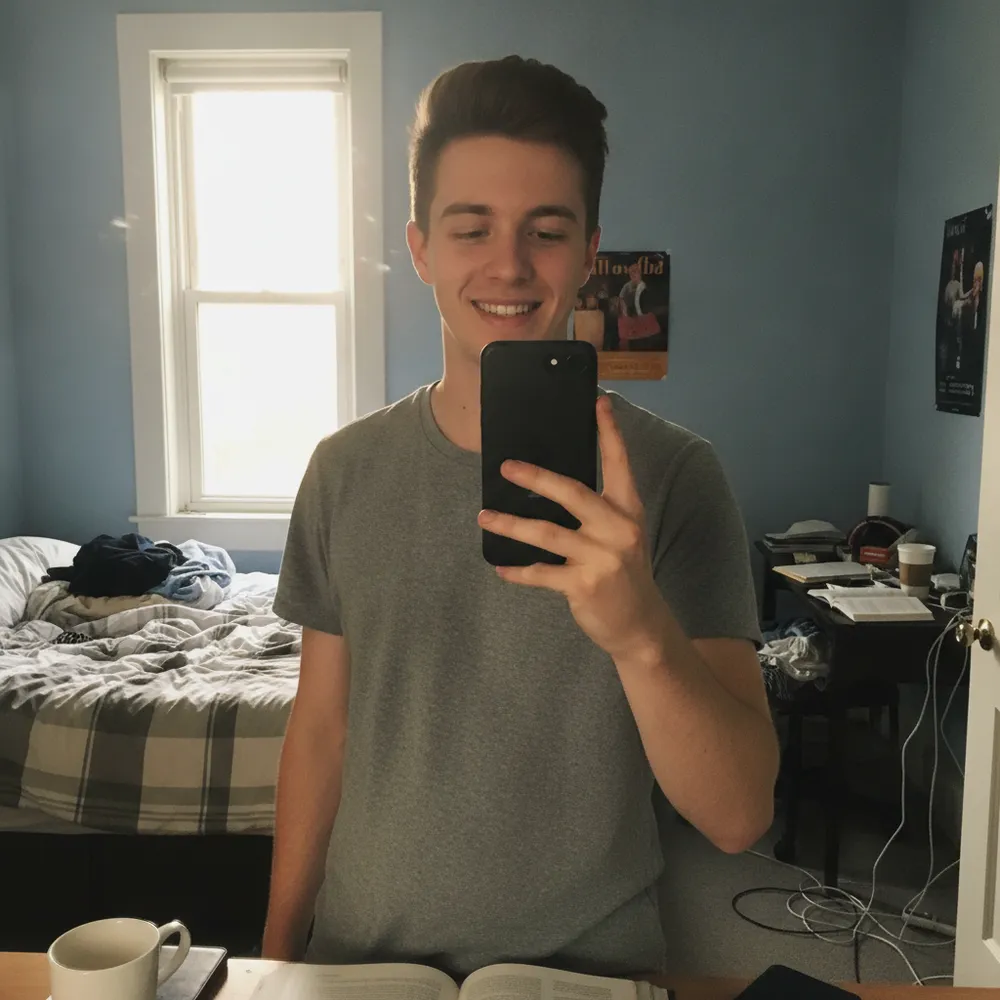
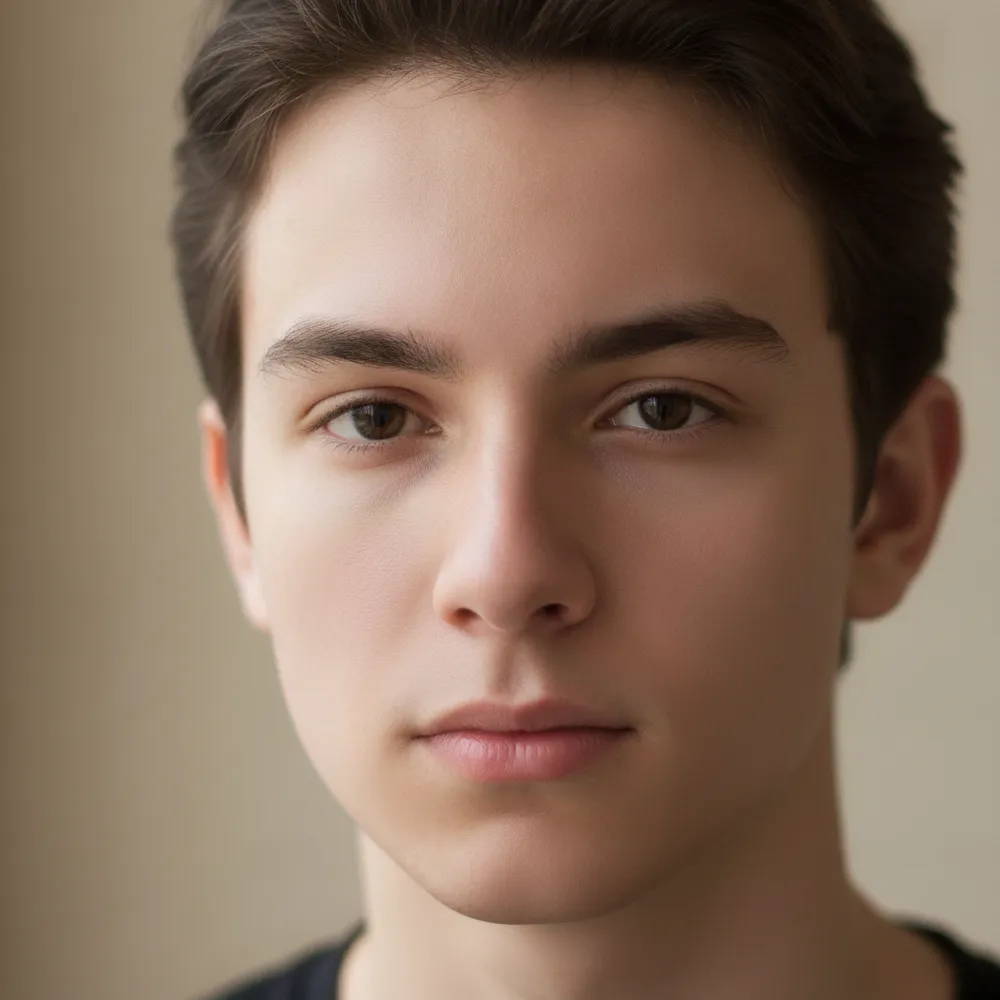
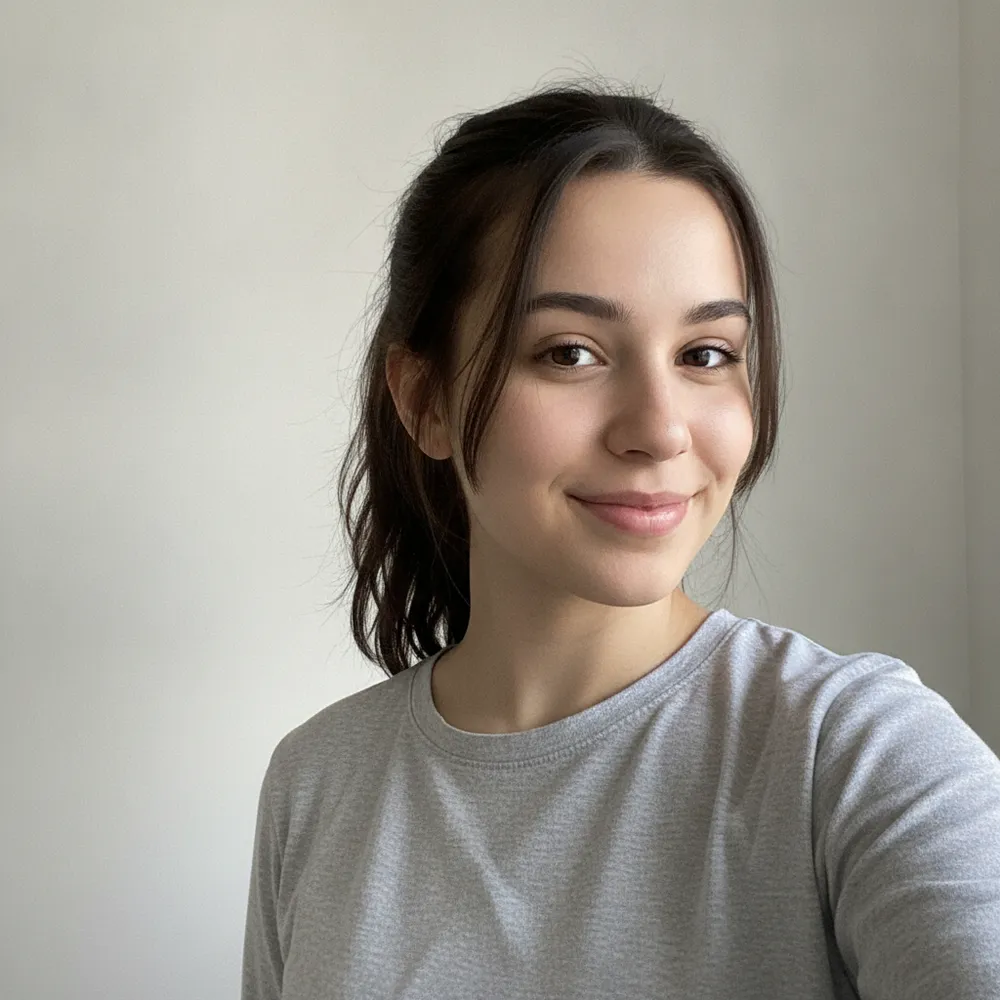
AI Headshot before
AI Headshot after
“Selfie → LinkedIn headshot”
Try this →
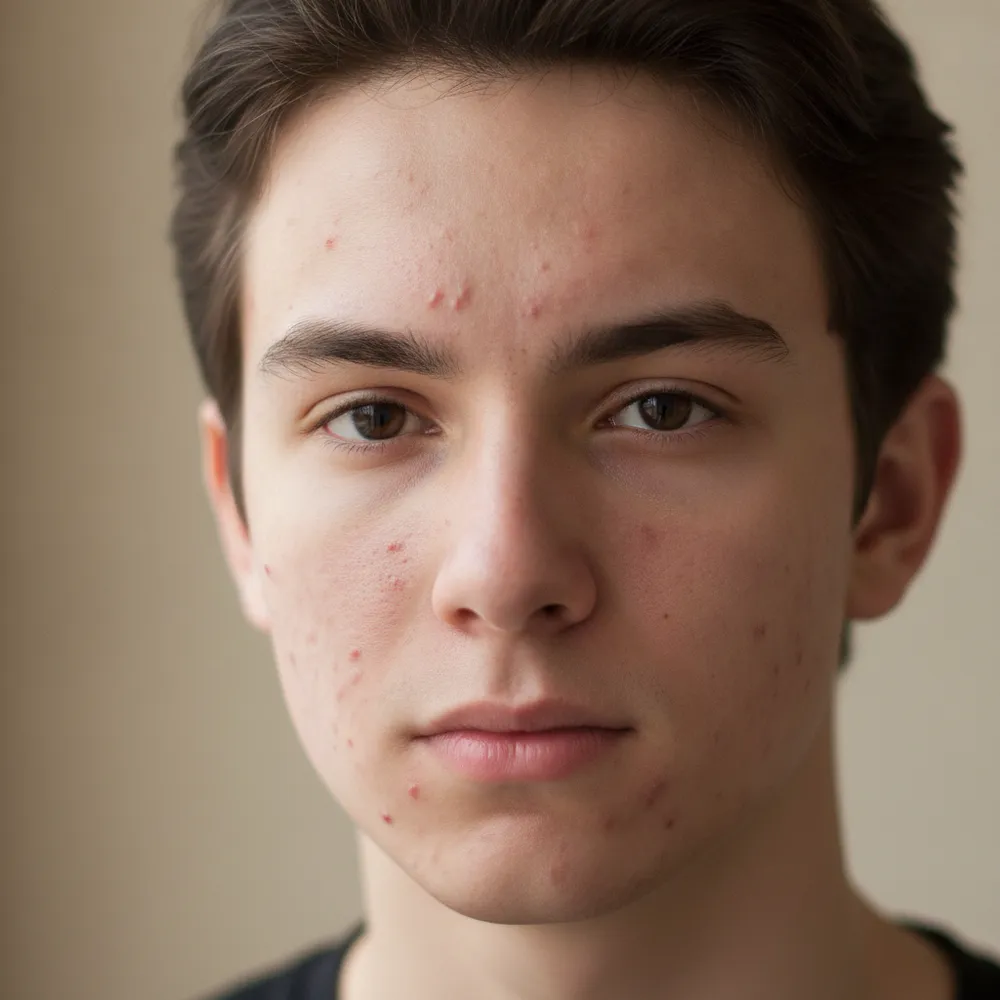
Retouch / Skin before
Retouch / Skin after
“Clear acne, keep it natural”
Try this →

Unblur & Enhance before
Unblur & Enhance after
“Make this blurry pic sharp”
Try this →
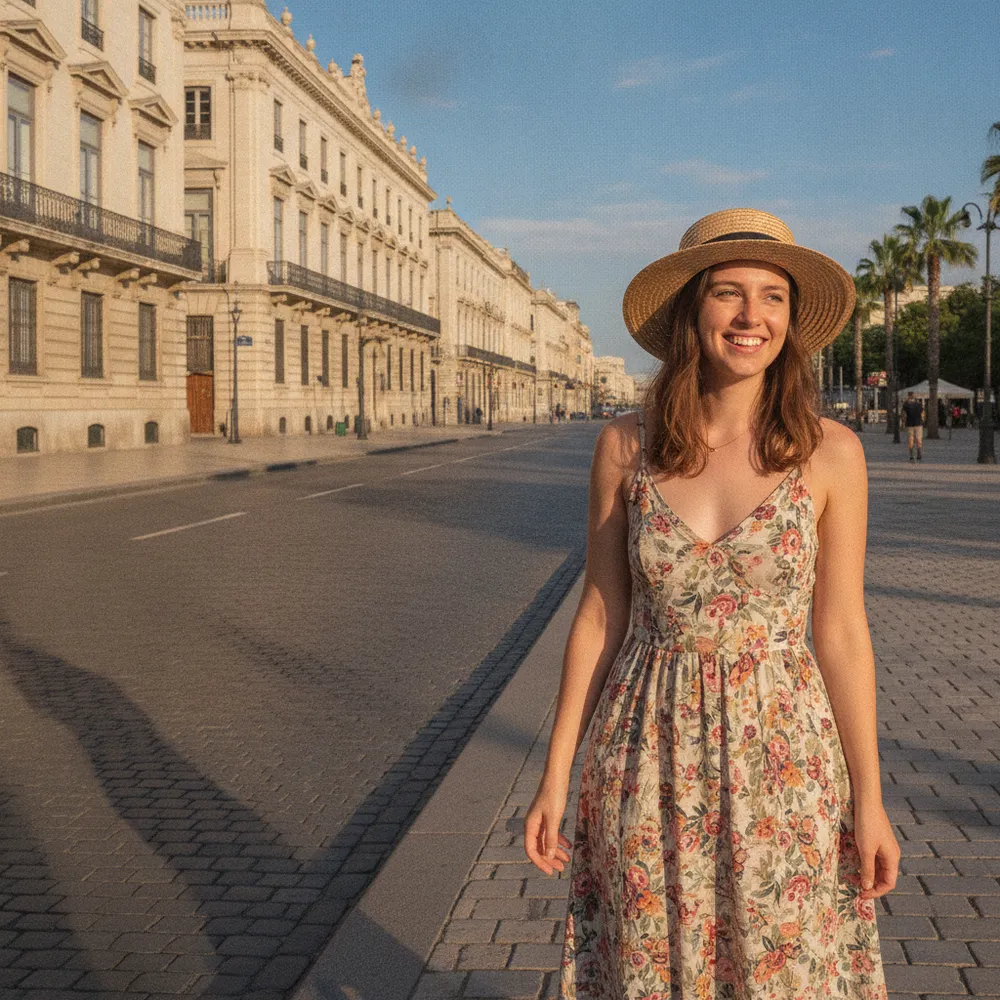
Add Person before
Add Person after
“Add him next to me”
Try this →
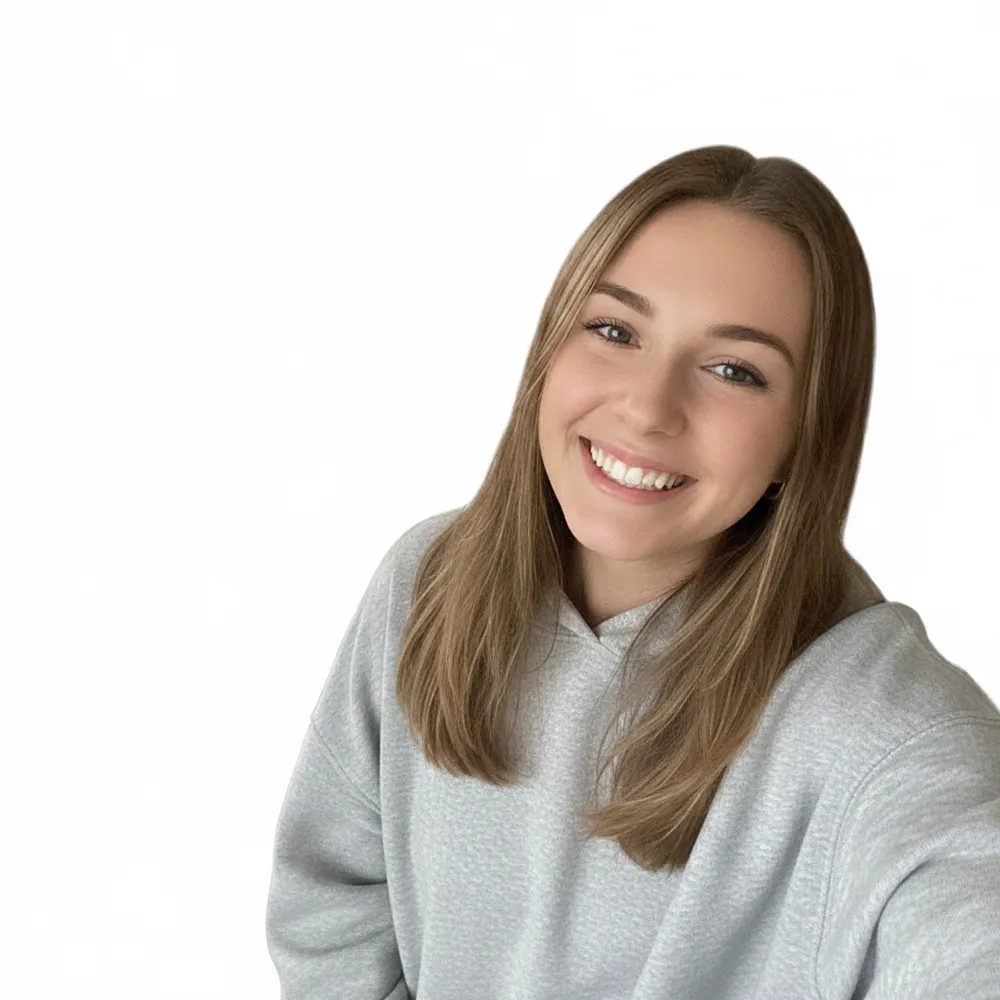
Remove Background before
Remove Background after
“Cut me out on a white background”
Try this →
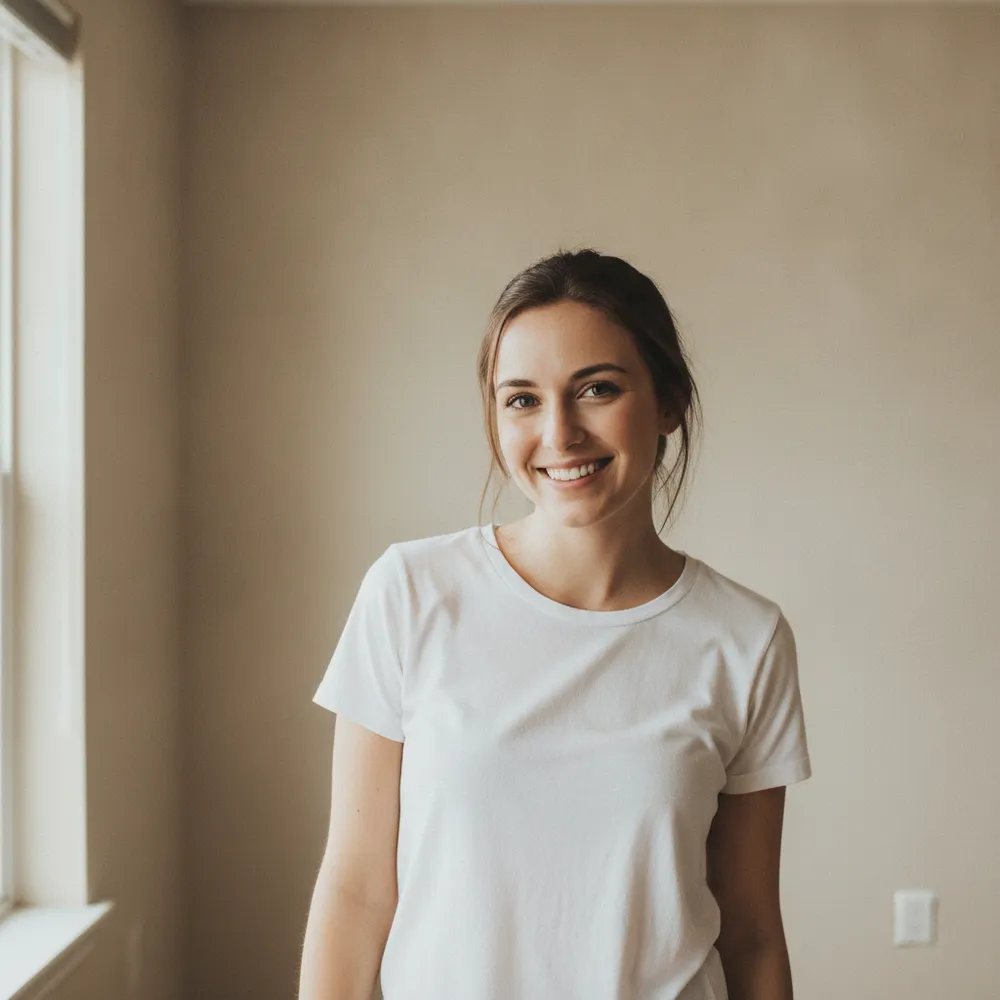
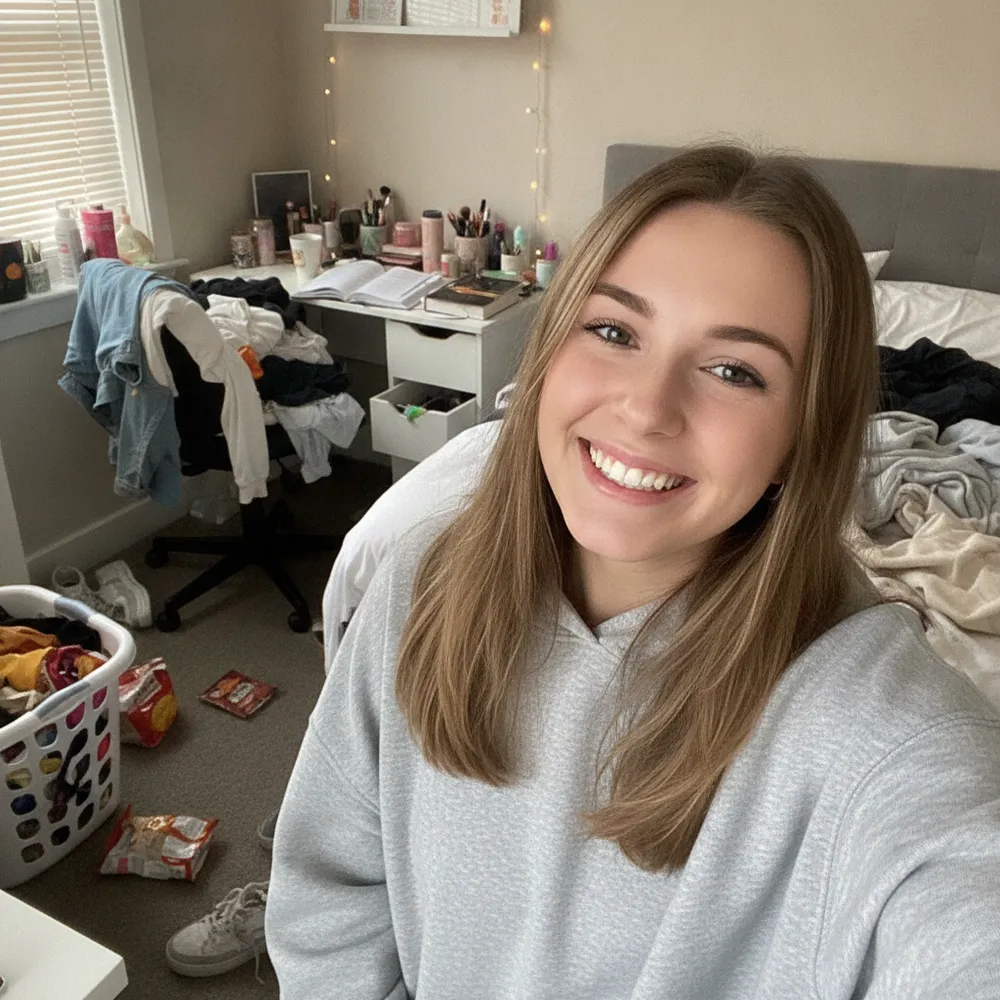
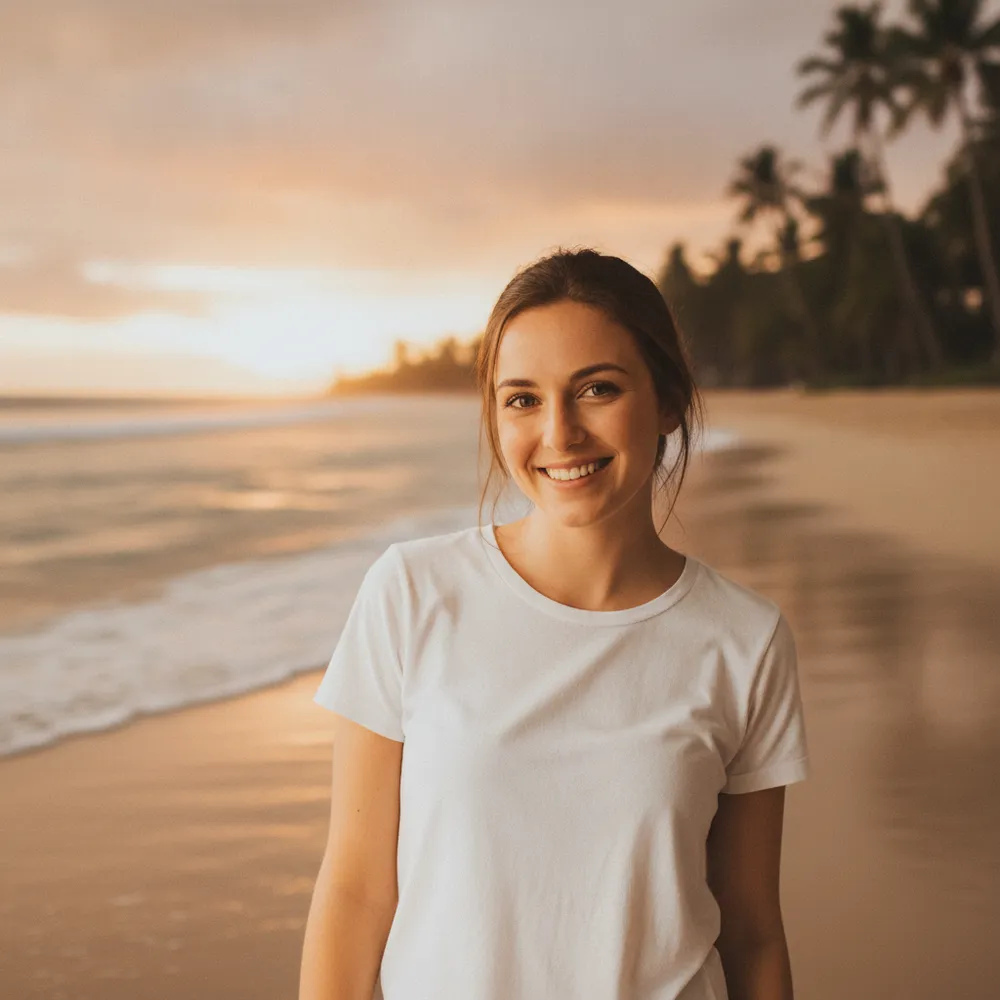
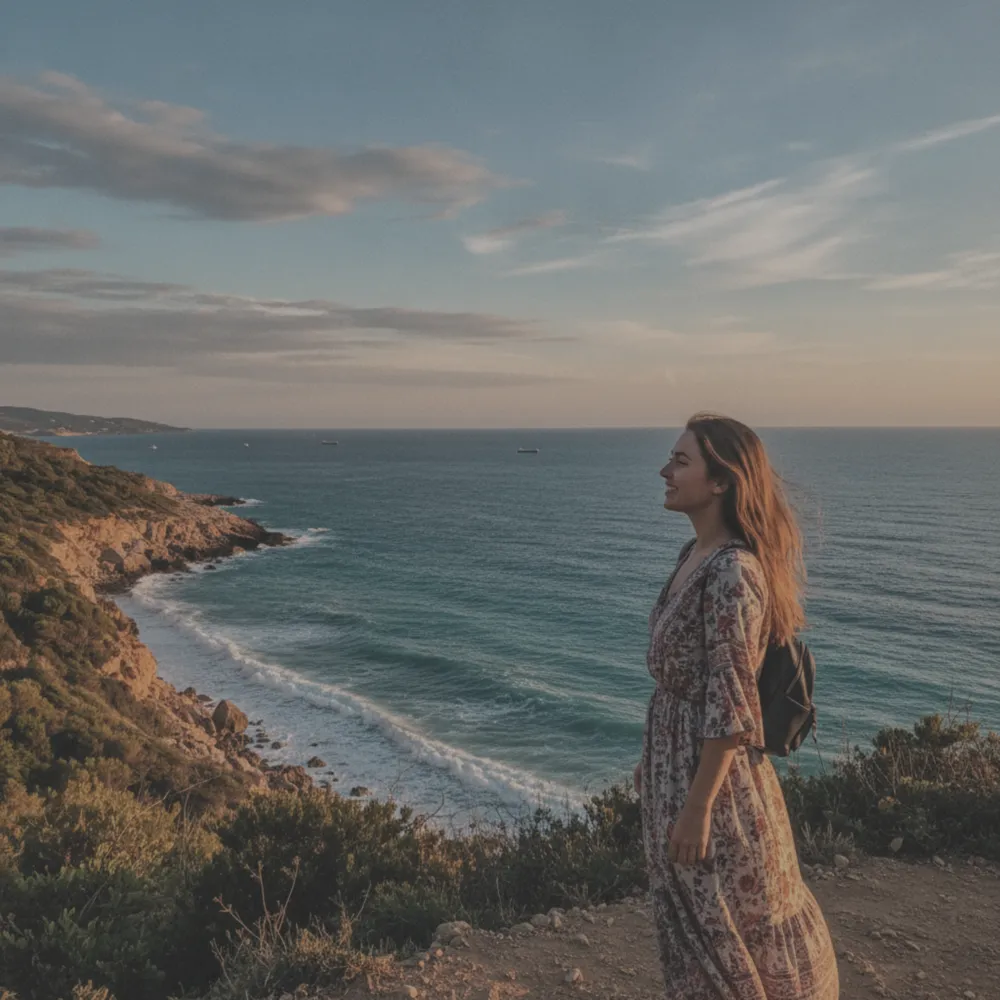
Change Background before
Change Background after
“Put me on a beach at sunset”
Try this →

Pet Portrait before
Pet Portrait after
“Turn my pet into an action figure”
Try this →
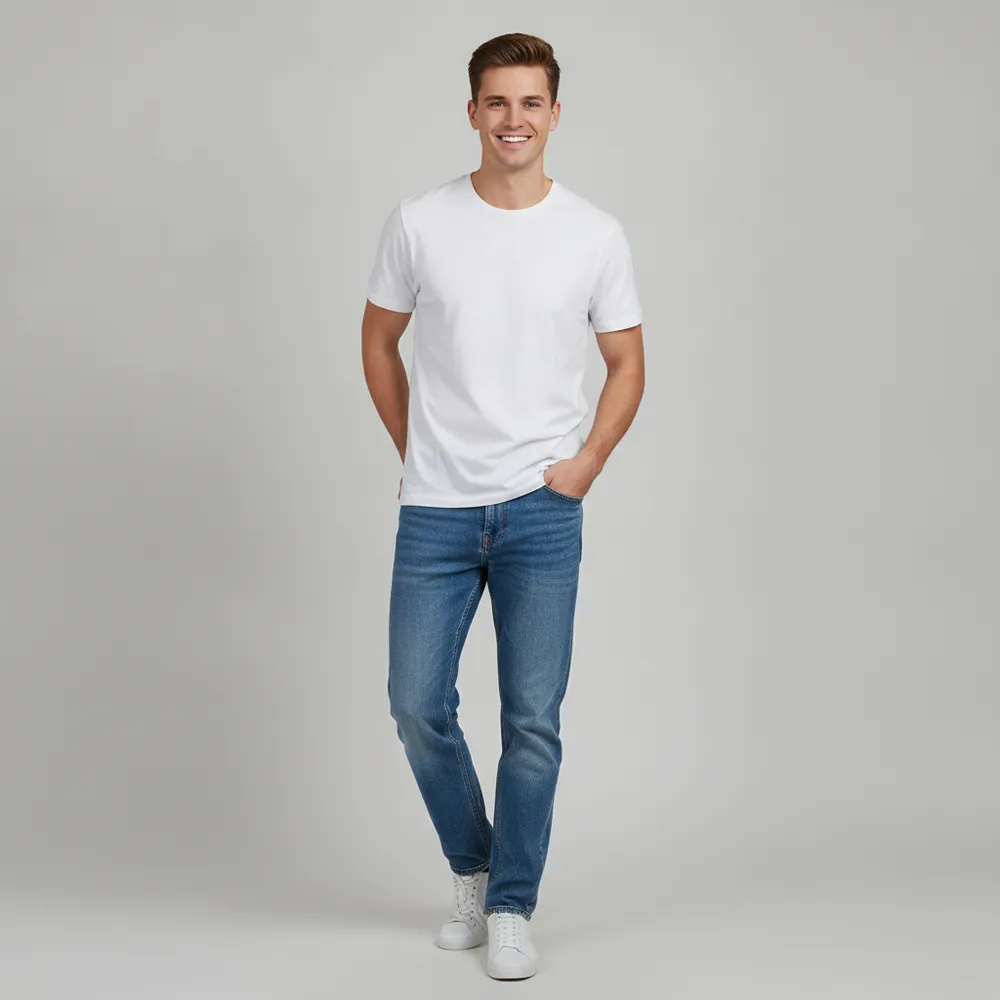
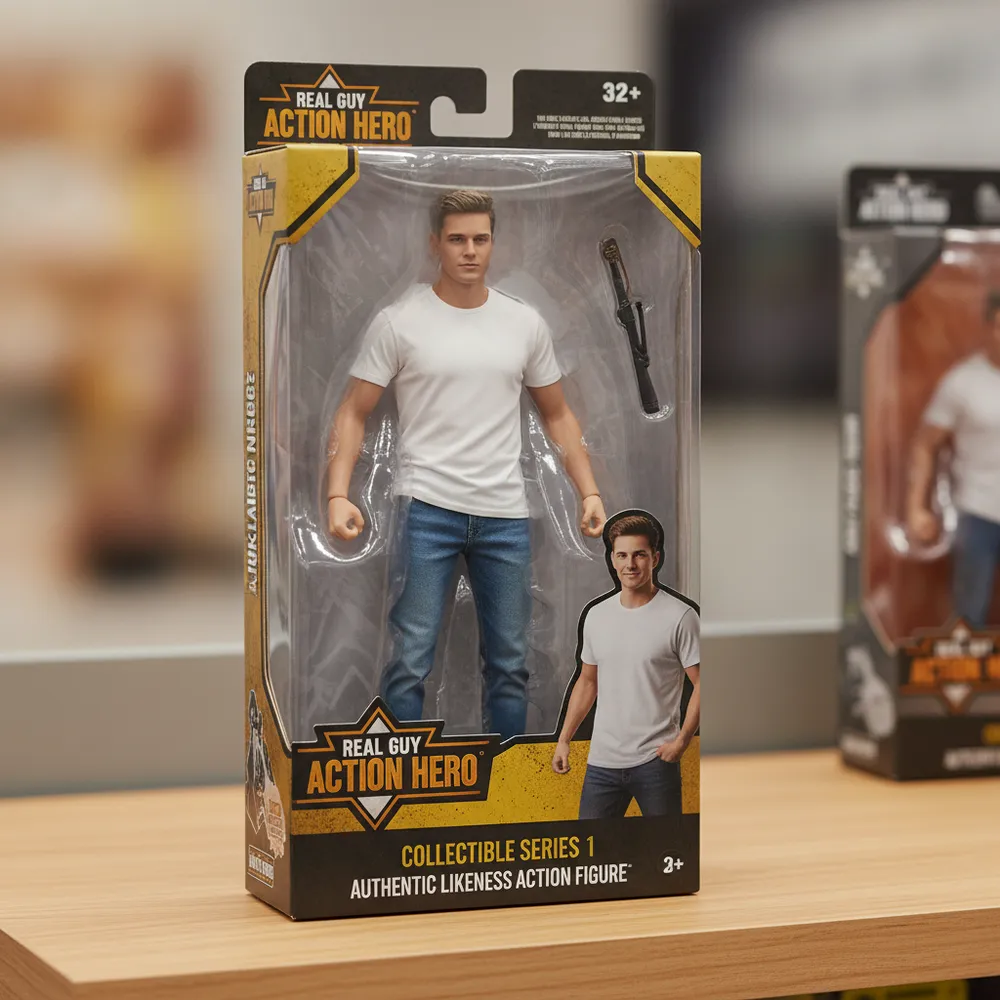
Action Figure before
Action Figure after
“Turn me into an action figure”
Try this →
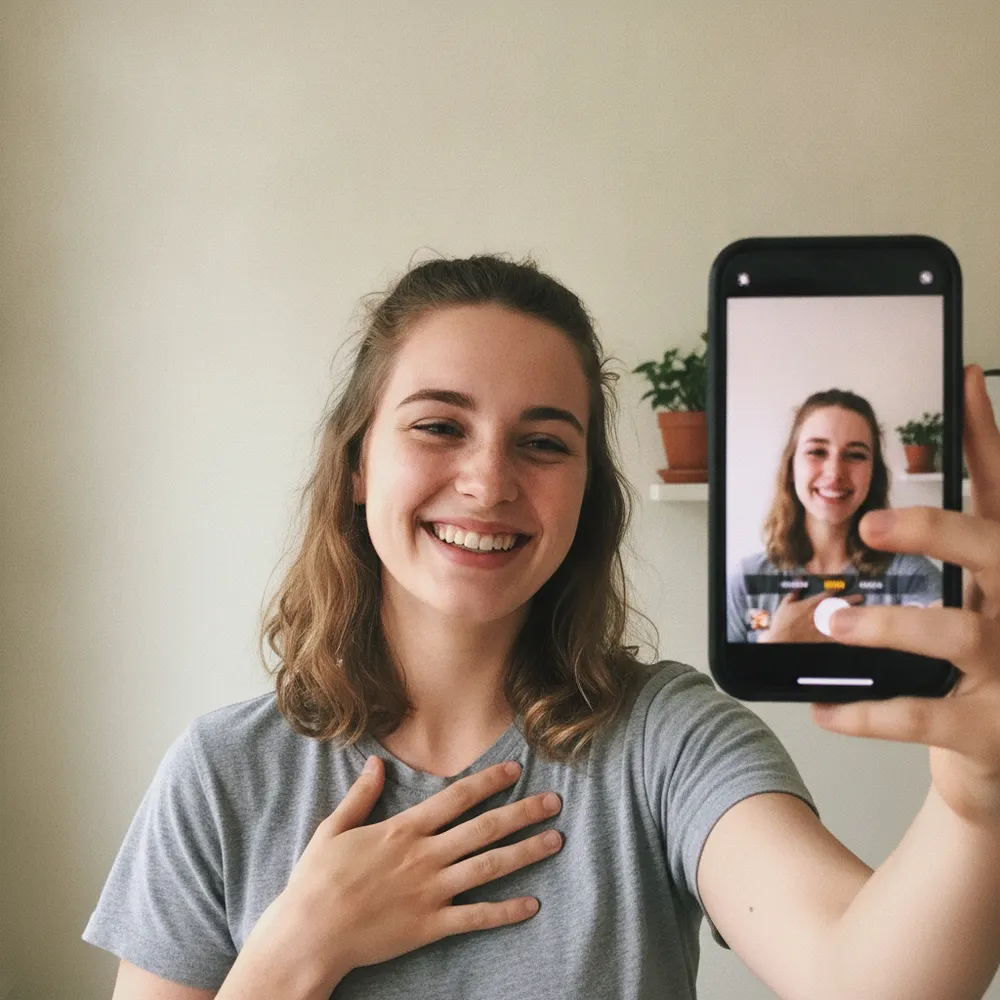
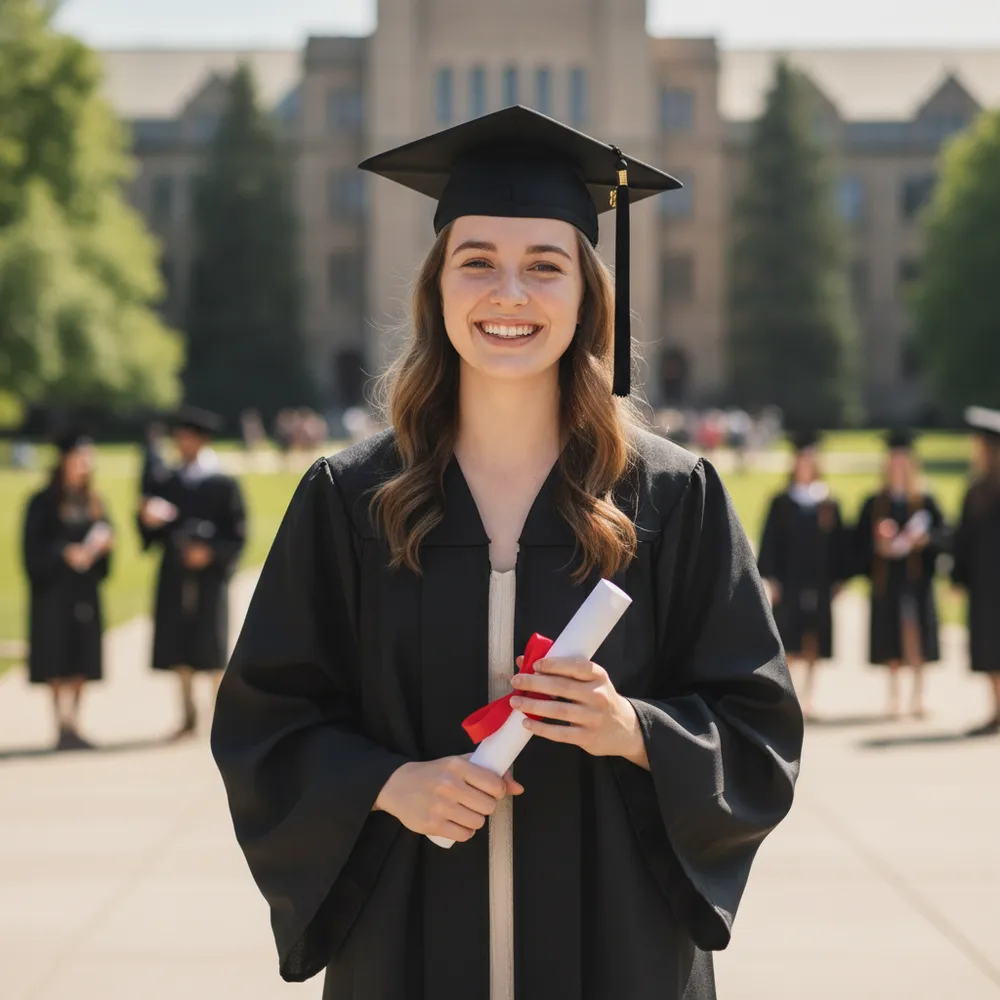
Graduation Photo before
Graduation Photo after
“Make me a graduation photo”
Try this →

What Can You Edit with AI?

One sentence away — no Photoshop, no skills, no plugins.

Remove objects & people

Erase an ex, a photobomber, clutter or signs — the background fills in like they were never there.

Remove the background

Cut out the subject with clean edges and get a transparent PNG — free, no green screen needed.

Change the background

Put yourself on a beach, swap a grey sky for blue, or drop in a studio backdrop — just describe it.

Restore old photos

Repair scratches, fading and blur on old family photos — and colorize black-and-white shots.

Unblur & enhance

Sharpen a blurry, low-quality picture and recover detail so it's clear enough to print or post.

Retouch & headshots

Clear up skin, even out tone, or turn a selfie into a clean professional headshot — still you.

Free to start. Pro when you're hooked.

Free edits come watermarked — sign in to download. Pro members get credits, HD with no watermark, and zero queue.

Free
$0
✓ 100 edits a day, shared
✓ Standard model
○ Watermarked previews
Start free
BEST VALUE
Pro membership
$7.99/mo
billed yearly · or $9.99 monthly
No watermark · download full-HD originals
2,000 credits every month
Unlock the Pro AI model
See plans
See full plan details →

Questions, answered

Free edits, the daily limit, downloads and privacy.

Is Fix Your Pic free to use?+
Yes. Fix Your Pic is a free AI photo editor. Upload your photo, describe the edit and get a preview free — no login. Go Pro to drop the watermark and the daily limit.
Do I need an account to edit a photo?+
No login to try. Upload a photo, describe the edit and get a preview without signing in. You only log in to download the full-resolution file.
Is this a text-to-image generator?+
No — and that's on purpose. Fix Your Pic only edits a photo you upload. You bring a real photo and we change it; we don't invent images from a text prompt.
How do I remove someone or an object from a photo?+
Upload the photo and type what to remove — e.g. “remove the person on the left.” The AI rebuilds the background so it looks untouched.
Will my photo have a watermark?+
Free previews are lower-resolution and watermarked. Log in to download, or go Pro for full-HD downloads with no watermark.
Is it private and safe?+
Your uploads are used only to make your edit and aren't shared. We don't keep your photos any longer than we need to produce your result.